What is the SVG Favicon Generator?
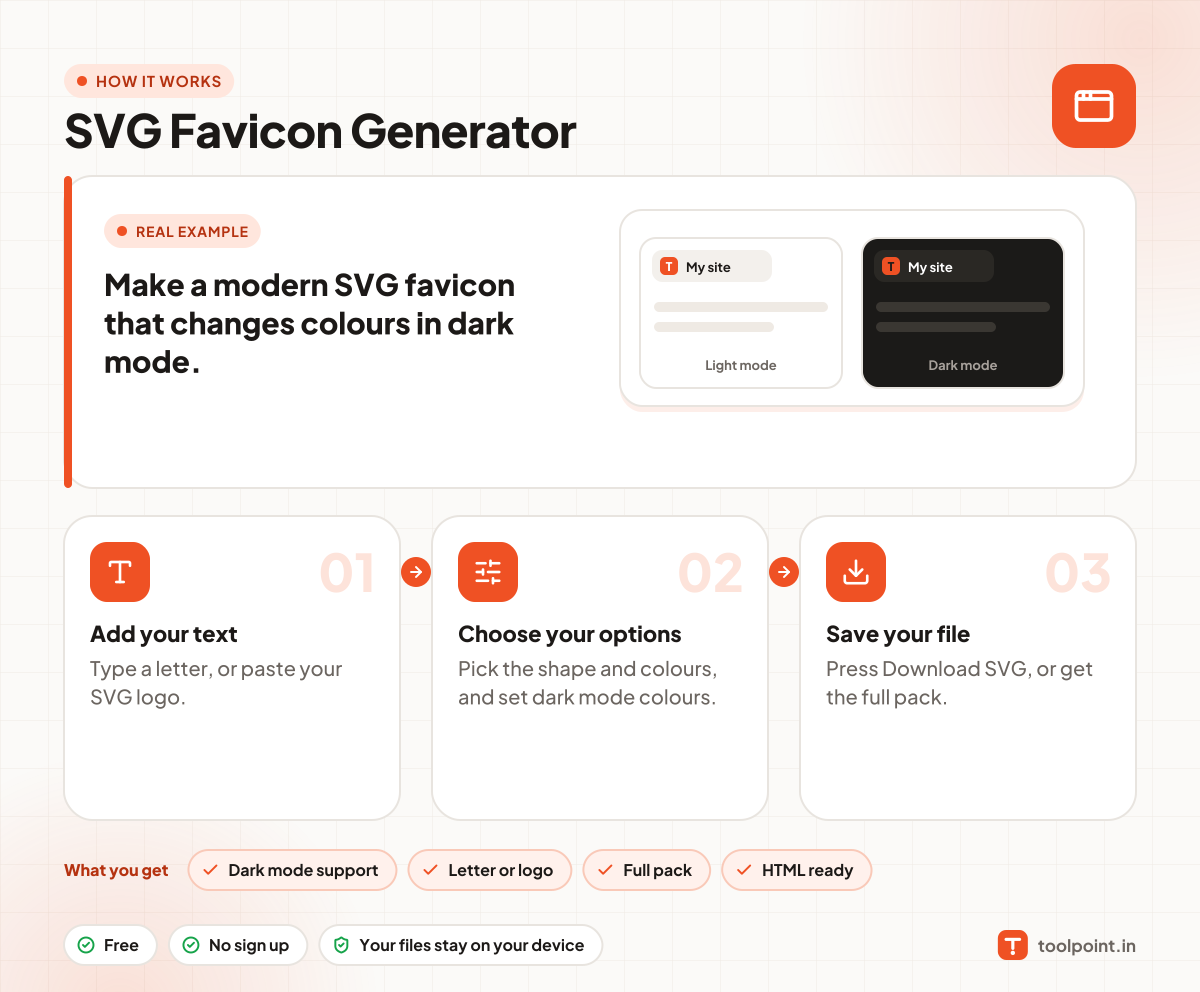
Modern browsers support a favicon in SVG, and an SVG favicon can change its colours when the visitor uses dark mode. This tool builds that for you from a letter or from your own SVG logo.
See how your icon looks in a light tab and a dark tab. Then download the SVG, a favicon.ico, or a full pack with PNG icons, a web manifest and the HTML tags to paste in your page head.
How to use it
- Type a letter, or paste your SVG logo.
- Pick the shape and colours, and set dark mode colours.
- Press Download SVG, or get the full pack.
Why people like this tool
Dark mode support
Colours change with the visitor theme.
Letter or logo
Start from text or your own SVG.
Full pack
SVG, ICO, PNGs and manifest.
HTML ready
Copy the tags for your head.