Skip to content
SVG Generators

SVG Wave Generator

Make smooth SVG waves for section dividers and backgrounds. Set layers, height, colours and the shape number, then download. Free, no sign up.

Wave
Colour
Live preview of your SVG

Your picture shows here.

Tip: put it at the bottom of a section as a background image, or use it as an inline SVG. It stretches to the full width.

See the SVG code


Something not working? Report a problem

What is the SVG Wave Generator?

Waves look great between two sections of a web page. Slide the number of layers, the height and the wave size, then pick two colours, and the wave is drawn at once.

Press Surprise me for a new shape, or type a shape number to get the same wave again. The wave stretches to the full width, so it fits any screen.

How to use it

  1. Slide the layers, the height and the wave size.
  2. Pick the colours and press Surprise me for new shapes.
  3. Press Download SVG or PNG.

Why people like this tool

Layered waves

From 1 to 6 layers.

Two colours

Blend from front to back.

Surprise me

Or repeat a shape by its number.

Full width

Stretches to any screen.
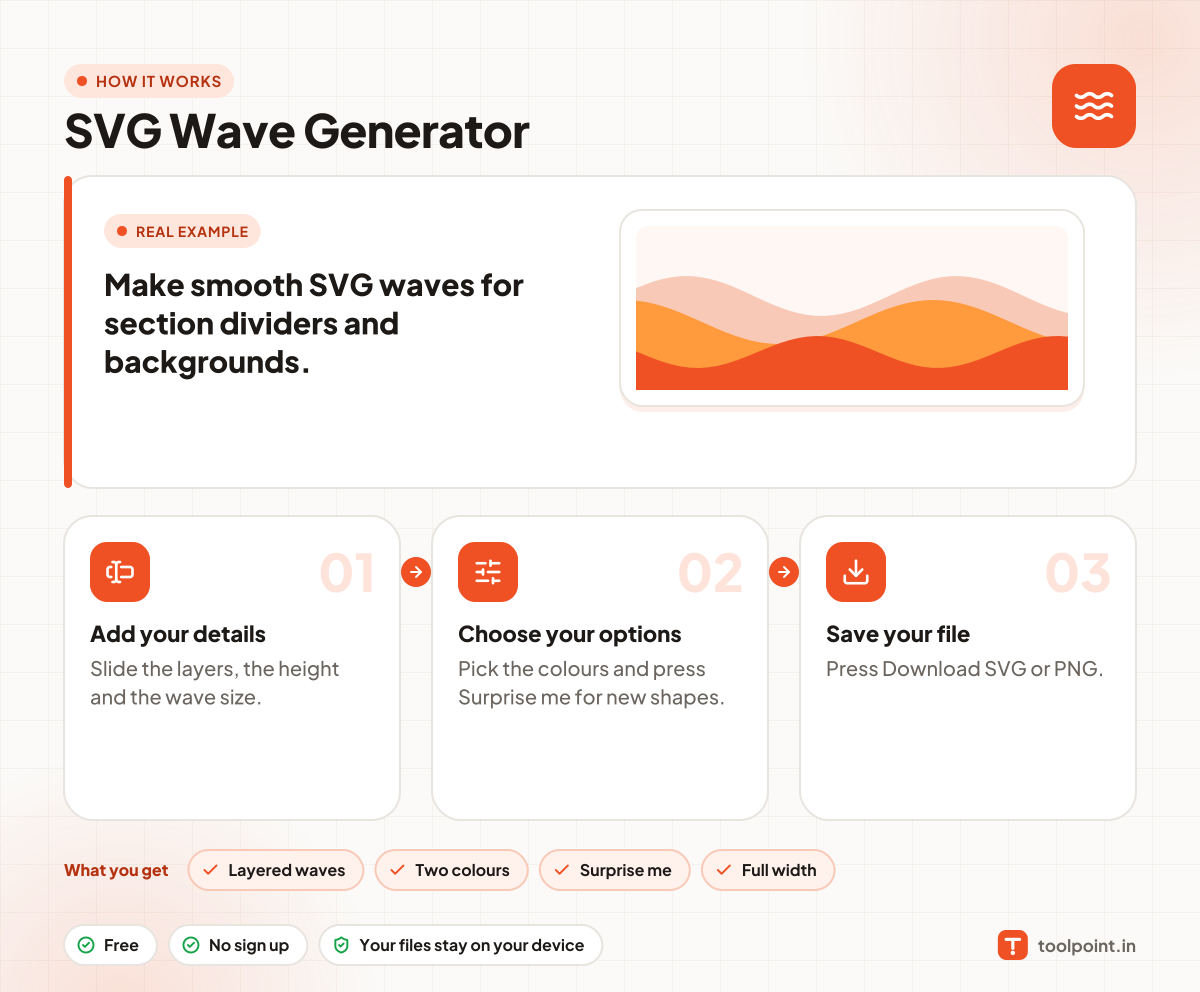
How it works, in one picture

Infographic: how to use the SVG Wave Generator in 3 easy steps: Add your details, Choose your options and Save your file. You get: Layered waves, Two colours, Surprise me and Full width.

Frequently asked questions

How do I add a wave divider to my website?
Download the SVG and use it as an img below your section, or as a CSS background. Match the front colour with the next section.
How do I flip the wave?
Tick "Flip it upside down" to use it at the top of a section.
Can I get the same wave again?
Yes. Note the shape number and type it in later.

You may also like