Skip to content
SVG Converters

SVG to PNG Converter

Convert SVG to PNG with a see-through background. Pick 1x, 2x, 4x or any size in pixels. Many files at once, and nothing is uploaded.

Settings

Size

files · working...

Something not working? Report a problem

What is the SVG to PNG Converter?

SVG pictures stay sharp at any size, but many places, like social media, slides and email, need a PNG. Drop your SVG here and get a PNG at the size you choose.

Pick a scale of 1x, 2x, 4x or 8x for sharp screens, or type an exact width or height. The background stays see-through unless you pick a colour. You can convert many files at once and download them as one ZIP. Everything happens in your browser.

How to use it

  1. Drop your SVG files here, or paste SVG code.
  2. Pick the size: 1x, 2x, 4x or an exact width.
  3. Press Download, or get all files as one ZIP.

Why people like this tool

See-through PNG

Keep the background clear or add a colour.

Any size

Scale 1x to 8x, or exact pixels.

Many files

Convert a batch and get one ZIP.

Private

Files never leave your device.
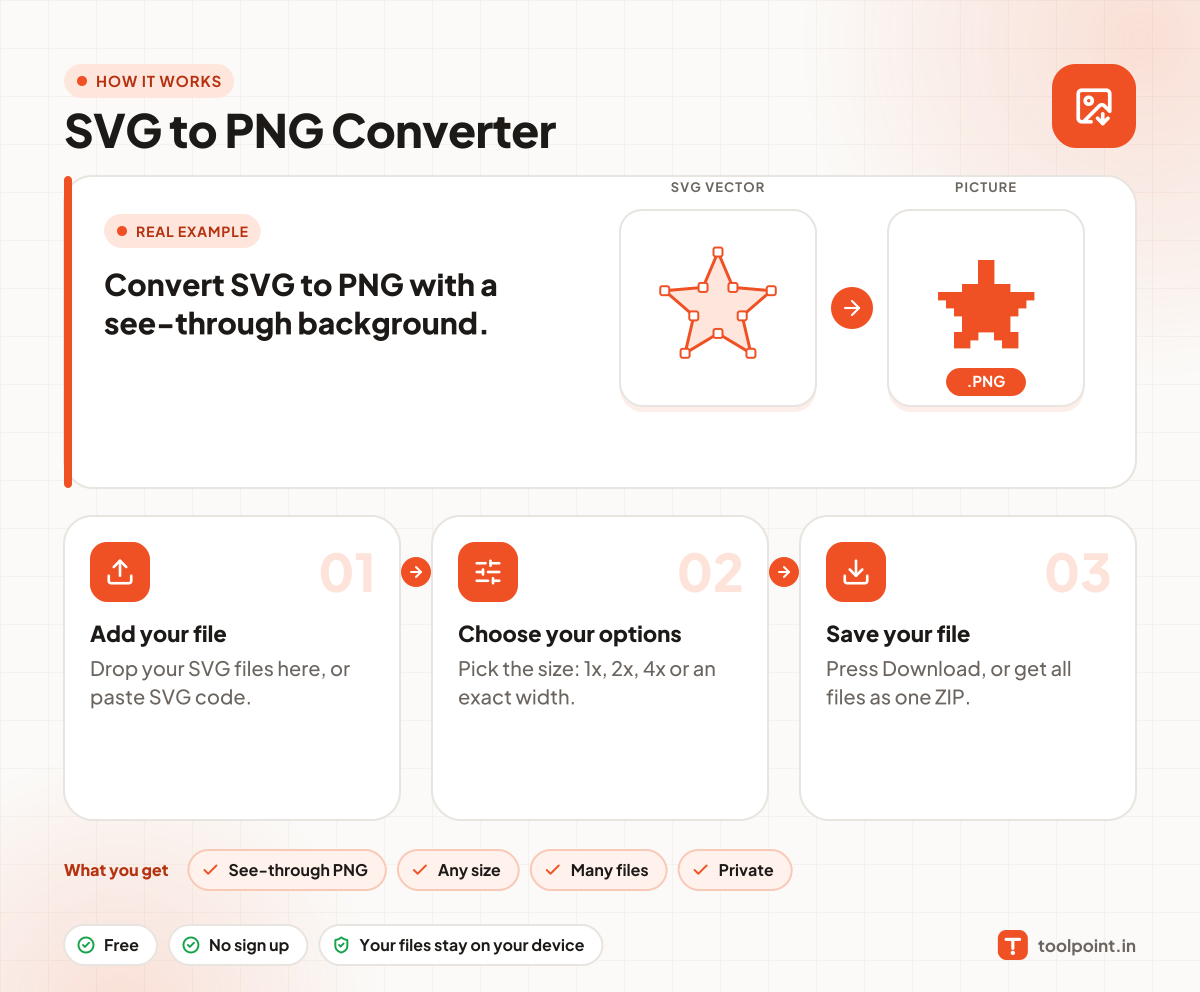
How it works, in one picture

Infographic: how to use the SVG to PNG Converter in 3 easy steps: Add your file, Choose your options and Save your file. You get: See-through PNG, Any size, Many files and Private.

Frequently asked questions

How do I convert SVG to PNG?
Drop your SVG file in the box. The PNG is made at once. Press Download to save it.
Will the PNG have a transparent background?
Yes. Keep "See-through background" ticked. Untick it to pick a background colour.
What size should I choose?
Use 2x for sharp pictures on phones and laptops, and 4x for print. You can also type an exact width in pixels.
Is my file uploaded?
No. The picture is drawn in your browser.
Why does my text look different?
If the SVG uses a font that is not on your device, the browser swaps it. Turn text into paths first with our SVG Text to Path tool.

You may also like