What is the SVG Badge Generator?
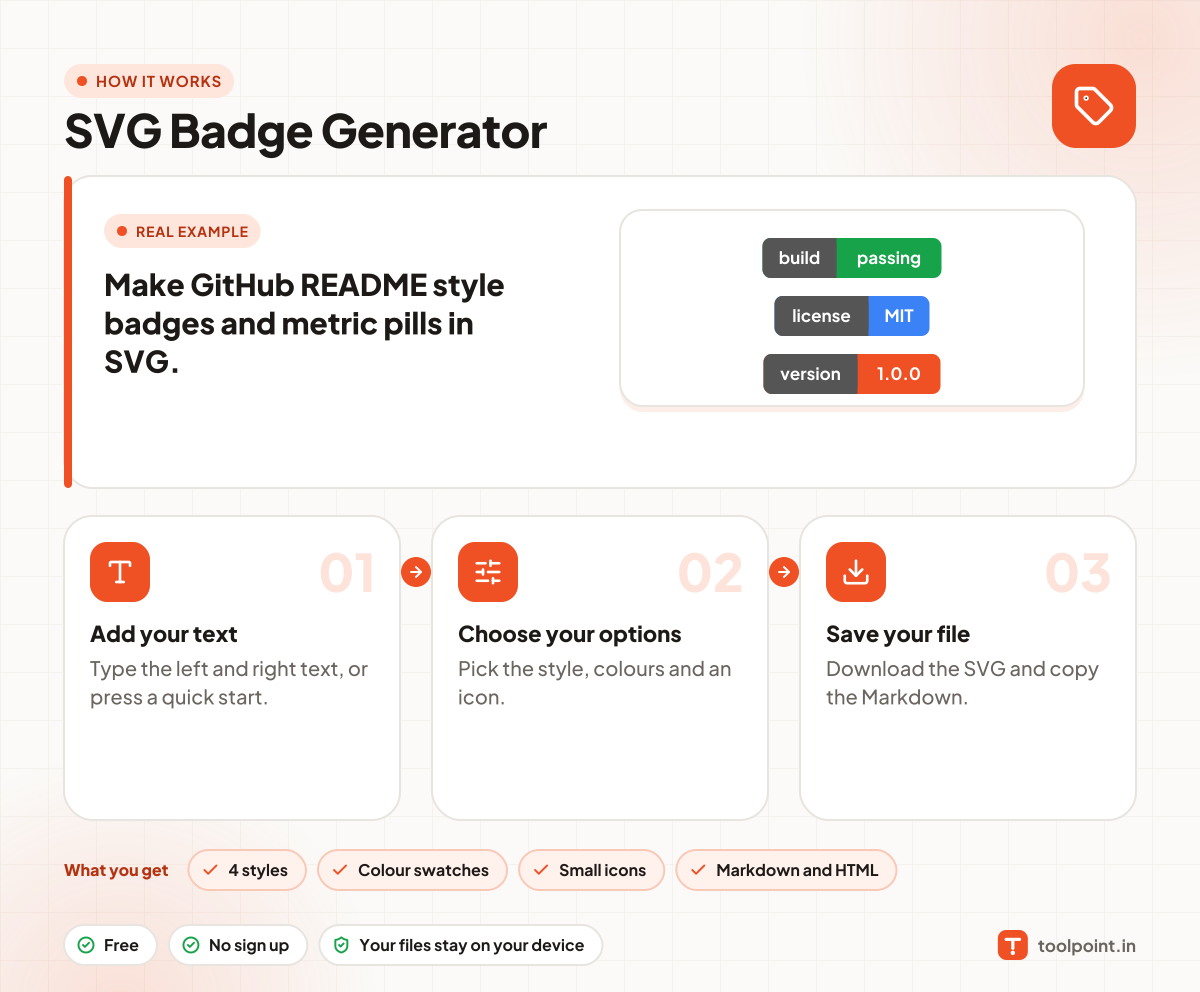
Badges are small labels like "build passing" or "license MIT". They are common on GitHub README files and project pages. Type a left and a right text, pick colours and a style, and the badge is drawn at once.
You can choose flat, flat square, plastic or big and bold styles, add a small icon, and copy ready Markdown and HTML. The badge is a plain SVG file that you host yourself, so it never depends on another website.
How to use it
- Type the left and right text, or press a quick start.
- Pick the style, colours and an icon.
- Download the SVG and copy the Markdown.
Why people like this tool
4 styles
Flat, flat square, plastic and bold.
Colour swatches
Pick or type any colour.
Small icons
Tick, star, heart, code and more.
Markdown and HTML
Copy and paste into your README.