Skip to content
SVG Generators

SVG Pie Chart Generator

Make a pie chart as SVG from your numbers. Pick colours, show percent labels and a key. Download SVG or PNG. Free, no sign up.

Write a name and a number, like Food, 25. The slices are worked out as a share of the total, so the numbers do not need to add up to 100.

Look
px
Live preview of your SVG

Your picture shows here.

See the SVG code


Something not working? Report a problem

What is the SVG Pie Chart Generator?

A pie chart shows how parts share a whole. Type your items, one on each line with a name and a number, and the pie is drawn at once as a clean, small SVG.

The numbers do not need to add up to 100. Choose a colour set, show percent labels on the slices, and add a key (legend) beside the pie.

How to use it

  1. Type your items, one on each line, like Food, 25.
  2. Pick colours, labels and the key.
  3. Press Download SVG or PNG.

Why people like this tool

Any numbers

Slices are a share of the total.

Percent labels

Shown on slices big enough to read.

Colour sets

Brand, rainbow, ocean and more.

Clean code

Small SVG with hover titles.
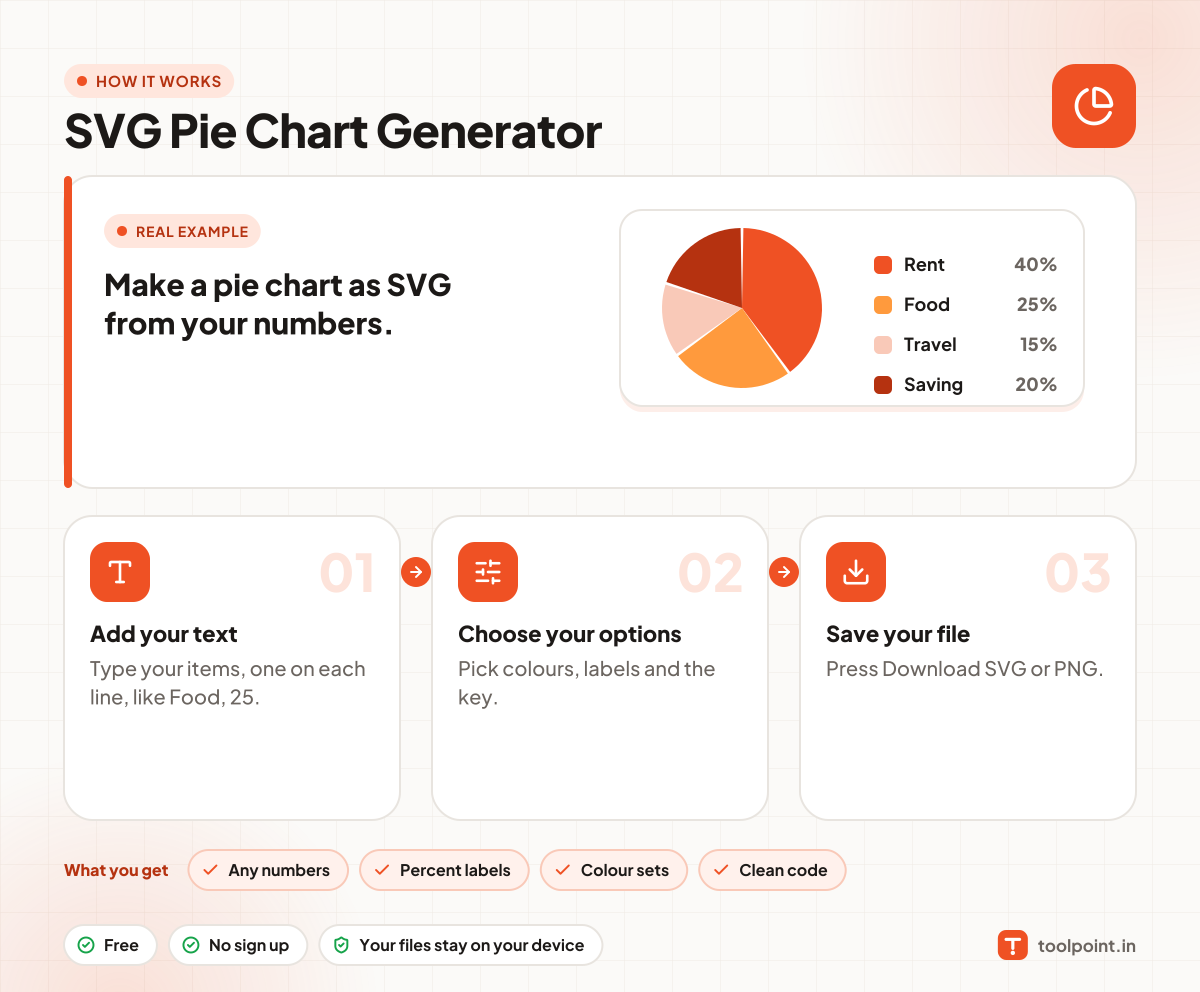
How it works, in one picture

Infographic: how to use the SVG Pie Chart Generator in 3 easy steps: Add your text, Choose your options and Save your file. You get: Any numbers, Percent labels, Colour sets and Clean code.

Frequently asked questions

How do I make a pie chart?
Type items in the box, for example "Rent, 40". The pie updates as you type.
Pie or donut chart?
A donut leaves room for a total in the middle and is easier to read for small slices. Try the SVG Donut Chart Generator.
Can I change the colours?
Pick one of the colour sets. The slices use the colours in order.

You may also like