Skip to content
SVG Generators

SVG QR Code Generator

Make a sharp SVG QR code for a link, text, Wi-Fi, UPI payment, WhatsApp, contact card or location. Pick colours and dot style. Free, no sign up.

What is inside the QR code?

Rs

Leave 0 to let the payer type it.

For WhatsApp use the country code and no + sign.

Look

Dots

Corner marks

Size and strength

Error correction

px
Live preview of your SVG

Your picture shows here.

See the SVG code


Something not working? Report a problem

What is the SVG QR Code Generator?

A QR code made as SVG stays crisp at any size, from a business card to a big banner. Type your link or text and the code appears at once. Download it as SVG or PNG.

Besides links, you can make codes for Wi-Fi (guests scan and join), UPI payments with an amount (very useful in India), WhatsApp chats, phone numbers, SMS, email, contact cards and map locations. Choose round dots, round corner marks, colours and a gradient. We warn you if the contrast is too low to scan.

How to use it

  1. Type your link or text, or pick Wi-Fi, UPI or another type.
  2. Pick colours, dot style and error correction.
  3. Press Download SVG or PNG.

Why people like this tool

9 code types

Link, Wi-Fi, UPI, WhatsApp, contact and more.

Your own style

Colours, gradient, round dots and corners.

Scan check

Warns when contrast is too low.

Private

Your data never leaves your device.
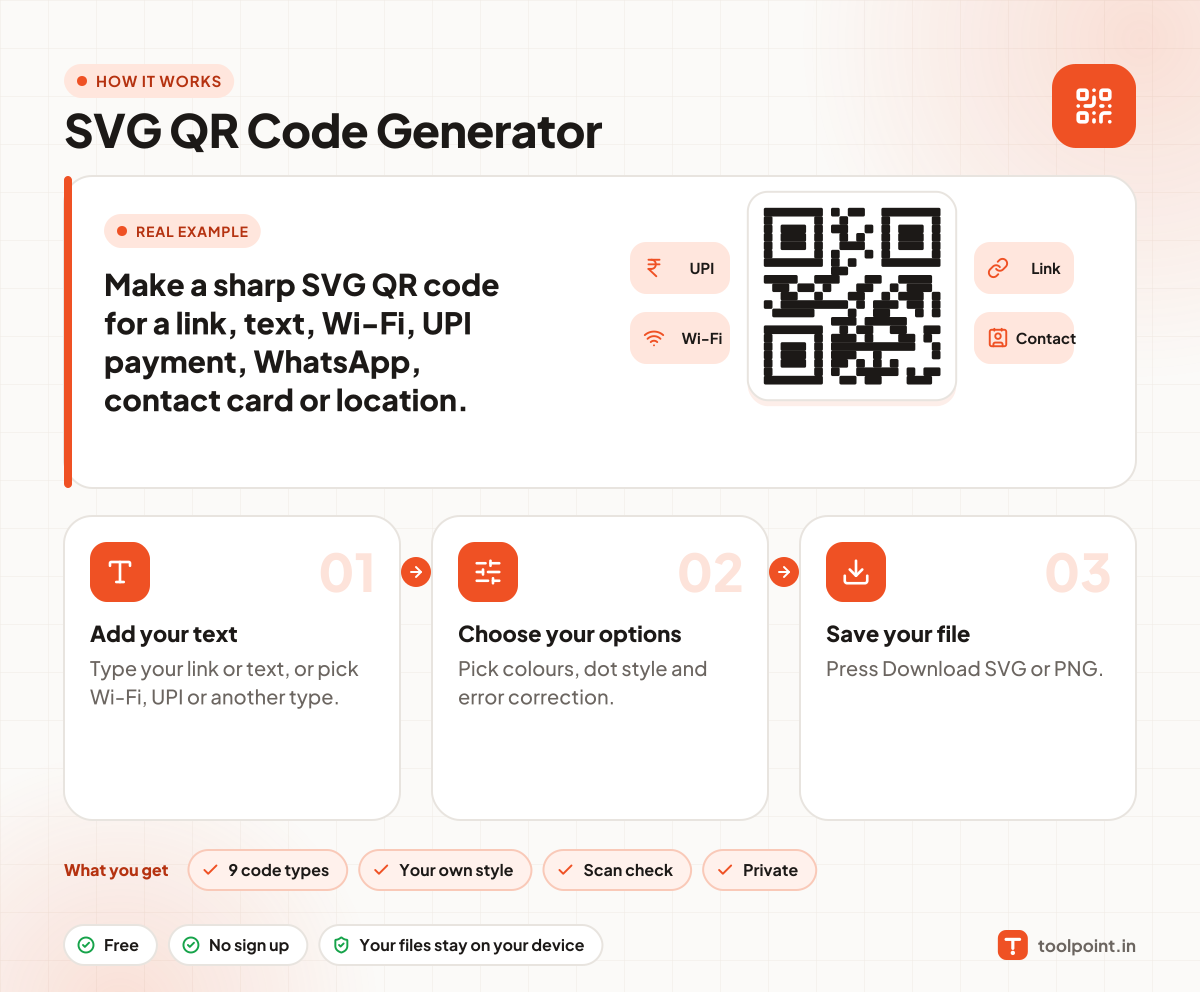
How it works, in one picture

Infographic: how to use the SVG QR Code Generator in 3 easy steps: Add your text, Choose your options and Save your file. You get: 9 code types, Your own style, Scan check and Private.

Frequently asked questions

How do I make a QR code in SVG?
Type your link in the box. The SVG QR code appears on the right. Press Download SVG.
How do I make a UPI QR code?
Choose UPI payment, type your UPI ID and name, and an amount if you like. Anyone can scan it with any UPI app.
Will my QR code expire?
No. The data is written inside the code, so it works forever. It does not go through our server.
What is error correction?
It lets a code still scan when part of it is dirty or covered. Level M is a good balance. Use H if you place a logo on top.
How big should I print it?
At least 2 cm wide, with a clear empty border. Dark code on a light background scans best.

You may also like