Skip to content
SVG Converters

SVG to ICO Converter

Convert SVG to an ICO file with many sizes inside (16, 32, 48, 64 and more). Or get a full favicon pack as a ZIP. Free and private.

Settings

Icon sizes (pixels)

files · working...

The full icon pack is a ZIP with favicon.ico, PNG icons (16 to 512 px), the SVG, a web manifest and the HTML to paste in your page head.

Something not working? Report a problem

What is the SVG to ICO Converter?

An ICO file holds the same icon in several sizes, so Windows and browsers pick the sharpest one. Drop your SVG, tick the sizes you need, and download one .ico file.

Want everything for your website? Press "Full icon pack" to get favicon.ico, PNG icons from 16 to 512 pixels, your SVG, a web manifest and the HTML to paste in your page head.

How to use it

  1. Drop your SVG icon here, or paste SVG code.
  2. Tick the sizes: 16, 32, 48, 64 and more.
  3. Press ICO or Full icon pack to download.

Why people like this tool

Many sizes in one

Tick 16 up to 256 pixels.

Full icon pack

ICO, PNGs, manifest and HTML in a ZIP.

Colour behind it

Add a background and round corners.

Private

Files never leave your device.
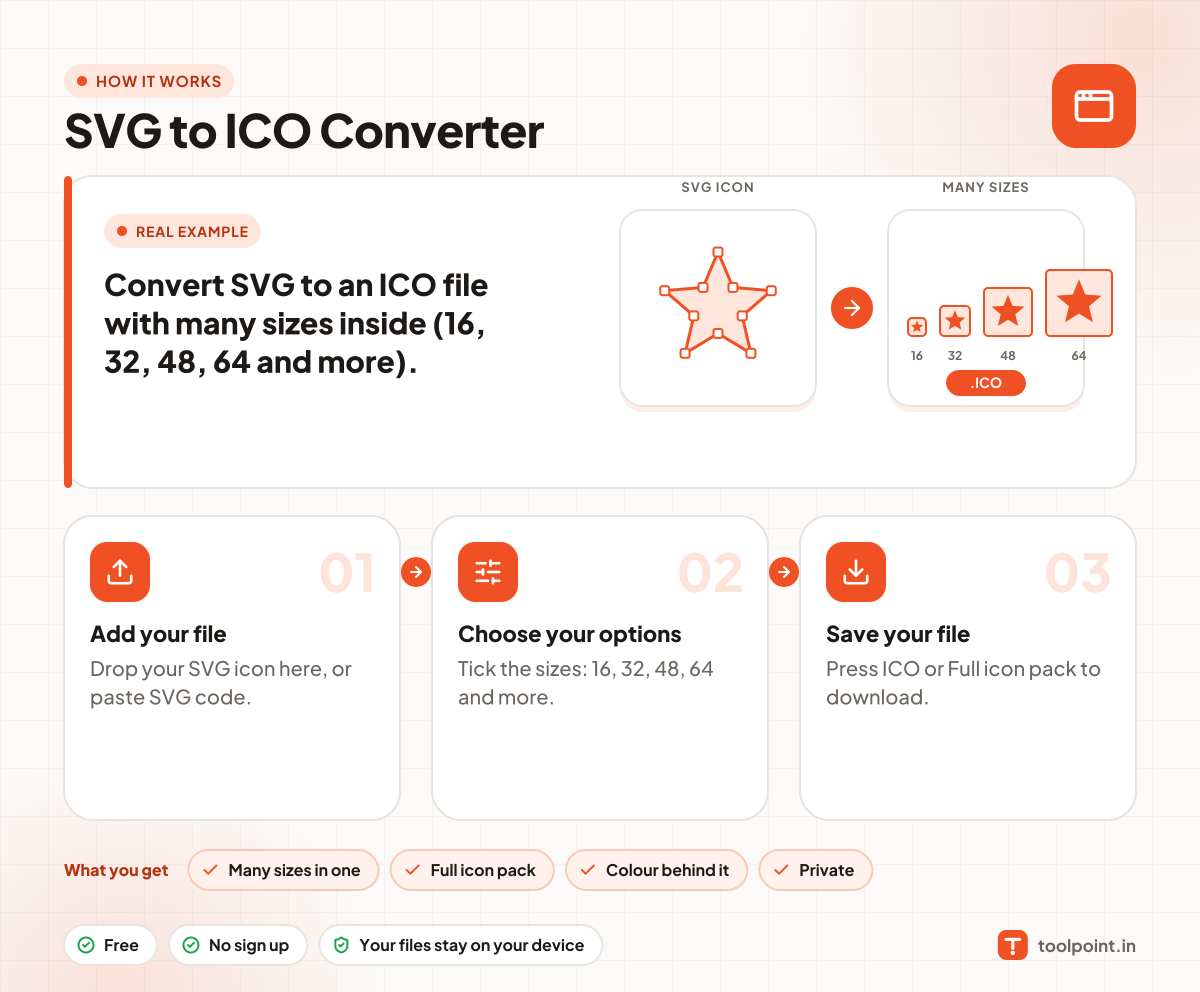
How it works, in one picture

Infographic: how to use the SVG to ICO Converter in 3 easy steps: Add your file, Choose your options and Save your file. You get: Many sizes in one, Full icon pack, Colour behind it and Private.

Frequently asked questions

How do I make a favicon.ico from SVG?
Drop your SVG, keep 16, 32 and 48 ticked, and press ICO. Save the file as favicon.ico in your site root.
Which sizes do I need?
For a website favicon 16, 32 and 48 are enough. For Windows app icons also add 64, 128 and 256.
What is in the icon pack?
favicon.ico, PNG icons (16, 32, 48, 180, 192 and 512 pixels), your SVG, a web manifest and the link tags to paste in your head.
Can I add dark mode?
Use our SVG Favicon Generator. It makes an SVG favicon that changes colours in dark mode.

You may also like