Skip to content
SVG Generators

SVG Polygon & Star Generator

Make a polygon or star in SVG. Slide the sides from 3 to 20, set the inner radius, turn and round the corners. Download SVG or PNG for free.

Quick shapes

Shape
Colour
px
Live preview of your SVG

Your picture shows here.

See the SVG code


Something not working? Report a problem

What is the SVG Polygon & Star Generator?

Need a hexagon, an octagon, a five-point star or a 12-point seal? Slide the number of sides or points and the shape updates at once.

Turn the shape into a star and set how deep the points are with the inner radius. Round the corners, turn the shape, fill it with one colour or a gradient, and add an outline. Quick buttons give you common shapes in one click.

How to use it

  1. Pick a quick shape, or slide the sides.
  2. Set the inner radius, turn and colours.
  3. Press Download SVG or PNG.

Why people like this tool

3 to 20 sides

Any polygon or star.

Inner radius

Fat or spiky star points.

Round corners

Soft points and edges.

Gradient fill

One colour or two.
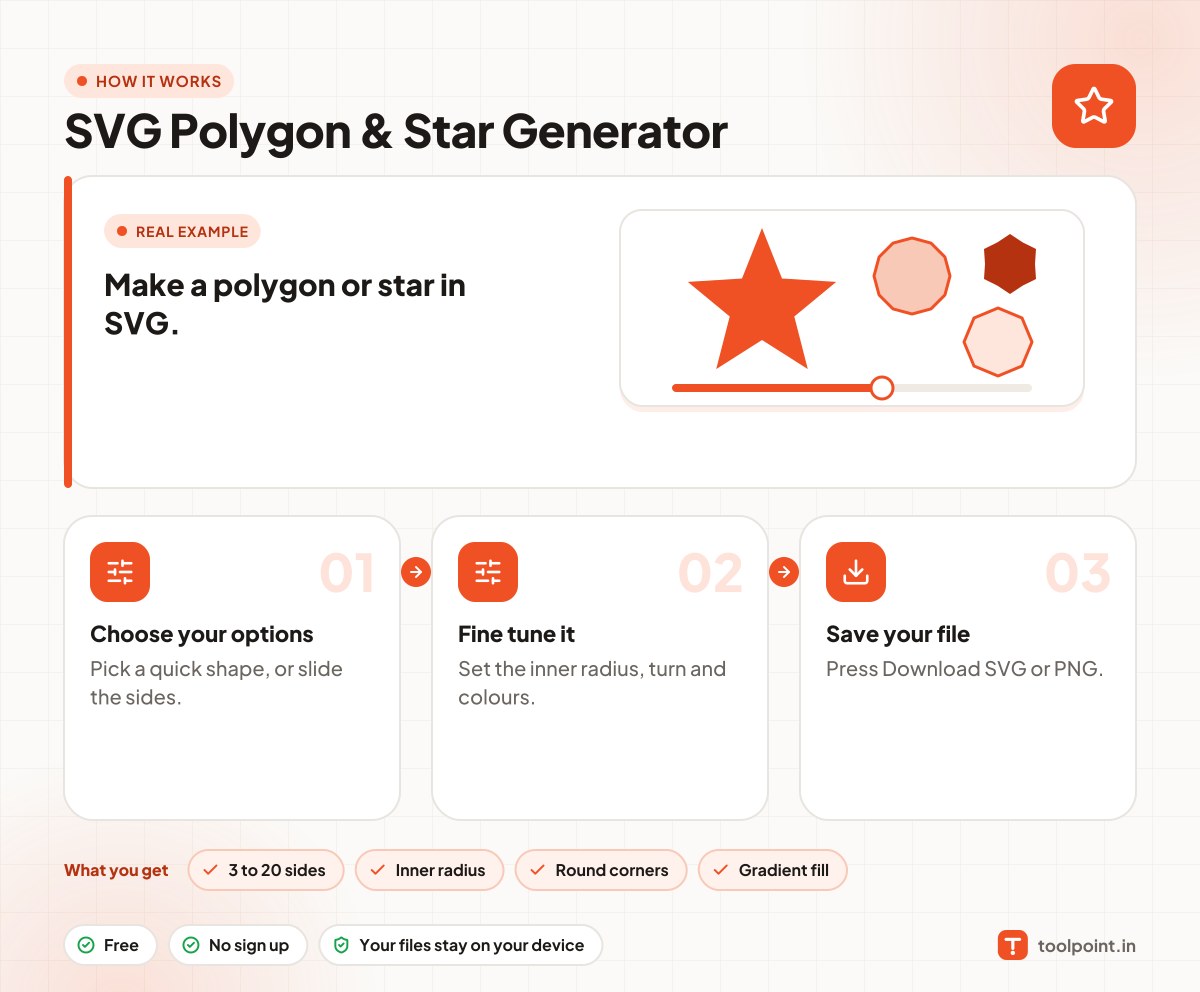
How it works, in one picture

Infographic: how to use the SVG Polygon & Star Generator in 3 easy steps: Choose your options, Fine tune it and Save your file. You get: 3 to 20 sides, Inner radius, Round corners and Gradient fill.

Frequently asked questions

How do I make a hexagon in SVG?
Slide the sides to 6 and turn off "Make it a star". Or press the Hexagon button.
What is the inner radius?
It is how far in the star points dip. A small value gives sharp spikes. A big value gives a fat star.
Can I use the shape as a clip path?
Yes. Copy the path from the SVG code and use it inside clipPath or in CSS clip-path with path().

You may also like