Skip to content
SVG Generators

SVG Sparkline Generator

Make a tiny trend graph from a list of numbers. Smooth, straight or step lines, area fill and bars. Download as a small SVG. Free and instant.

Separate the numbers with commas, spaces or new lines. A list like [10, 45, 30, 80] works too.

Style

Type

Line shape

Dots

Size and background
px
px
Live preview of your SVG

Your picture shows here.

See the SVG code


Something not working? Report a problem

What is the SVG Sparkline Generator?

A sparkline is a small chart without axes, perfect for a table, a dashboard or an email. Type or paste numbers like [10, 45, 30, 80] and the line is drawn at once.

Choose a smooth line, a straight line or steps, fill the area under the line, mark the last point or the low and high points, or switch to bars. The SVG is tiny and sharp on every screen.

How to use it

  1. Type or paste your numbers.
  2. Pick line or bars, the shape and the colour.
  3. Press Download SVG or PNG.

Why people like this tool

Line or bars

Smooth, straight, steps or bars.

Marks

Last point, all points or low and high.

Tiny files

Often under 1 KB.

Accessible

Has a title that says up or down.
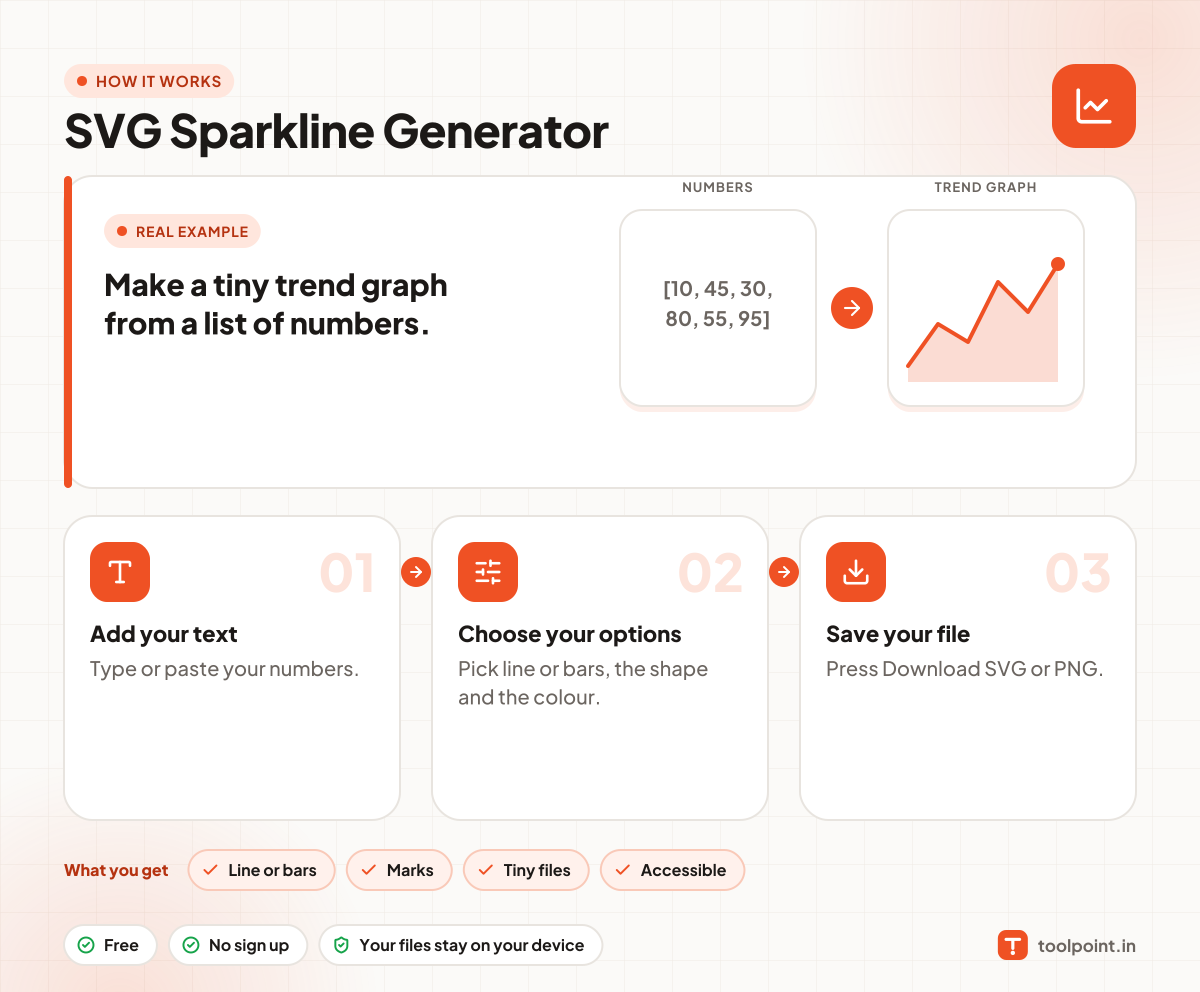
How it works, in one picture

Infographic: how to use the SVG Sparkline Generator in 3 easy steps: Add your text, Choose your options and Save your file. You get: Line or bars, Marks, Tiny files and Accessible.

Frequently asked questions

How do I make a sparkline?
Type your numbers in the box, separated by commas, spaces or new lines. The sparkline appears on the right.
What numbers can I use?
Any numbers, including negatives and decimals. The graph is scaled to fit.
How do I use it in an email or table?
Download the SVG or PNG and put it in an img tag. For email, PNG works in more mail apps.

You may also like