What is the YouTube Transcript JSON Downloader?
Developers and AI users often need a transcript as data, not just text. This tool gives you a JSON file with the video details and every caption line with its start time, end time and text.
Use it to build search, make summaries with AI, create quizzes or line up translations. Every caption language of the video is available.
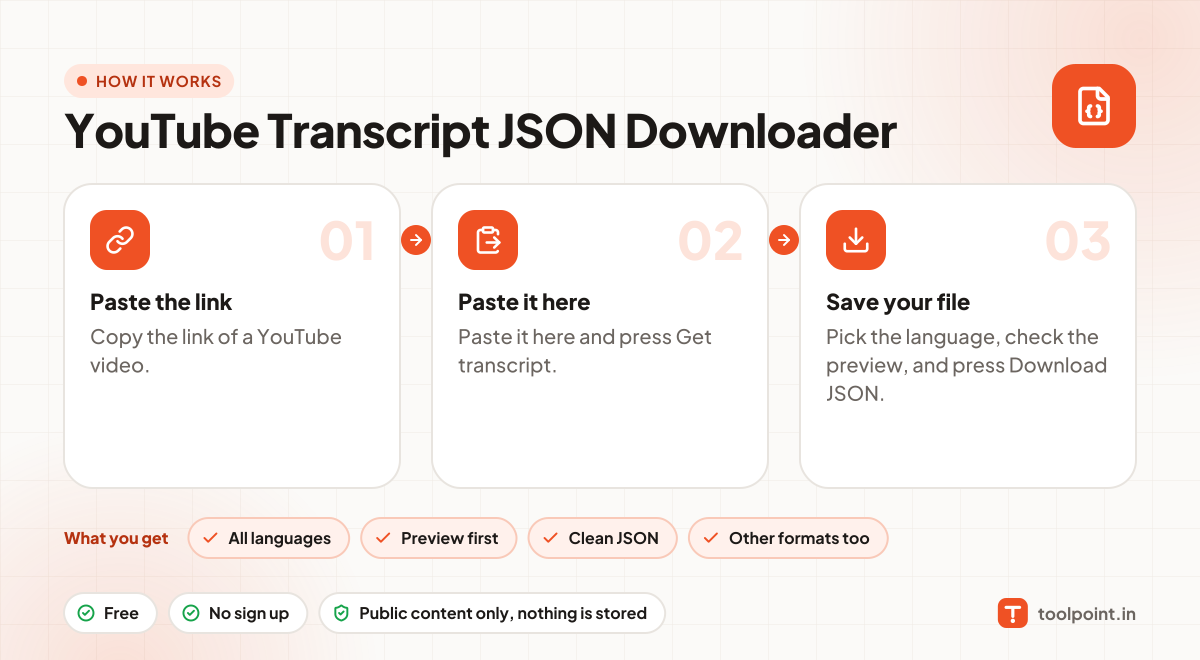
How to use it
- Copy the link of a YouTube video.
- Paste it here and press Get transcript.
- Pick the language, check the preview, and press Download JSON.
Why people like this tool
All languages
Every caption language the video has, including auto-generated ones.
Preview first
Read the transcript before you download it.
Clean JSON
Video details plus each line with start, end, duration and text.
Other formats too
Also save as TXT, JSON, CSV or SRT subtitles.