What is the YouTube Chapter Thumbnail Extractor?
Long videos are split into chapters, each with its own title and picture. This tool lists every chapter with its start time and a link that opens the video at that exact moment.
Download all the chapter thumbnails as one ZIP, and export the chapter list as CSV, JSON or TXT. Perfect for notes, study guides and video descriptions.
How to use it
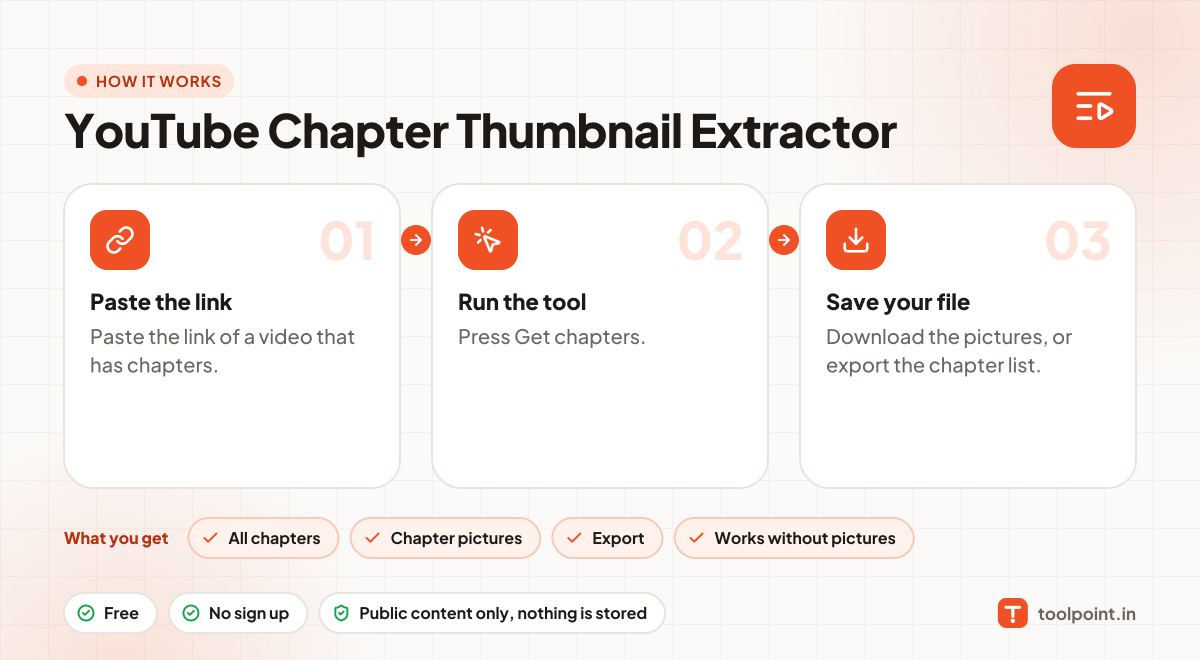
- Paste the link of a video that has chapters.
- Press Get chapters.
- Download the pictures, or export the chapter list.
Why people like this tool
All chapters
Title, start time and a direct link for each one.
Chapter pictures
Save every thumbnail, or all as a ZIP.
Export
CSV, JSON or TXT chapter list.
Works without pictures
If a video only has time stamps in its description, we read those.