Skip to content
Works with YouTube

YouTube Thumbnail Original URL Finder

Find the original, highest quality thumbnail of any YouTube video and its direct URL. See every size YouTube keeps, in JPG and WebP.

Try:

Only public content can be saved. Please download only what you made yourself or have permission to use, and respect the creator's rights.

Something not working? Report a problem

What is the YouTube Thumbnail Original URL Finder?

YouTube keeps each thumbnail in several sizes, from a tiny 120 × 90 up to full HD 1280 × 720. Not every video has every size. This tool checks them all and shows you only the ones that really exist.

The biggest one is marked as the original. Copy its direct URL with one tap, or download any size in JPG or WebP.

How to use it

  1. Copy the video link from YouTube.
  2. Paste it here and press Find thumbnails.
  3. Copy the URL you need, or press Download.

Why people like this tool

Only real sizes

We check every size, so you never get YouTube's grey placeholder.

Original marked

The largest available thumbnail comes first.

Direct URLs

Copy a clean i.ytimg.com link to use anywhere.

JPG and WebP

Both formats, with file sizes.
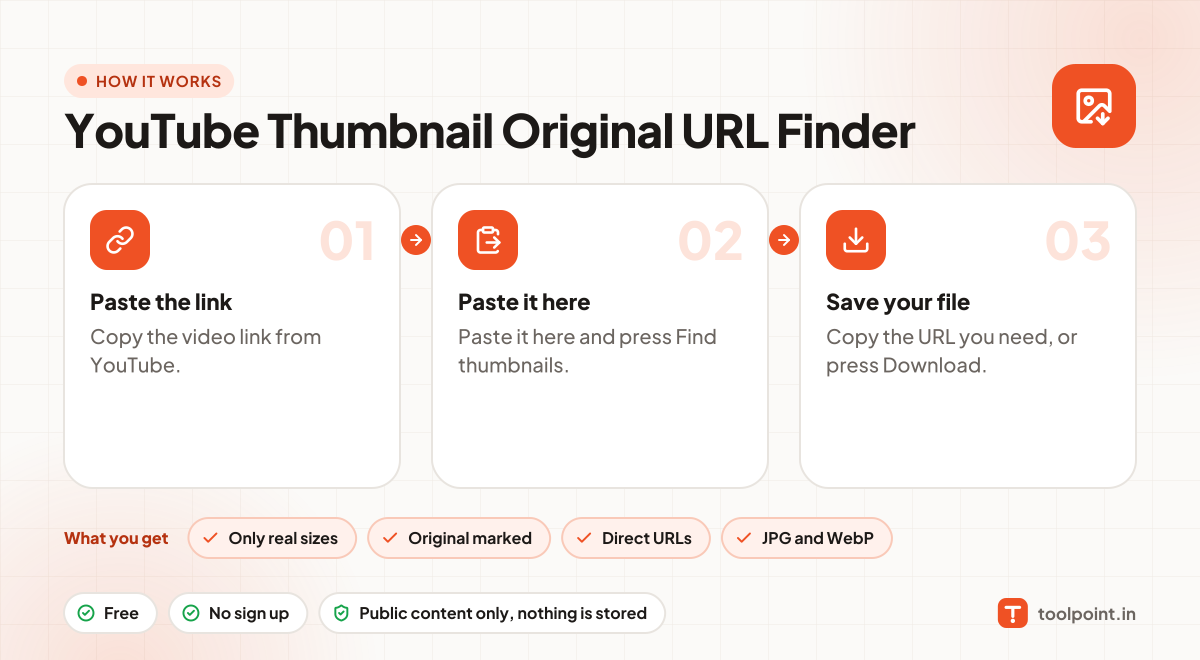
How it works, in one picture

Infographic: how to use the YouTube Thumbnail Original URL Finder in 3 easy steps: Paste the link, Paste it here and Save your file. You get: Only real sizes, Original marked, Direct URLs and JPG and WebP.

Frequently asked questions

Why is there no HD (maxresdefault) thumbnail?
Older or low-resolution videos do not have one. In that case the "SD" or "HQ" size is the original.
Which links work?
Normal video links (youtube.com/watch?v=…), short links (youtu.be/…), Shorts, live replays and embed links all work.
Can I use these images anywhere?
Thumbnails, banners and frames belong to the channel owner. Use them for your own reference, reviews or with permission, and give credit.
Does it work for Shorts?
Yes. Shorts have thumbnails too, often in portrait framing.

You may also like