Skip to content
Works with YouTube

YouTube Video Preview Image Downloader

Download the three preview images YouTube makes from the start, middle and end of every video, in the largest size available.

Try:

Only public content can be saved. Please download only what you made yourself or have permission to use, and respect the creator's rights.

Something not working? Report a problem

What is the YouTube Video Preview Image Downloader?

Besides the main thumbnail, YouTube automatically takes three pictures from each video: one near the start, one in the middle and one near the end. They are a quick way to see what a video looks like.

This tool finds all three in the biggest size YouTube has and lets you save them one by one or as a ZIP.

How to use it

  1. Paste the video link.
  2. Press Get previews.
  3. Download one, or all three as a ZIP.

Why people like this tool

Three moments

Start, middle and end of the video.

Biggest size

Up to 1280 × 720 when available.

Quick ZIP

All three in one file.

No waiting

No video needs to load.
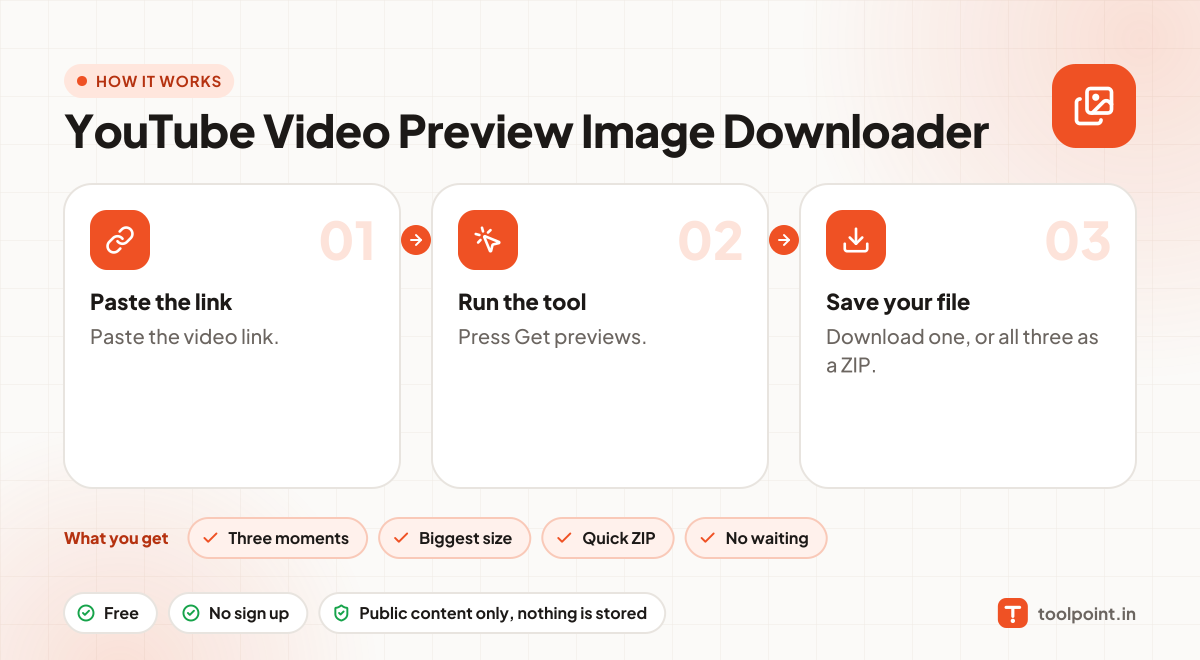
How it works, in one picture

Infographic: how to use the YouTube Video Preview Image Downloader in 3 easy steps: Paste the link, Run the tool and Save your file. You get: Three moments, Biggest size, Quick ZIP and No waiting.

Frequently asked questions

Are these exactly at 25%, 50% and 75%?
Roughly. YouTube picks them automatically, so the exact second can vary.
Want a picture from an exact second?
Use the YouTube Video Frame Grabber.
Which links work?
Normal video links (youtube.com/watch?v=…), short links (youtu.be/…), Shorts, live replays and embed links all work.
Can I use these images anywhere?
Thumbnails, banners and frames belong to the channel owner. Use them for your own reference, reviews or with permission, and give credit.

You may also like