Skip to content
Works with YouTube

YouTube First Frame Downloader

Download the very first frame of any YouTube video as a full-size image. Paste the link and the opening picture is ready to save.

Try:

Only public content can be saved. Please download only what you made yourself or have permission to use, and respect the creator's rights.

Something not working? Report a problem

What is the YouTube First Frame Downloader?

The first frame of a video is often a title card, a logo or a clean opening shot. This tool opens the video, grabs the frame at 0:00 and shows it to you right away.

The image is saved at the video's real size, up to full HD. Choose PNG for the best quality or JPG for a smaller file.

How to use it

  1. Paste the video link.
  2. Press Get first frame.
  3. Press Save under the picture.

Why people like this tool

Automatic

The first frame is grabbed as soon as the video loads.

Full size

Up to 1920 × 1080.

Any format

PNG, JPG or WebP.

Grab more

Want another moment? Use the frame grabber in one click.
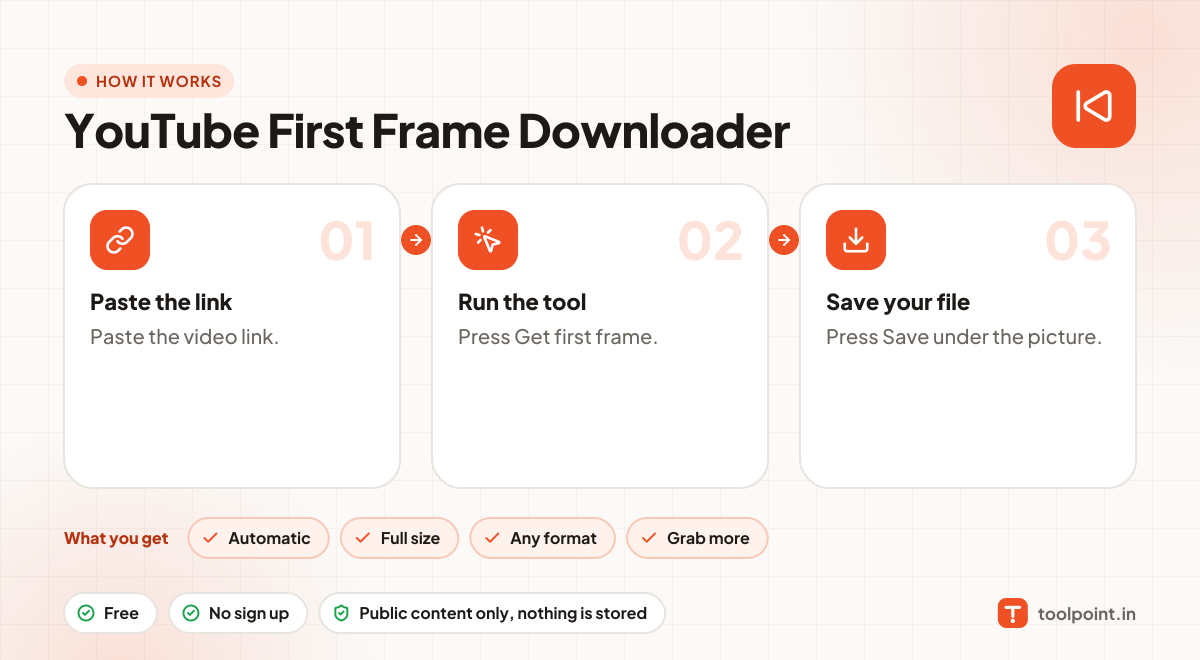
How it works, in one picture

Infographic: how to use the YouTube First Frame Downloader in 3 easy steps: Paste the link, Run the tool and Save your file. You get: Automatic, Full size, Any format and Grab more.

Frequently asked questions

Why is my first frame black?
Many videos fade in from black. Try the Video Frame Grabber and pick a moment one or two seconds in.
Which links work?
Normal video links (youtube.com/watch?v=…), short links (youtu.be/…), Shorts, live replays and embed links all work.
Does it work for private or age-restricted videos?
No. We only read public videos. Private, members-only and age-restricted videos need a YouTube login.
Can I use these images anywhere?
Thumbnails, banners and frames belong to the channel owner. Use them for your own reference, reviews or with permission, and give credit.

You may also like