What is the YouTube Video Frame Grabber?
Pausing a video and taking a screenshot gives you a blurry picture with buttons on top. This tool grabs the real frame from the video, in full size (up to 1080p), with nothing covering it.
Move the slider or type a time like 1:23.5, step forward or back by a second, and grab as many frames as you like. Save them one by one or all together as a ZIP.
How to use it
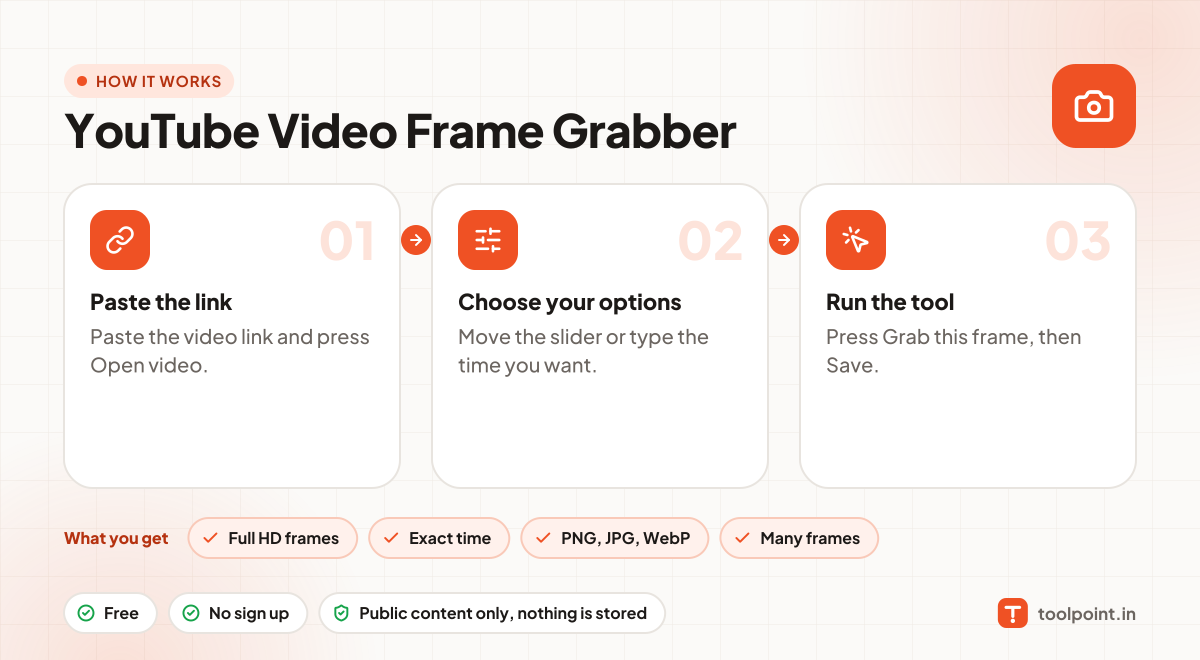
- Paste the video link and press Open video.
- Move the slider or type the time you want.
- Press Grab this frame, then Save.
Why people like this tool
Full HD frames
Up to 1920 × 1080, straight from the video.
Exact time
Type a time with tenths of a second.
PNG, JPG, WebP
PNG for best quality, JPG for small files.
Many frames
Grab several and download them as one ZIP.