Skip to content
Works with YouTube

YouTube Transcript CSV Downloader

Download a YouTube transcript as a CSV file that opens in Excel and Google Sheets, with start time, end time and text in separate columns.

Try:

Only public content can be saved. Please download only what you made yourself or have permission to use, and respect the creator's rights.

Something not working? Report a problem

What is the YouTube Transcript CSV Downloader?

A CSV transcript puts every caption line in its own row with its start and end time. Open it in Excel or Google Sheets to search, sort, highlight or translate.

It is perfect for researchers, teachers and editors who want to mark quotes or plan cuts by time.

How to use it

  1. Copy the link of a YouTube video.
  2. Paste it here and press Get transcript.
  3. Pick the language, check the preview, and press Download CSV.

Why people like this tool

All languages

Every caption language the video has, including auto-generated ones.

Preview first

Read the transcript before you download it.

Spreadsheet ready

Start seconds, end seconds, time and text columns.

Other formats too

Also save as TXT, JSON, CSV or SRT subtitles.
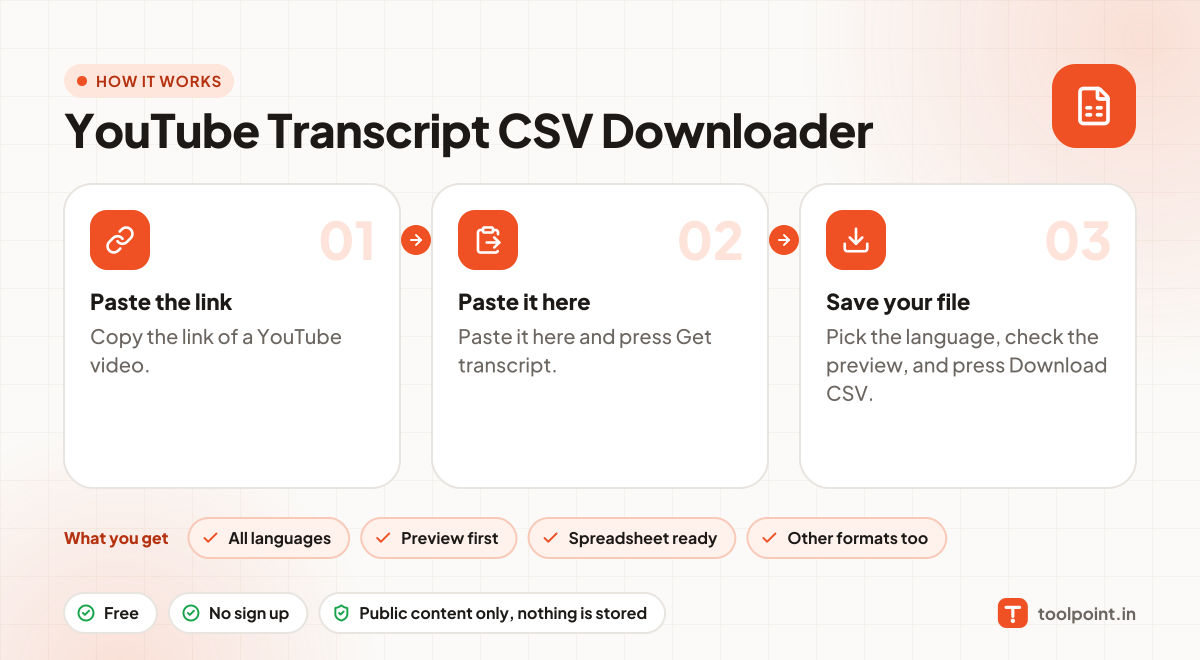
How it works, in one picture

Infographic: how to use the YouTube Transcript CSV Downloader in 3 easy steps: Paste the link, Paste it here and Save your file. You get: All languages, Preview first, Spreadsheet ready and Other formats too.

Frequently asked questions

What is the difference between TXT, JSON and CSV?
TXT is plain text to read or paste into notes. JSON keeps every line with its start and end time, for apps and AI tools. CSV opens in Excel and Google Sheets with one line per row.
Why does it say there is no transcript?
Some videos have no captions at all, and some creators turn them off. If YouTube shows a transcript on the video page, this tool can read it.
What does "auto-generated" mean?
YouTube makes these captions with speech recognition. They are usually good but can have small mistakes with names and numbers.
Does it work for private or age-restricted videos?
No. We only read public videos. Private, members-only and age-restricted videos need a YouTube login.

You may also like