Skip to content
Works with YouTube

YouTube Channel Banner Downloader

Download the banner (cover art) of any YouTube channel in full, original size. Also get desktop, laptop, TV and mobile crops.

Try:

Only public content can be saved. Please download only what you made yourself or have permission to use, and respect the creator's rights.

Something not working? Report a problem

What is the YouTube Channel Banner Downloader?

The banner at the top of a YouTube channel is shown cropped. This tool gets the full original upload, plus the exact desktop and laptop sizes YouTube uses.

Paste a channel link, an @handle, or even the link of any video from that channel. It is handy for designers checking their own banner, and for making channel reviews.

How to use it

  1. Paste the channel link, @handle, or a video link.
  2. Press Get banner.
  3. Download the size you need.

Why people like this tool

Original size

The full image the creator uploaded.

Every crop

Desktop 2560, 2120, laptop 1707 and small 1060 widths.

TV and mobile

Extra versions when the channel has them.

Any link works

@handle, channel URL or a video link.
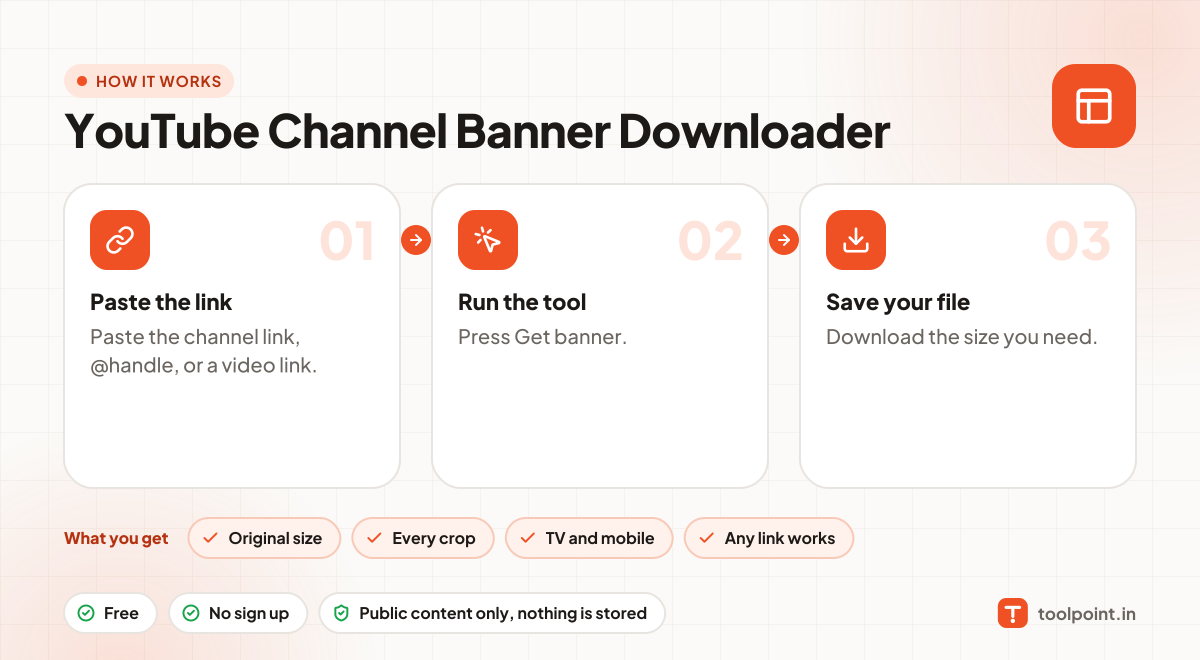
How it works, in one picture

Infographic: how to use the YouTube Channel Banner Downloader in 3 easy steps: Paste the link, Run the tool and Save your file. You get: Original size, Every crop, TV and mobile and Any link works.

Frequently asked questions

What is the best banner size to upload?
YouTube recommends 2560 × 1440 pixels. Keep text and logos in the middle 1546 × 423 area so they show on every device.
The channel has no banner. Why?
Some channels never upload one. Then there is nothing to download.
Can I use these images anywhere?
Thumbnails, banners and frames belong to the channel owner. Use them for your own reference, reviews or with permission, and give credit.
Can I find the banner from a video link?
Yes. Paste any video link and we find its channel for you.

You may also like