Skip to content
Works with YouTube

YouTube Profile Picture Downloader

Download the profile picture (logo) of any YouTube channel in full, original size, plus ready sizes from 88 to 900 pixels.

Try:

Only public content can be saved. Please download only what you made yourself or have permission to use, and respect the creator's rights.

Something not working? Report a problem

What is the YouTube Profile Picture Downloader?

A channel's profile picture is shown as a small circle. This tool gets the original, full-size image and a few handy square sizes.

Paste the channel link, an @handle, or the link of any video from the channel. Save the size you need for a presentation, review or your own records.

How to use it

  1. Paste a channel link, @handle or video link.
  2. Press Get picture.
  3. Download the original or any ready size.

Why people like this tool

Original upload

The biggest version the channel has.

Ready sizes

900, 800, 400, 176 and 88 pixel squares.

Any link works

@handle, channel URL or a video link.

Square images

Easy to crop into a circle if you need.
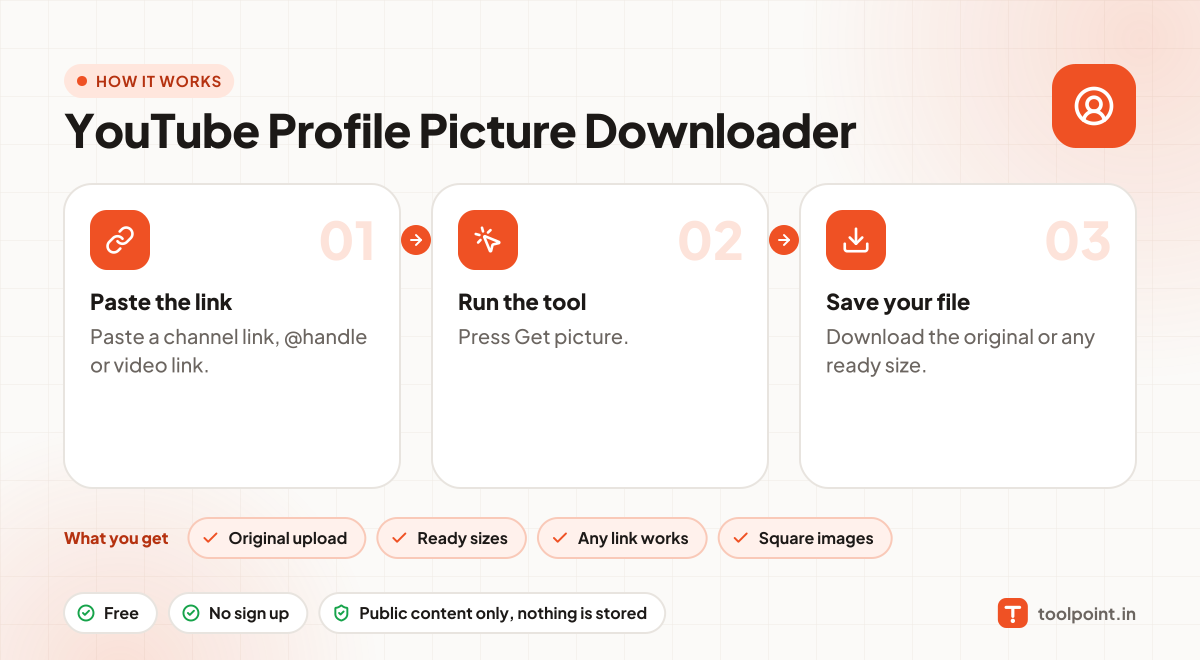
How it works, in one picture

Infographic: how to use the YouTube Profile Picture Downloader in 3 easy steps: Paste the link, Run the tool and Save your file. You get: Original upload, Ready sizes, Any link works and Square images.

Frequently asked questions

Why is the picture square, not round?
YouTube stores it as a square and only shows it as a circle.
What size should I upload for my channel?
YouTube recommends at least 800 × 800 pixels.
Can I use these images anywhere?
Thumbnails, banners and frames belong to the channel owner. Use them for your own reference, reviews or with permission, and give credit.
Can I use a video link?
Yes. We find the channel of that video for you.

You may also like