Skip to content
SVG Generators

SVG Blob Generator

Make smooth organic blob shapes in SVG. Set points and how wild the shape is, add a gradient and download. Free, no sign up.

Shape
Colour
px
Live preview of your SVG

Your picture shows here.

See the SVG code


Something not working? Report a problem

What is the SVG Blob Generator?

Blobs are soft, organic shapes used behind pictures and text on modern websites. Slide the number of points and how wild the shape should be, and a new blob is drawn at once.

Press Surprise me for a new shape, or type a shape number to get the same one again. Use one colour or a gradient, add an outline, and download the SVG.

How to use it

  1. Slide the points and how wild the shape is.
  2. Pick colours and press Surprise me for new shapes.
  3. Press Download SVG or PNG.

Why people like this tool

Smooth curves

Always a clean closed shape.

Gradient fill

One colour or two.

Surprise me

Or repeat a shape by its number.

Tiny code

One path, a few hundred bytes.
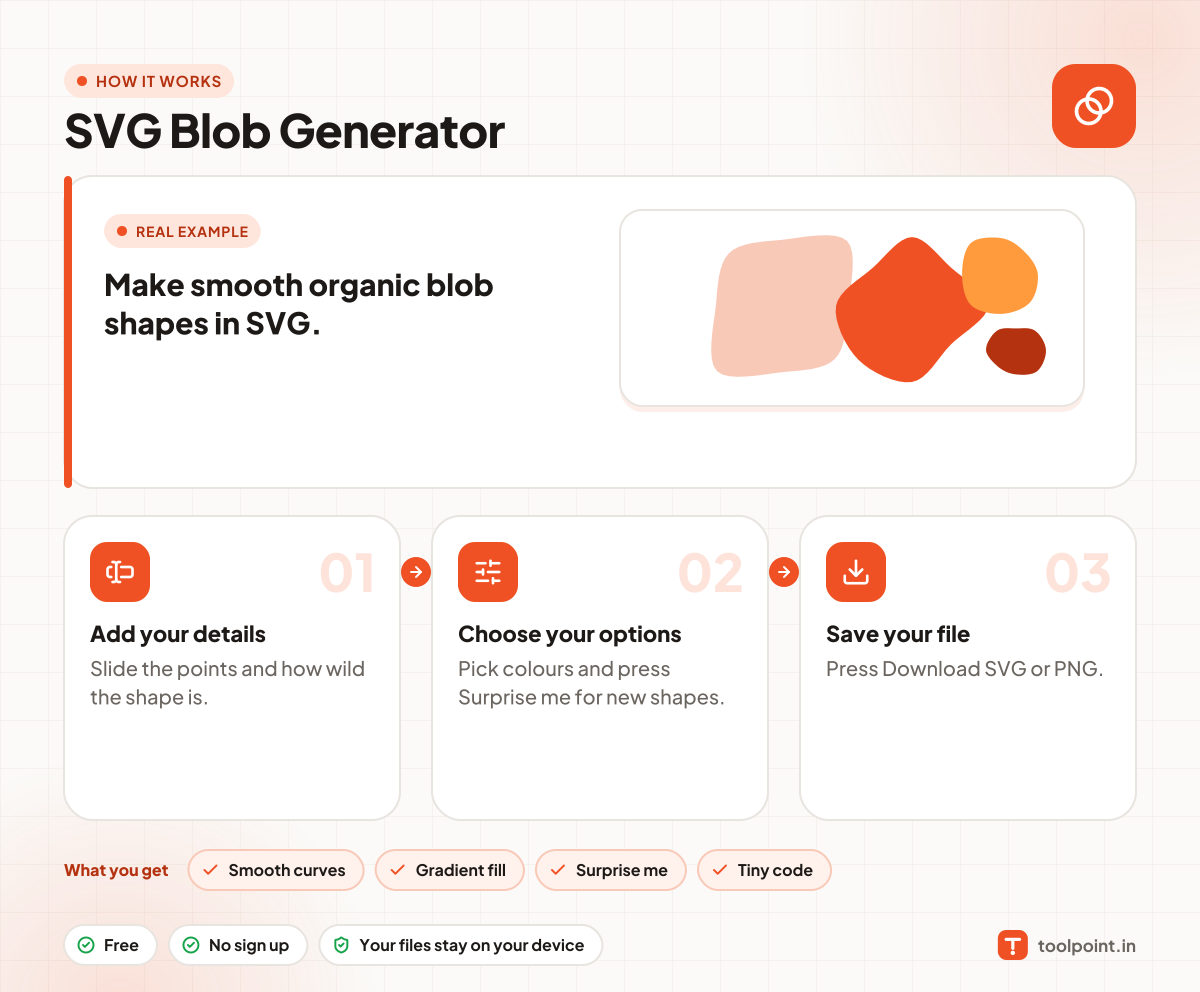
How it works, in one picture

Infographic: how to use the SVG Blob Generator in 3 easy steps: Add your details, Choose your options and Save your file. You get: Smooth curves, Gradient fill, Surprise me and Tiny code.

Frequently asked questions

What is a blob shape used for?
As a soft background behind a photo, a hero text or an icon, to make a page feel friendly.
How do I get the same blob again?
Type its shape number in the box. The same number always gives the same blob.
Can I animate a blob?
Yes. Use our SVG Morphing Code Generator to morph between two shapes.

You may also like