Skip to content
Developer Tools

PWA Icon Pack Downloader

Download all app icons of a website in one ZIP: PWA manifest icons, favicons, Apple touch icons and more. Check for missing icon sizes.

Try:

Something not working? Report a problem

What is the PWA Icon Pack Downloader?

A website needs many icons: a favicon for the browser tab, an Apple touch icon for iPhones, and 192 and 512 pixel icons in the web app manifest for Android.

This tool collects all of them from the manifest, the page head and the default locations like /favicon.ico. You see a preview of each icon with its size, type and purpose, plus warnings for missing sizes. Then download the whole set as one ZIP.

How to use it

  1. Paste the website address.
  2. Press Get icons.
  3. Preview every icon and read the tips.
  4. Press Download icon pack.

Why people like this tool

Every icon source

Manifest, favicon, apple-touch-icon, mask-icon and Windows tile.

Previews

See each icon with its size and purpose.

Missing size tips

Warnings for missing 192, 512 and Apple icons.

Sorted ZIP

Icons saved in folders by where they came from.
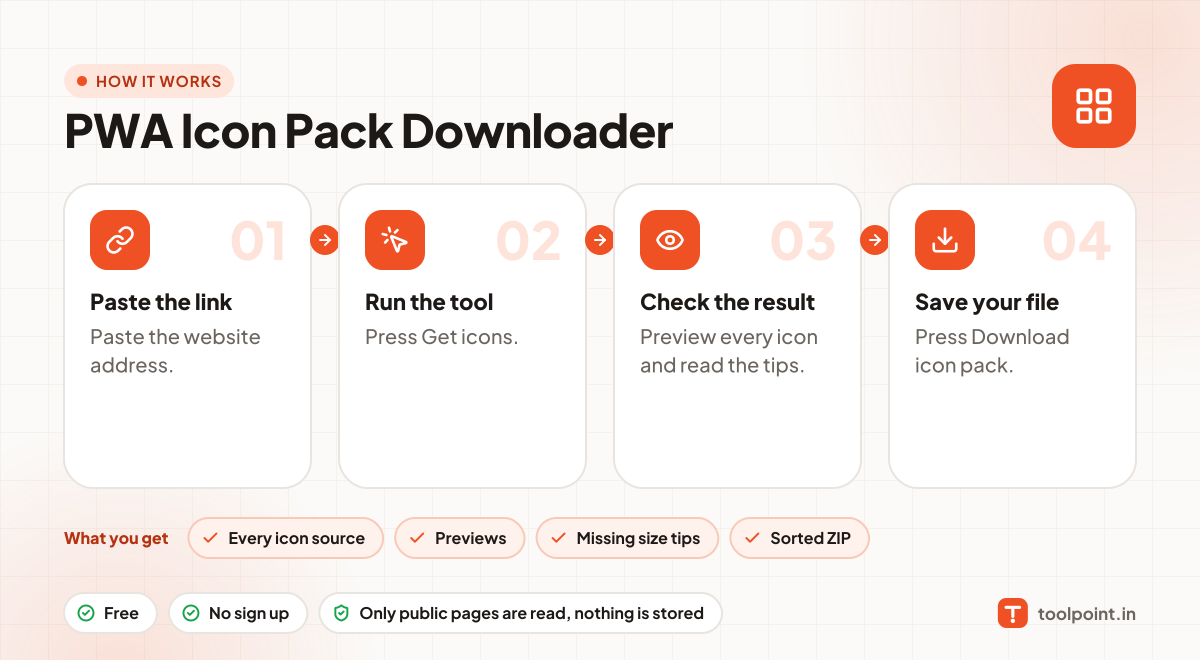
How it works, in one picture

Infographic: how to use the PWA Icon Pack Downloader in 4 easy steps: Paste the link, Run the tool, Check the result and Save your file. You get: Every icon source, Previews, Missing size tips and Sorted ZIP.

Frequently asked questions

Which icons does a website need?
At least favicon.ico or a 32×32 PNG, a 180×180 apple-touch-icon, and 192×192 and 512×512 icons in the manifest.
What is a maskable icon?
An icon with extra safe space so Android can cut it into circles or other shapes without losing the logo.
Can I use another site's icons?
Logos belong to their owners. Use this tool to check your own site or to learn good icon setups.

You may also like