Skip to content
Developer Tools

OpenAPI / Swagger Spec Downloader

Find and download the OpenAPI or Swagger spec behind any API docs page. Get it as JSON or YAML and see every endpoint in a table.

Try:

Something not working? Report a problem

What is the OpenAPI / Swagger Spec Downloader?

Most APIs publish an OpenAPI (formerly Swagger) spec: one file that describes every endpoint, parameter and response. Docs pages like Swagger UI, Redoc and Scalar are built from it, but the file link is often hidden.

Paste the docs page, the domain, or the spec link. We look inside the docs page, check the Swagger UI settings, and try about 16 common spec locations. When we find the spec, you can download it as JSON or YAML, and see all endpoints with their methods, summaries and tags.

How to use it

  1. Paste the API docs page, the API domain, or the direct spec link.
  2. Press Find API spec.
  3. Check the API name, version and list of endpoints.
  4. Press Download JSON or Download YAML.

Why people like this tool

Smart discovery

Reads Swagger UI, Redoc, RapiDoc, Scalar and Stoplight pages.

16 common paths

Tries /openapi.json, /v3/api-docs, /swagger.json and more.

JSON ⇄ YAML

Download the spec in either format, whatever the source is.

Endpoint table

Every method and path with summary, tags and auth.
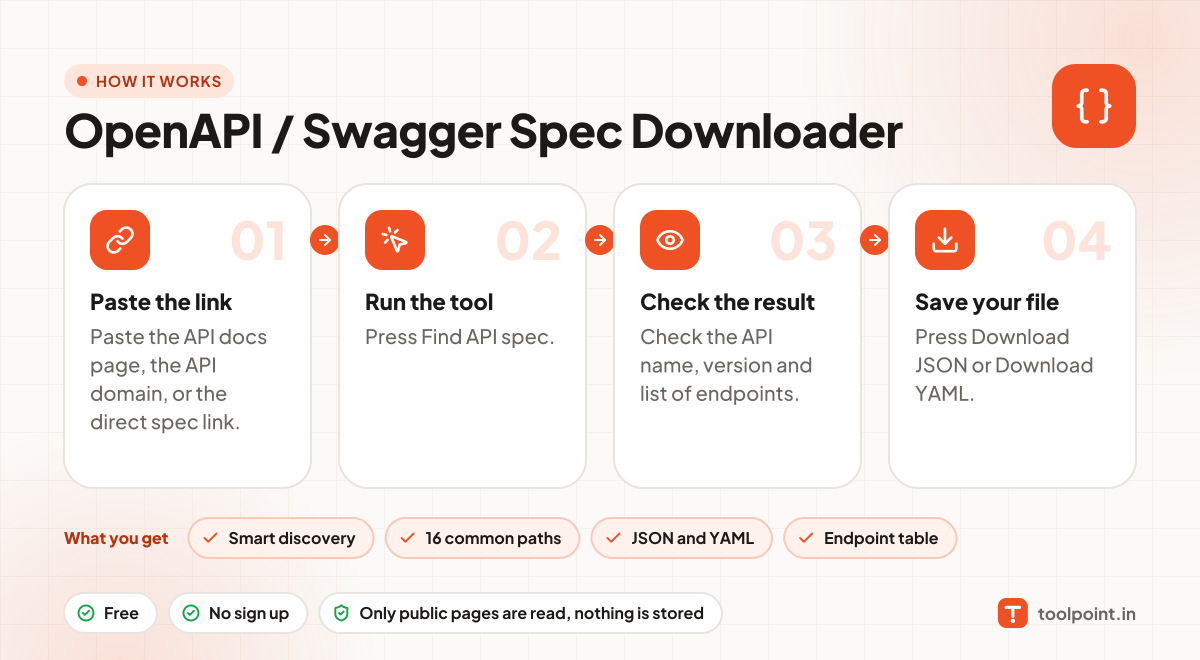
How it works, in one picture

Infographic: how to use the OpenAPI / Swagger Spec Downloader in 4 easy steps: Paste the link, Run the tool, Check the result and Save your file. You get: Smart discovery, 16 common paths, JSON and YAML and Endpoint table.

Frequently asked questions

What is the difference between OpenAPI and Swagger?
Swagger was the old name. From version 3.0 it is called OpenAPI. Swagger 2.0 specs are also supported by this tool.
What can I do with the spec file?
Import it into Postman or Insomnia, generate client code, create mock servers, or use it with AI tools that call APIs.
Why can't it find my API spec?
The spec may be private, need a login, or live at a custom path. Try pasting the exact spec link from your browser's network tab.
Does YAML output keep everything?
Yes. We keep empty objects and arrays correct, so the YAML is a true copy of the spec.

You may also like