Skip to content
Developer Tools

Source Map Downloader

Check which JavaScript and CSS files on a page have public source maps (.map files), and download them as a ZIP. Useful for debugging and security checks.

Try:

Something not working? Report a problem

What is the Source Map Downloader?

When code is minified, a source map links it back to the original readable source. Browsers use it for debugging. The minified file points to it with a sourceMappingURL comment or a SourceMap header.

This tool checks up to 25 scripts and stylesheets on a page. For each one it tells you if a map is linked, if the map is public, and how many source files it contains. You can download all public maps as a ZIP. Site owners can use it to see if they are sharing more code than they meant to.

How to use it

  1. Paste the address of the page to check.
  2. Press Find source maps.
  3. See each JS and CSS file and its source map status.
  4. Download all public maps as a ZIP.

Why people like this tool

Clear status

Public map, inline map, linked but blocked, or no map.

Header support

Reads SourceMap and X-SourceMap headers too.

Source count

See how many original files each map includes.

Security view

Quickly spot public maps on private apps.
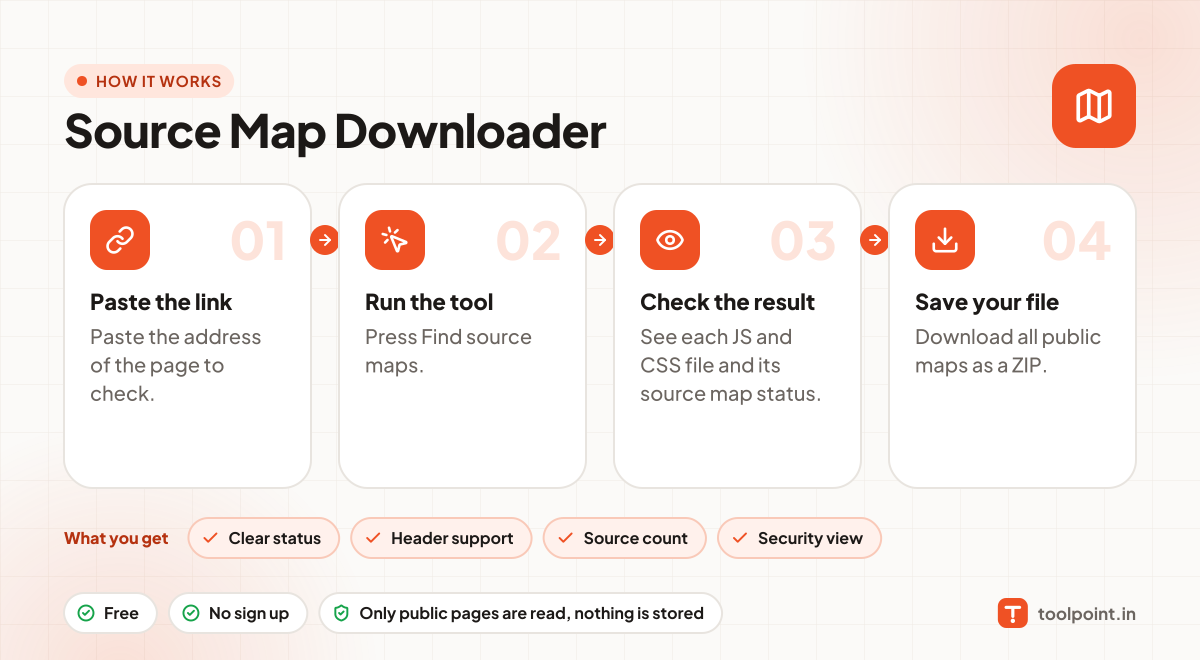
How it works, in one picture

Infographic: how to use the Source Map Downloader in 4 easy steps: Paste the link, Run the tool, Check the result and Save your file. You get: Clear status, Header support, Source count and Security view.

Frequently asked questions

Is it bad to have public source maps?
Not always. Open source sites often share them. But private apps may reveal code, comments or API routes, so many teams upload maps only to their error tracker.
What is an inline source map?
The map is placed inside the file itself as base64 data, instead of in a separate .map file.
Can I rebuild a project from the maps?
Maps may contain the original source. Respect copyright and only use code you are allowed to use.

You may also like