What is the Service Worker Finder?
A service worker is a script that runs in the background of a website. It powers offline pages, faster repeat visits and push notifications. It is registered with navigator.serviceWorker.register("/sw.js").
This tool reads the page's scripts to find the register call, and also checks common file names like sw.js and firebase-messaging-sw.js. For each worker found, we show the size, what it seems to do (offline, push, Workbox, Firebase) and let you read or download the file.
How to use it
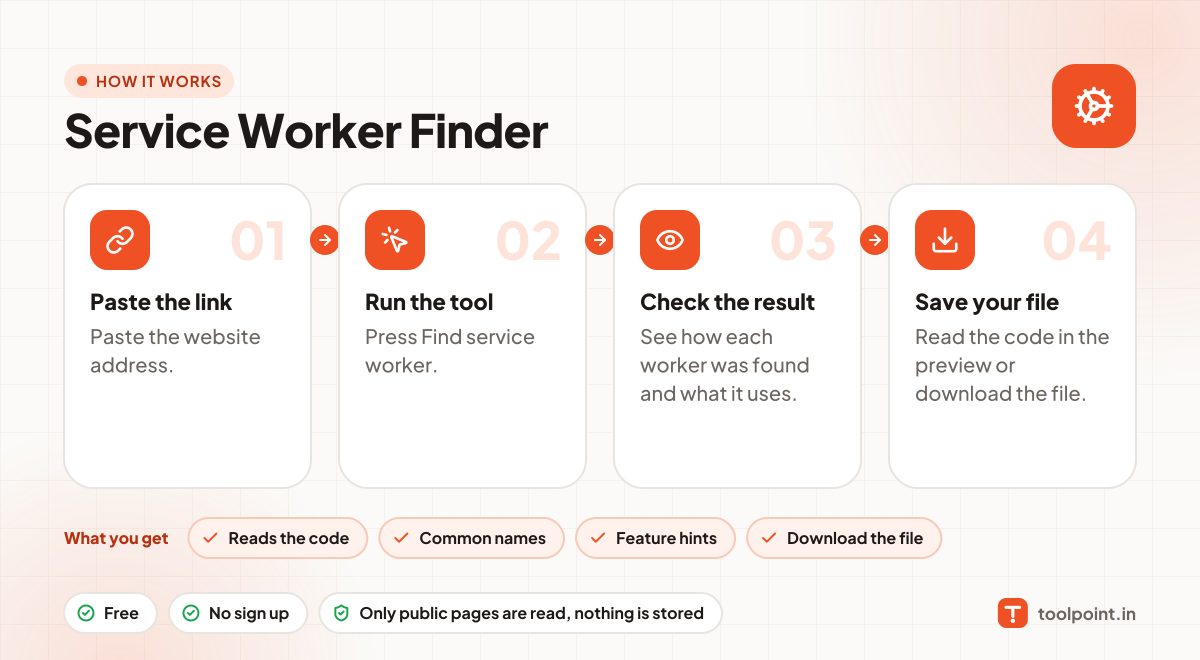
- Paste the website address.
- Press Find service worker.
- See how each worker was found and what it uses.
- Read the code in the preview or download the file.
Why people like this tool
Reads the code
Finds register() calls in inline and first-party scripts.
Common names
Checks sw.js, service-worker.js, ngsw-worker.js and more.
Feature hints
Spots Workbox, push, fetch caching and Firebase.
Download the file
Save the worker script to study it.