Skip to content
Developer Tools

Preload URL Exporter

Export all rel="preload" links of a page to CSV. See each file, its "as" type, crossorigin and fetchpriority, and spot common preload mistakes.

Try:

Something not working? Report a problem

What is the Preload URL Exporter?

Preload tells the browser to download an important file early, like the main font or the hero image. Used well, it makes pages faster. Used wrong, it wastes data and can even slow the page.

This tool lists every preload link from the HTML and from the HTTP Link header. It shows the as, type, crossorigin, fetchpriority and media values, and warns about common mistakes like a missing "as" or a font preload without crossorigin.

How to use it

  1. Paste the address of the page.
  2. Press Get preload links.
  3. Check the table and read the warnings.
  4. Export the list with CSV.

Why people like this tool

HTML and headers

Preloads from <link> tags and Link headers.

Mistake check

Missing "as" and fonts without crossorigin are flagged.

All attributes

as, type, crossorigin, fetchpriority, media and imagesrcset.

Quick counts

See how many fonts, images and scripts are preloaded.
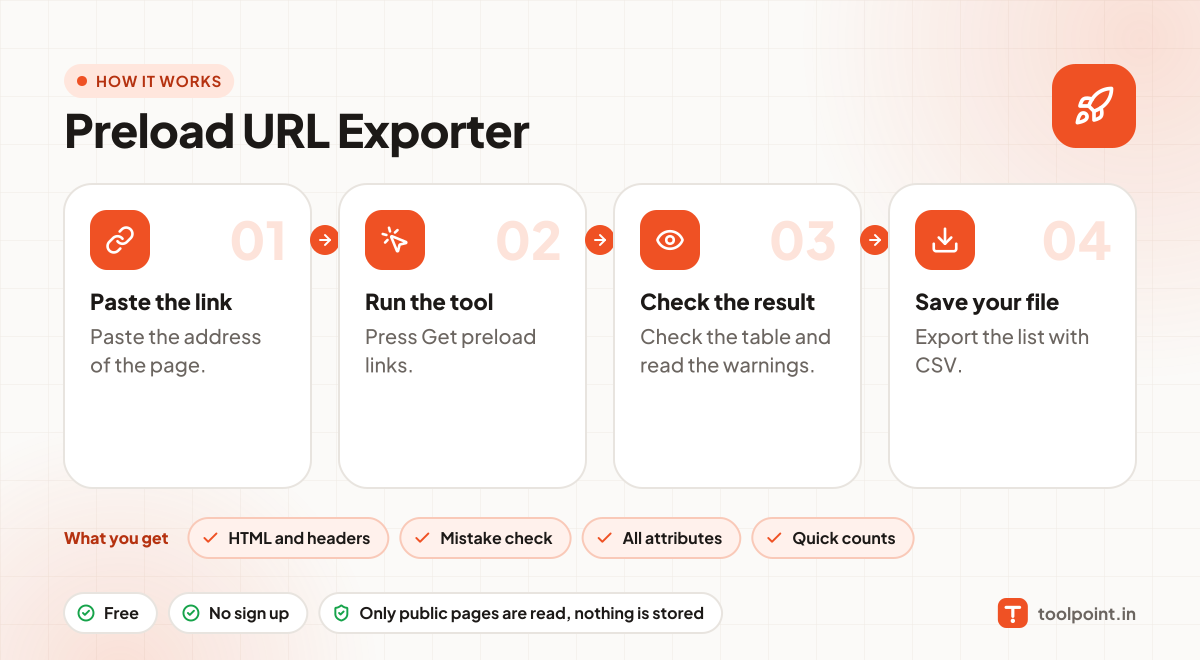
How it works, in one picture

Infographic: how to use the Preload URL Exporter in 4 easy steps: Paste the link, Run the tool, Check the result and Save your file. You get: HTML and headers, Mistake check, All attributes and Quick counts.

Frequently asked questions

What should I preload?
Only files needed for the first view and found late by the browser, like the LCP hero image or a key web font.
Why does a font preload need crossorigin?
Fonts are always fetched in CORS mode. Without crossorigin, the browser downloads the font twice.
How many preloads are too many?
There is no fixed rule, but more than 3 to 5 often hurts more than it helps.

You may also like