Skip to content
Developer Tools

Import Map Downloader

Extract the JavaScript import map from any page and save it as importmap.json. See every module name, where it points and its scope.

Try:

Something not working? Report a problem

What is the Import Map Downloader?

An import map tells the browser where to find JavaScript modules. It lets a site write import "react" without a bundler. It lives in a <script type="importmap"> tag.

This tool finds the import map (inline or from a file), shows every module name and its target URL in a table, lists scopes, and lets you download a clean importmap.json. It is handy for Rails, Shopify themes and no-build projects.

How to use it

  1. Paste the address of a page that uses ES modules.
  2. Press Get import map.
  3. Browse the list of imports and scopes.
  4. Download importmap.json or copy the JSON.

Why people like this tool

Inline and external

Reads import maps written in the page or loaded from a src file.

Merged file

All import maps on the page joined into one JSON.

Scopes shown

See which imports are limited to certain folders.

CDN overview

Count the CDN hosts the modules come from.
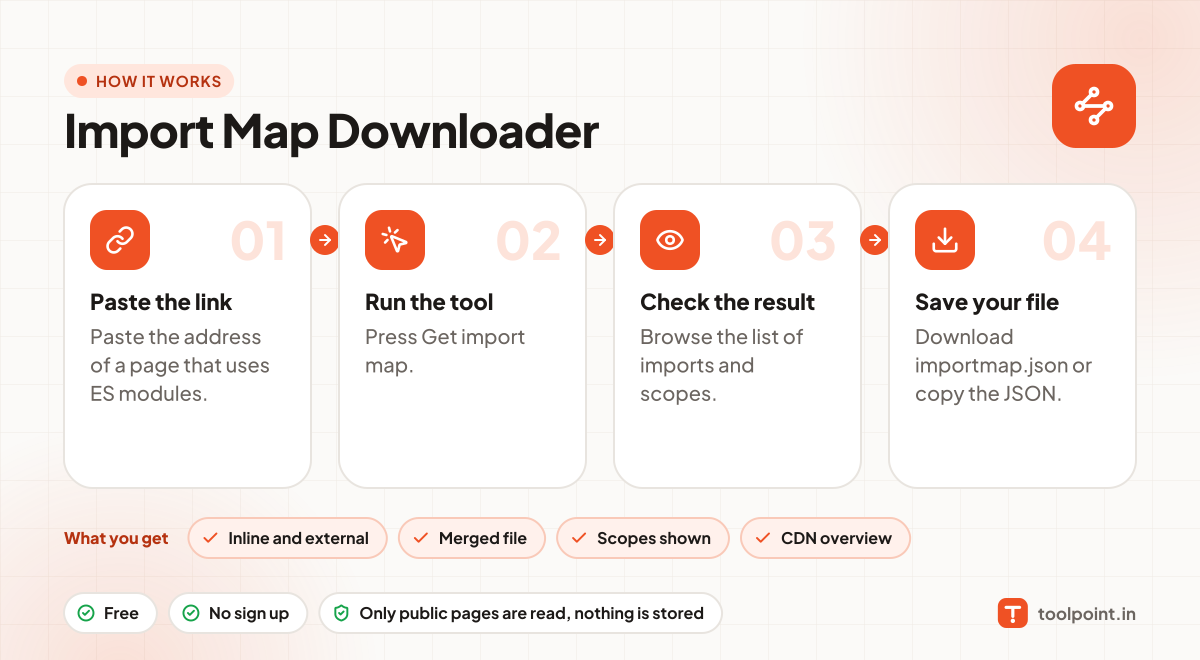
How it works, in one picture

Infographic: how to use the Import Map Downloader in 4 easy steps: Paste the link, Run the tool, Check the result and Save your file. You get: Inline and external, Merged file, Scopes shown and CDN overview.

Frequently asked questions

Which sites use import maps?
Rails 7 apps with importmap-rails, Shopify, Deno projects and many no-build sites.
Can I reuse an import map?
Yes, as a starting point for your own project. Update the versions and URLs to what you need.
What is the integrity field?
Newer import maps can include SRI hashes for modules. We keep them in the downloaded file.

You may also like