Skip to content
Developer Tools

Web Manifest Asset Packager

Download a website's web app manifest together with all its icons, screenshots and shortcut icons in one ZIP, with paths changed to local files.

Try:

Something not working? Report a problem

What is the Web Manifest Asset Packager?

A PWA manifest points to many images: app icons, store-style screenshots and shortcut icons. To copy or study a full PWA setup, you need the manifest and all those images together.

This tool finds the manifest, downloads every image it lists, and puts them in tidy folders (icons, screenshots, shortcut-icons). It writes a new manifest.json with local paths, so the pack works on its own, and also keeps the original manifest for reference.

How to use it

  1. Paste the address of the website or app.
  2. Press Find manifest.
  3. Check the icons and screenshots that will be packed.
  4. Press Download manifest pack.

Why people like this tool

Complete pack

Manifest plus icons, screenshots and shortcut icons.

Local paths

A rewritten manifest.json that points to files inside the ZIP.

Original kept

manifest.original.json is included too.

Preview first

See every image before you download.
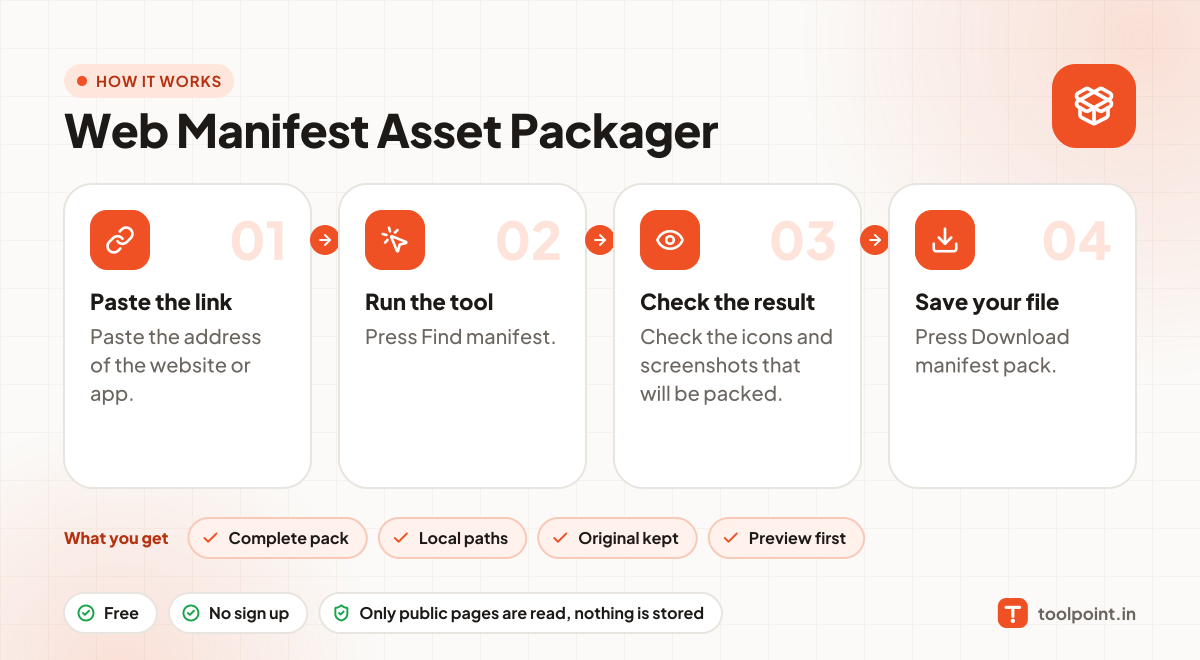
How it works, in one picture

Infographic: how to use the Web Manifest Asset Packager in 4 easy steps: Paste the link, Run the tool, Check the result and Save your file. You get: Complete pack, Local paths, Original kept and Preview first.

Frequently asked questions

What are manifest screenshots for?
Chrome on Android and desktop shows them in a richer install dialog, like an app store.
Is this different from the PWA Icon Pack Downloader?
Yes. The icon pack gets all icons from the page head and manifest. This packager focuses on the manifest and includes screenshots and a rewritten manifest file.
Can I use the pack for my own app?
Use it to learn the structure. Replace the icons, names and screenshots with your own.

You may also like