Skip to content
Data & Markdown Converters

JSON Stringify Text

Turn any text or JSON into a safe JSON string. Quotes, new lines and backslashes are escaped for you. Free online JSON stringify tool.

Something not working? Report a problem

What is the JSON Stringify Text?

When you put text inside JSON, special characters like quotes, new lines and backslashes must be escaped. Doing it by hand is slow and easy to get wrong. Paste your text and get the safe string.

You can also stringify JSON itself, to put it inside another JSON value. Turn on the ASCII option to write Hindi and other letters as \u codes.

How to use it

  1. Paste your text or JSON in the left box.
  2. Tick "My text is JSON" if it is JSON.
  3. Copy the safe string from the right box.

Why people like this tool

Escapes everything

Quotes, new lines, tabs and backslashes.

Stringify JSON

Put a JSON object inside a string.

ASCII option

Write Hindi as \u codes.

With or without quotes

Keep or drop the outer quotes.
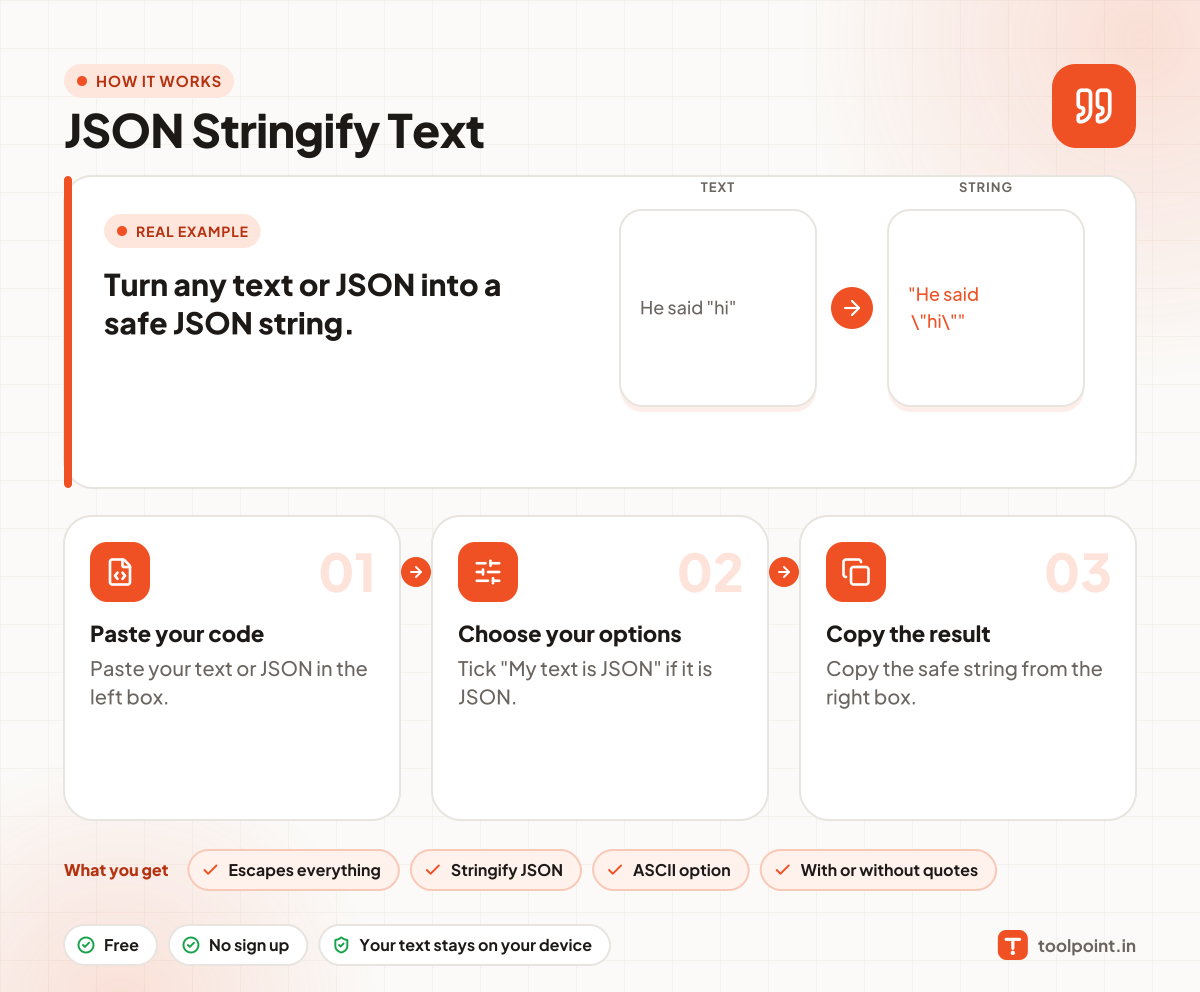
How it works, in one picture

Infographic: how to use the JSON Stringify Text in 3 easy steps: Paste your code, Choose your options and Copy the result. You get: Escapes everything, Stringify JSON, ASCII option and With or without quotes.

Frequently asked questions

What does JSON stringify do?
It converts a value into a JSON string, adding backslashes in front of special characters so the string is safe to use inside JSON.
How do I put a new line in a JSON string?
Write it as \n. This tool does it for you when you paste text with line breaks.
How do I undo it?
Use our JSON Unstringifier.

You may also like