Skip to content
Code Formatters

JSON Formatter & Minifier

Format, validate and minify JSON online. Shows the line and column of any mistake in plain words. Sort keys and allow comments. Free and private.

Something not working? Report a problem

What is the JSON Formatter & Minifier?

Paste messy JSON and get neat, indented JSON that is easy to read. If the JSON has a mistake, like a missing comma or a single quote, the tool tells you the line and column in plain words.

You can also minify JSON to make it as small as possible, sort the keys A to Z, and allow comments or trailing commas from code files. All of it runs inside your browser.

How to use it

  1. Paste your JSON in the left box.
  2. Pick Beautify or Minify.
  3. Fix any mistake the tool points out, then copy the result.

Why people like this tool

Clear errors

Line, column and a plain reason.

Beautify or minify

Readable or as small as can be.

Sort keys

Order the keys A to Z.

Lenient mode

Accepts comments and trailing commas.
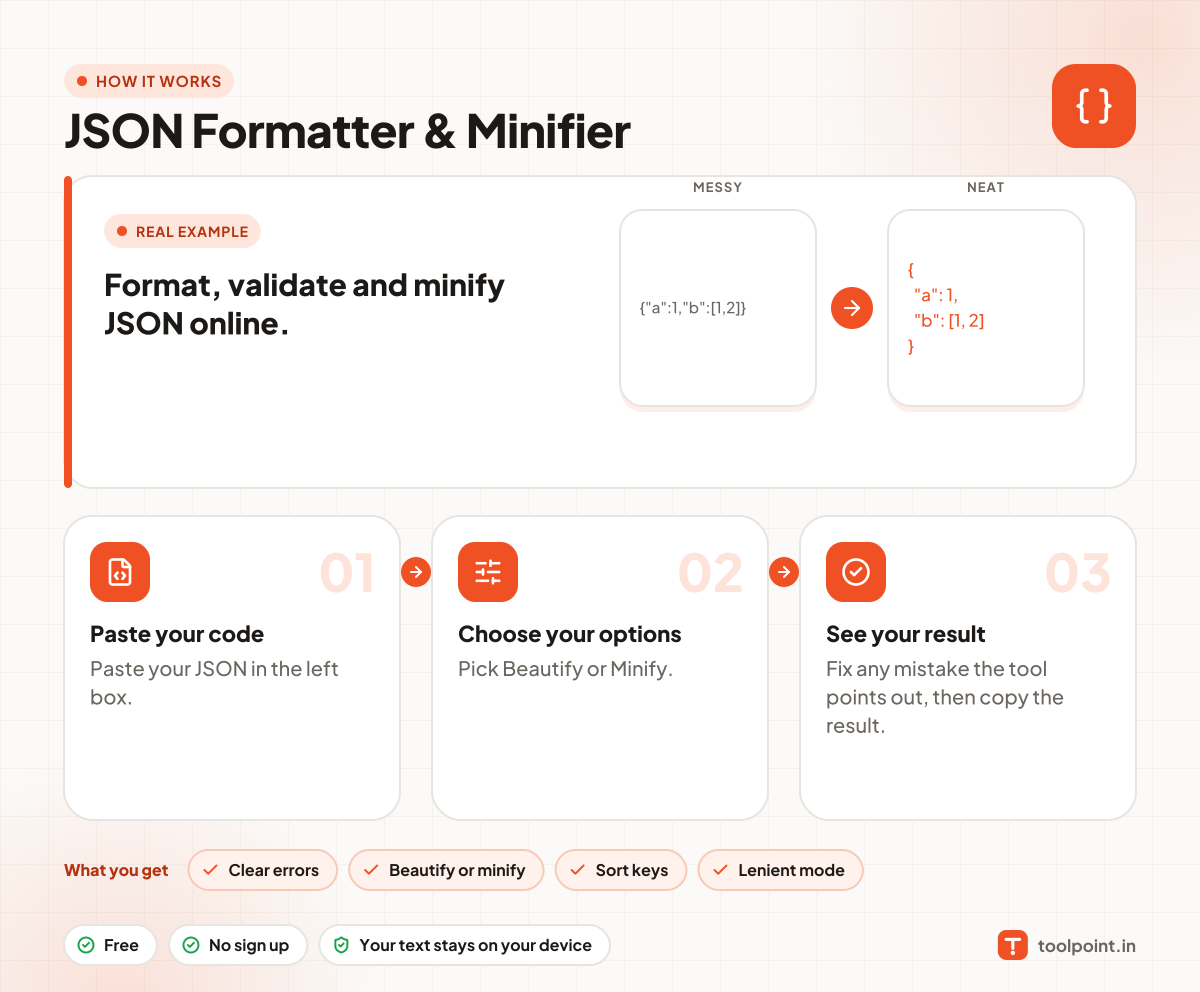
How it works, in one picture

Infographic: how to use the JSON Formatter & Minifier in 3 easy steps: Paste your code, Choose your options and See your result. You get: Clear errors, Beautify or minify, Sort keys and Lenient mode.

Frequently asked questions

How do I check if my JSON is valid?
Paste it in the left box. If it is valid you see a green "Valid JSON" note. If not, you see what is wrong and where.
What are the most common JSON mistakes?
A comma after the last item, single quotes instead of double quotes, keys without quotes, and a missing comma between items.
What does minify do?
It removes all spaces and new lines, so the JSON is as small as possible for sending over a network.
Is my JSON uploaded?
No. It is checked and formatted in your browser only.

You may also like