Skip to content
Data & Markdown Converters

JSON to YAML Converter

Convert JSON to clean YAML online. Quotes only where needed, nested lists and multi-line text handled. Good for config, Docker and Kubernetes.

Something not working? Report a problem

What is the JSON to YAML Converter?

YAML is a friendly way to write the same data as JSON, with indents instead of braces. It is used in Docker Compose, Kubernetes, GitHub Actions and many config files.

Paste your JSON and get YAML at once. Strings that could be confused with numbers or true/false are quoted, so the meaning never changes. Comments and trailing commas in your JSON are accepted too.

How to use it

  1. Paste your JSON in the left box.
  2. Choose 2 or 4 spaces and other options.
  3. Copy the YAML or save it as a file.

Why people like this tool

Safe quoting

Quotes only where the meaning needs them.

Multi-line text

Long text uses the | block style.

Document splits

Turn a list into many YAML documents.

Lenient JSON

Comments and trailing commas are fine.
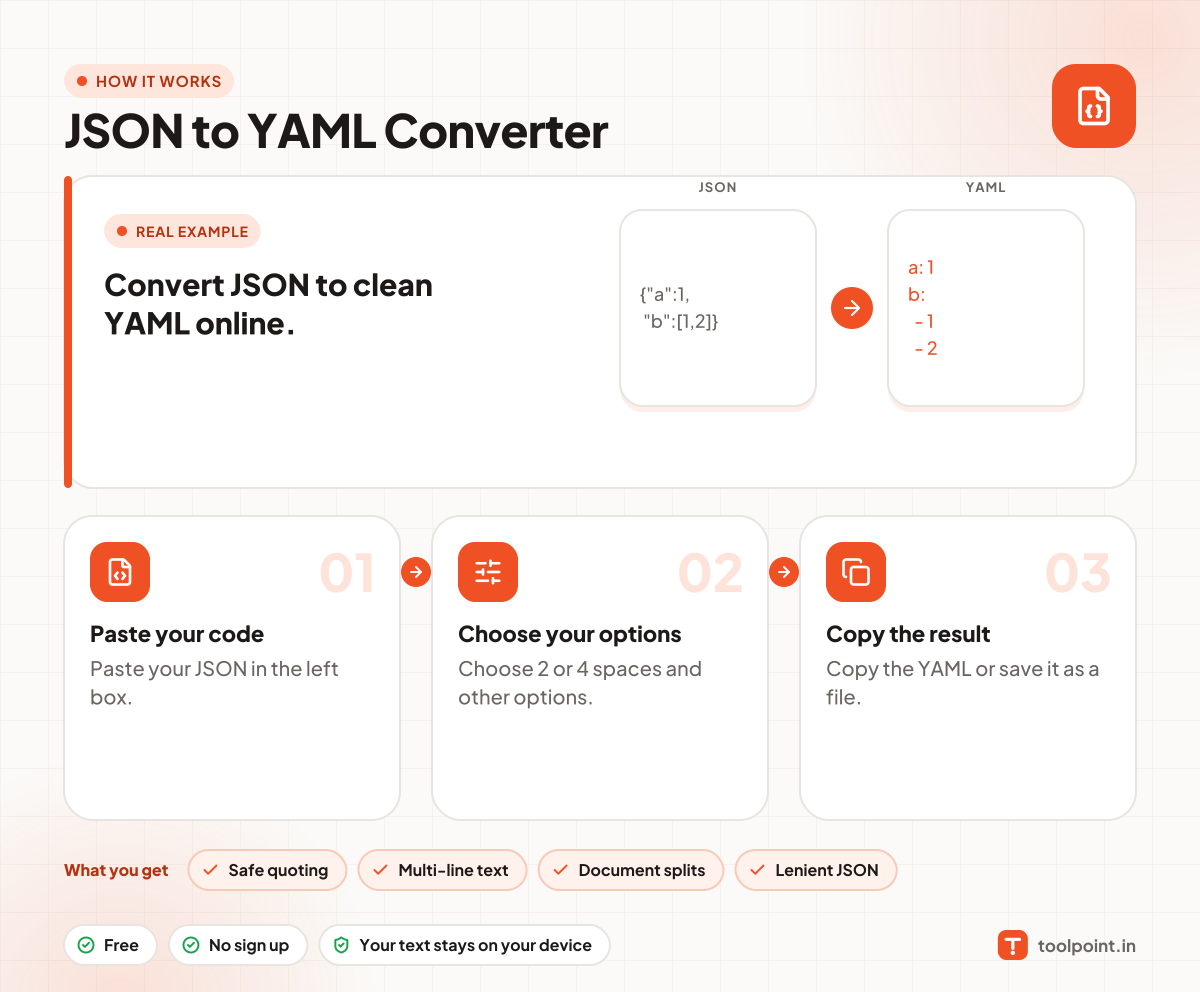
How it works, in one picture

Infographic: how to use the JSON to YAML Converter in 3 easy steps: Paste your code, Choose your options and Copy the result. You get: Safe quoting, Multi-line text, Document splits and Lenient JSON.

Frequently asked questions

How do I convert JSON to YAML?
Paste your JSON in the left box and copy the YAML from the right box.
Why are some values in quotes?
Words like "yes", "no", "on" and values like "1.0" or dates would turn into other types in YAML, so they are quoted to stay text.
Can I convert YAML to JSON?
Not on this page yet. This tool goes from JSON to YAML.

You may also like