Skip to content
Encoders & Ciphers

Base64 Encode & Decode

Encode text to Base64 or decode Base64 back to text. Works with Hindi and emoji, has a URL safe option, and runs in your browser. Free and private.

Something not working? Report a problem

What is the Base64 Encode & Decode?

Base64 turns any text into a safe string made of letters, numbers, + and /. It is used in emails, data links, tokens and many web tools. Paste your text to encode it, or paste Base64 to read it.

The tool reads text as UTF-8, so Hindi, accents and emoji come out right. Tick "URL safe" to make Base64 that can go in a web address. It also tells you when your Base64 holds an image or a PDF instead of text.

How to use it

  1. Pick Encode or Decode.
  2. Type or paste your text in the left box.
  3. Copy the result from the right box.

Why people like this tool

Both ways

Encode text, or decode Base64.

Hindi and emoji

Full UTF-8 support.

URL safe option

Use - and _ instead of + and /.

Spots files

Tells you if it is an image or PDF.
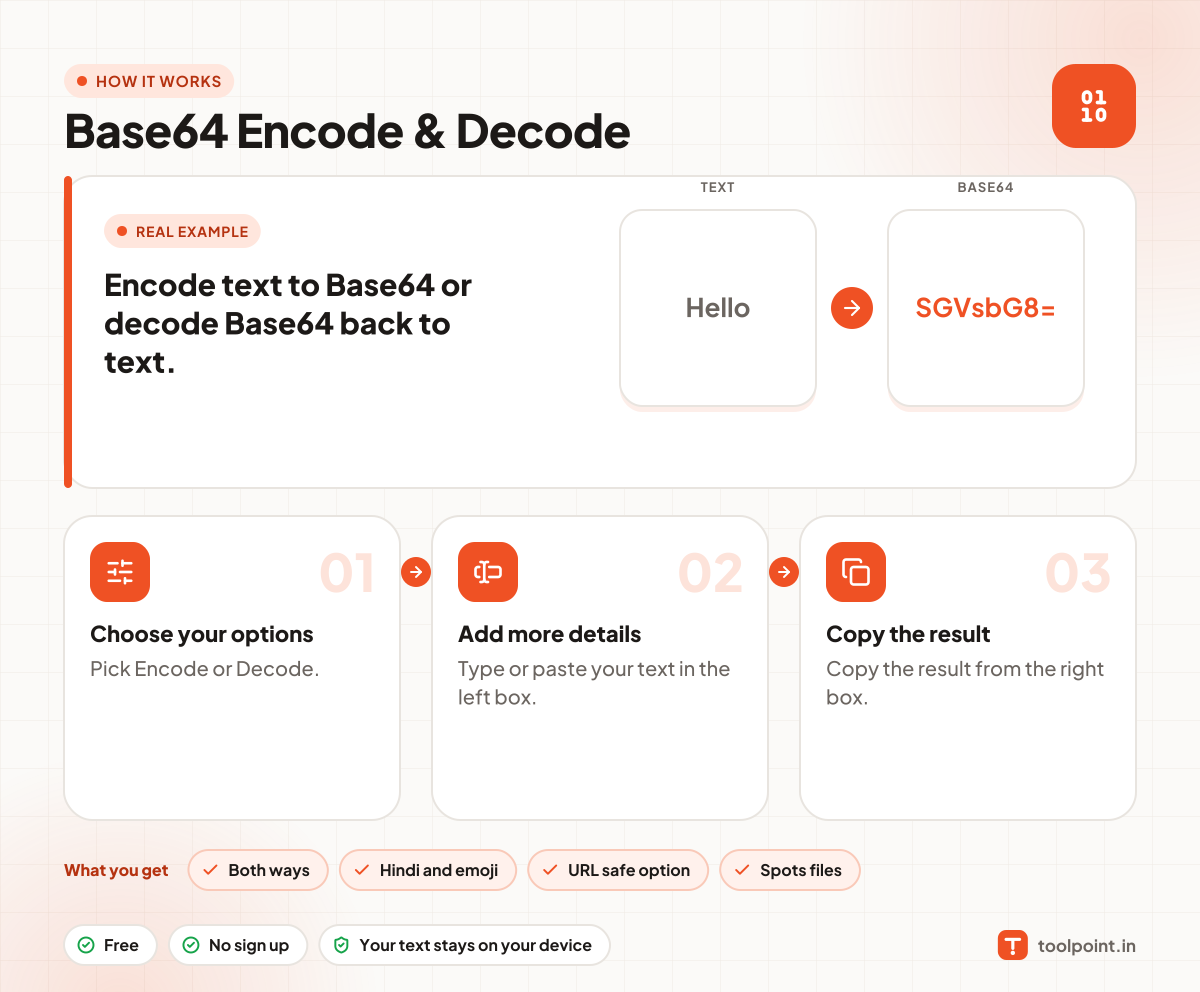
How it works, in one picture

Infographic: how to use the Base64 Encode & Decode in 3 easy steps: Choose your options, Add more details and Copy the result. You get: Both ways, Hindi and emoji, URL safe option and Spots files.

Frequently asked questions

What is Base64?
Base64 is a way to write any data using only 64 safe characters. It is not encryption, so anyone can decode it.
Is Base64 safe for passwords?
No. It hides nothing. Anyone can decode it in a second. Never use it to protect secrets.
Why does my Base64 end with = signs?
The = signs are padding. They make the length fit. The URL safe version leaves them out.
Why do I see strange letters after decoding?
The Base64 may hold a file such as an image, not text, or text in another character set. We show a note when we can tell.

You may also like