Skip to content
Data & Markdown Converters

HTML to Markdown Converter

Convert HTML into clean Markdown: headings, links, lists, tables, code blocks and images. Runs in your browser. Free HTML to Markdown tool.

Something not working? Report a problem

What is the HTML to Markdown Converter?

Moving a web page into a README, a note or a docs site? Paste the HTML here and get Markdown. Headings, bold and italic text, links, images, lists, tables and code blocks are all converted.

Scripts, styles and hidden parts are dropped, so you get only the readable content. To convert a live page by its address, use our Webpage to Markdown tool.

How to use it

  1. Paste your HTML in the left box.
  2. Pick the list marker and italic style.
  3. Copy the Markdown or save it as a .md file.

Why people like this tool

Full structure

Headings, lists, tables and code blocks.

Links and images

Kept with their addresses.

Cleans up

Scripts and styles are dropped.

Your style

Pick - or * for lists.
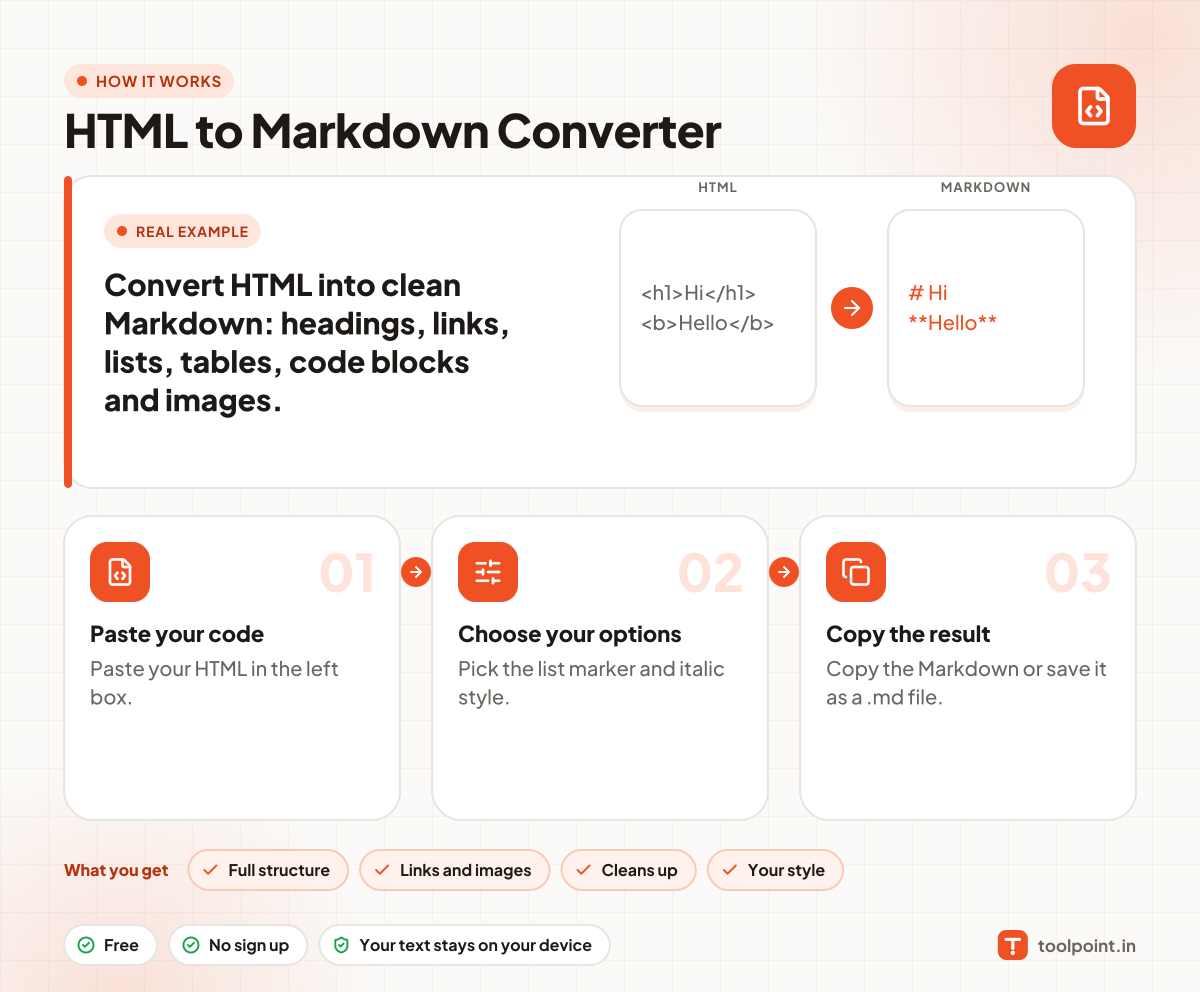
How it works, in one picture

Infographic: how to use the HTML to Markdown Converter in 3 easy steps: Paste your code, Choose your options and Copy the result. You get: Full structure, Links and images, Cleans up and Your style.

Frequently asked questions

How do I convert HTML to Markdown?
Paste your HTML in the left box. The Markdown shows on the right.
Can it convert a web page by address?
Use our Webpage to Markdown tool for that. It reads the page for you.
What is lost in the conversion?
Markdown cannot show colours, columns or complex layouts, so those are dropped. The text, links and structure stay.

You may also like