Skip to content
Data & Markdown Converters

CSV to JSON Converter

Convert CSV to JSON in your browser. Reads quotes and commas inside cells, detects the separator, and turns numbers and true/false into real values.

Something not working? Report a problem

What is the CSV to JSON Converter?

Got a spreadsheet and need JSON for an app or API? Save it as CSV, paste it here, and get a clean JSON list. Each row becomes an object and the first row gives the key names.

The tool handles quoted cells, commas inside quotes, semicolons from Indian Excel settings and tab separated data. Numbers and true or false values can be turned into real JSON types.

How to use it

  1. Paste your CSV or open a .csv file.
  2. Check the separator and the options below.
  3. Copy the JSON or save it as a file.

Why people like this tool

Smart separator

Finds comma, semicolon, tab or pipe.

Real types

Numbers and true or false stay real.

Quotes handled

Commas inside quotes are fine.

No header option

Get lists of lists if there is no header.
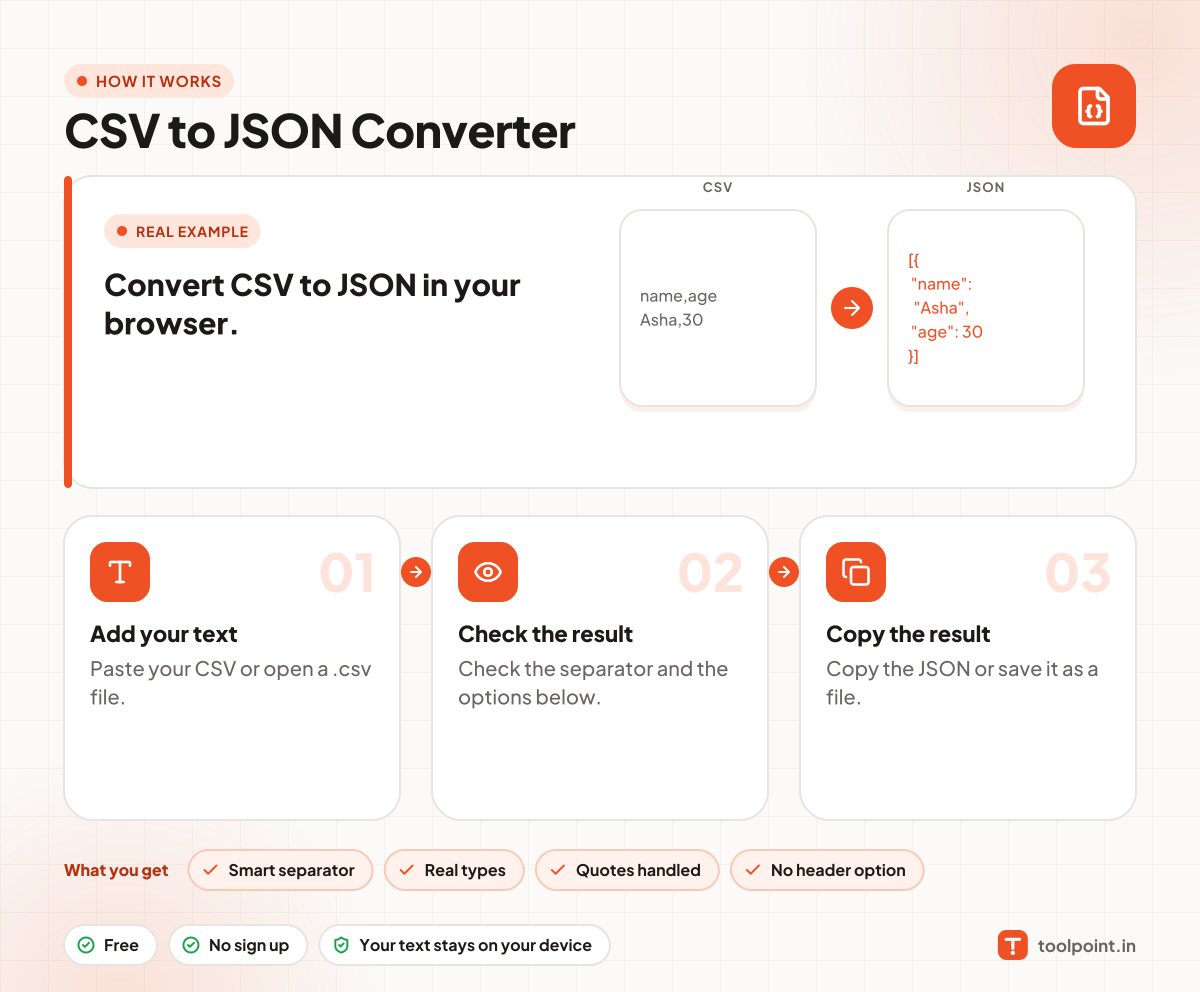
How it works, in one picture

Infographic: how to use the CSV to JSON Converter in 3 easy steps: Add your text, Check the result and Copy the result. You get: Smart separator, Real types, Quotes handled and No header option.

Frequently asked questions

How do I convert CSV to JSON?
Paste your CSV in the left box. The JSON shows on the right. The first row is used for the key names.
What if my file uses semicolons?
Leave the separator on "Detect". Many Excel files in India use semicolons, and we find them for you.
Can I convert an Excel file?
Save the sheet as CSV first (File, Save As, CSV). Then open that file here.
Is my data uploaded?
No. The conversion happens in your browser.

You may also like