Skip to content
Data & Markdown Converters

JSON Unstringifier

Turn an escaped JSON string back into normal text or JSON. Removes the backslashes and unwraps strings that are stringified many times.

Something not working? Report a problem

What is the JSON Unstringifier?

Logs and APIs often show JSON as one long string full of backslashes, like {\"name\":\"ToolPoint\"}. This tool removes the escapes and shows what is really inside.

If the JSON was stringified more than once, tick the option to unwrap every level. The result can be formatted as neat JSON in the same step.

How to use it

  1. Paste the escaped string in the left box.
  2. Choose to unwrap many levels and to format the result.
  3. Copy the clean text from the right box.

Why people like this tool

Removes escapes

Backslashes and \n turn into real text.

Many levels

Unwrap strings inside strings.

Auto format

Show inside JSON neatly.

Forgiving

Works with or without outer quotes.
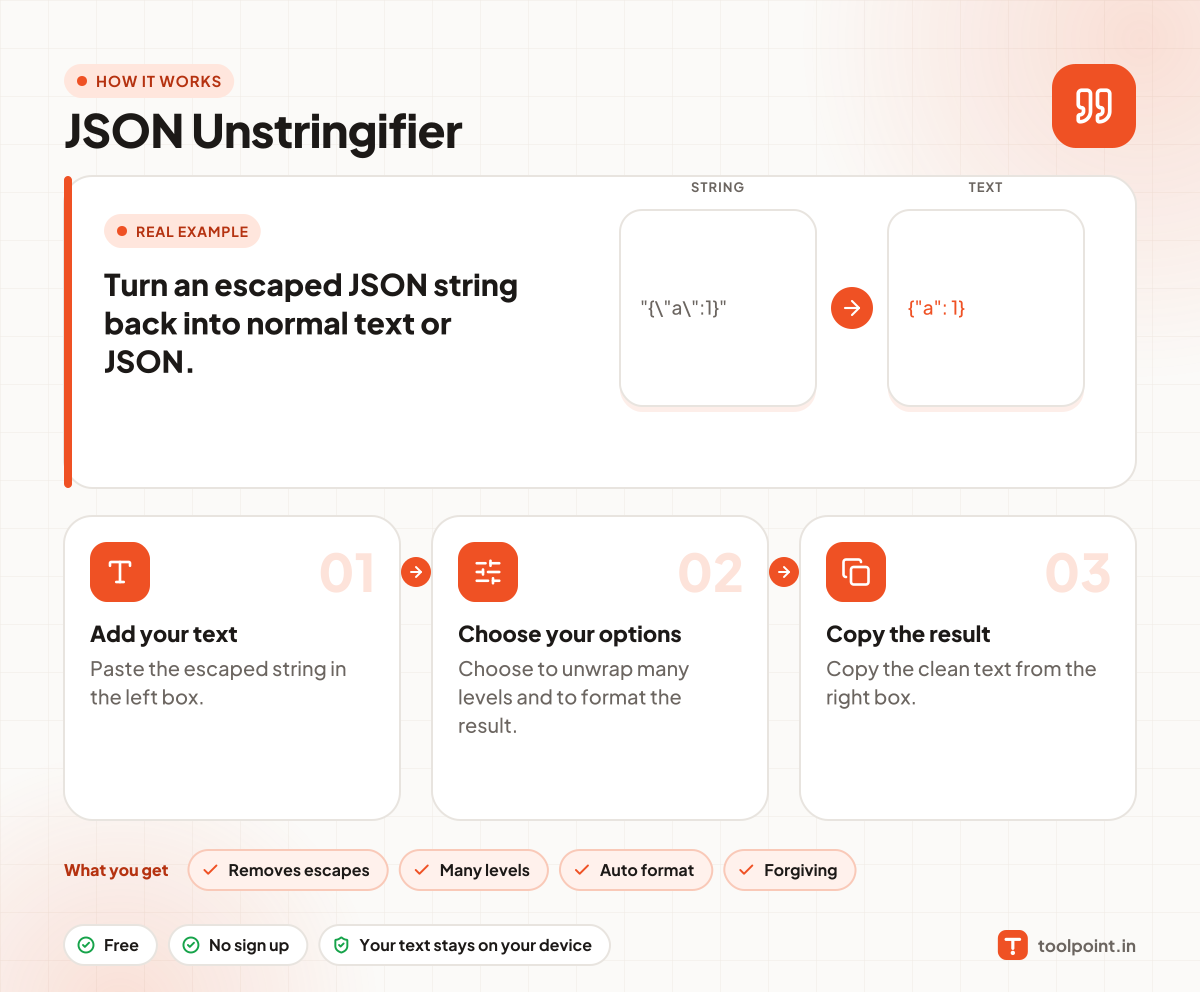
How it works, in one picture

Infographic: how to use the JSON Unstringifier in 3 easy steps: Add your text, Choose your options and Copy the result. You get: Removes escapes, Many levels, Auto format and Forgiving.

Frequently asked questions

What does unstringify mean?
It is the opposite of stringify. It reads a JSON string and gives you back the original text.
Why do I see many backslashes in my logs?
The JSON was turned into a string, and sometimes more than once. Each level adds more backslashes.
Do I need the outer quotes?
No. You can paste the text with or without them.

You may also like