Skip to content
Data & Markdown Converters

Markdown Table Generator

Build a Markdown table in a simple grid. Paste from Excel or Google Sheets, set column alignment and copy the Markdown or HTML. Free and instant.

Paste from Excel, Google Sheets or CSV


Something not working? Report a problem

What is the Markdown Table Generator?

Writing Markdown tables by hand is slow, because every pipe and dash has to line up. Here you type in a grid like a spreadsheet, and the Markdown is made for you.

You can paste cells straight from Excel, Google Sheets or a CSV file. Set each column to left, centre or right, and tick "Line up the columns" for tidy code. You can also copy the same table as HTML.

How to use it

  1. Type in the grid, or paste cells from your sheet.
  2. Set the alignment of each column.
  3. Copy the Markdown or HTML.

Why people like this tool

Grid editor

Type like in a spreadsheet.

Paste from sheets

Excel, Google Sheets and CSV.

Column alignment

Left, centre or right.

Markdown or HTML

Copy the format you need.
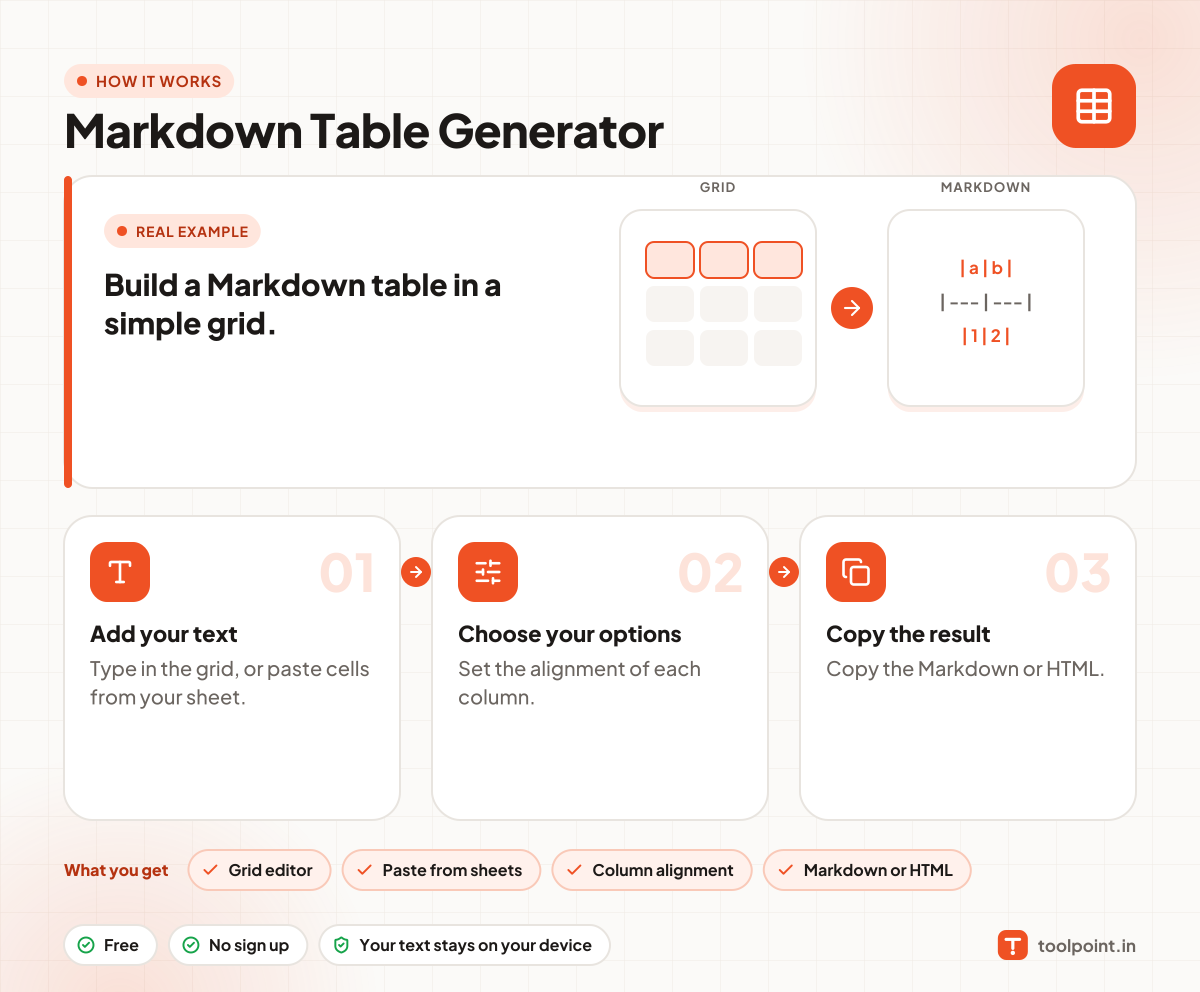
How it works, in one picture

Infographic: how to use the Markdown Table Generator in 3 easy steps: Add your text, Choose your options and Copy the result. You get: Grid editor, Paste from sheets, Column alignment and Markdown or HTML.

Frequently asked questions

How do I make a Markdown table?
Type your data in the grid. The Markdown shows below it. Press Copy and paste it into your README or notes.
How do I align columns in Markdown?
Use the small align buttons above each column. We add the colons in the dash row for you.
Can I paste from Excel?
Yes. Copy the cells in Excel, open "Paste from Excel", paste them and press the button.
What if a cell has a pipe sign?
We escape it with a backslash, so the table is not broken.

You may also like