Skip to content
Data & Markdown Converters

PDF to Markdown Converter

Convert a PDF to Markdown in your browser. Finds headings and lists, joins broken lines and removes page numbers. Your file is never uploaded.

Something not working? Report a problem

What is the PDF to Markdown Converter?

Need the text of a PDF in an editable form, for notes, a docs site or an AI tool? Drop the PDF here and get Markdown with headings, paragraphs and lists.

The tool reads the real text in the PDF, finds larger text to make headings, joins lines that were cut in the middle of a sentence, and can remove repeated headers, footers and page numbers. The file stays on your device. Scanned PDFs hold only pictures, so they need OCR first.

How to use it

  1. Drop your PDF in the box, or click to choose it.
  2. Wait a moment while the pages are read.
  3. Edit if you like, then copy or save the Markdown.

Why people like this tool

Finds headings

Bigger text becomes # headings.

Joins lines

Fixes cut sentences and hyphens.

Removes clutter

Drops page numbers and repeated headers.

Private

The PDF never leaves your device.
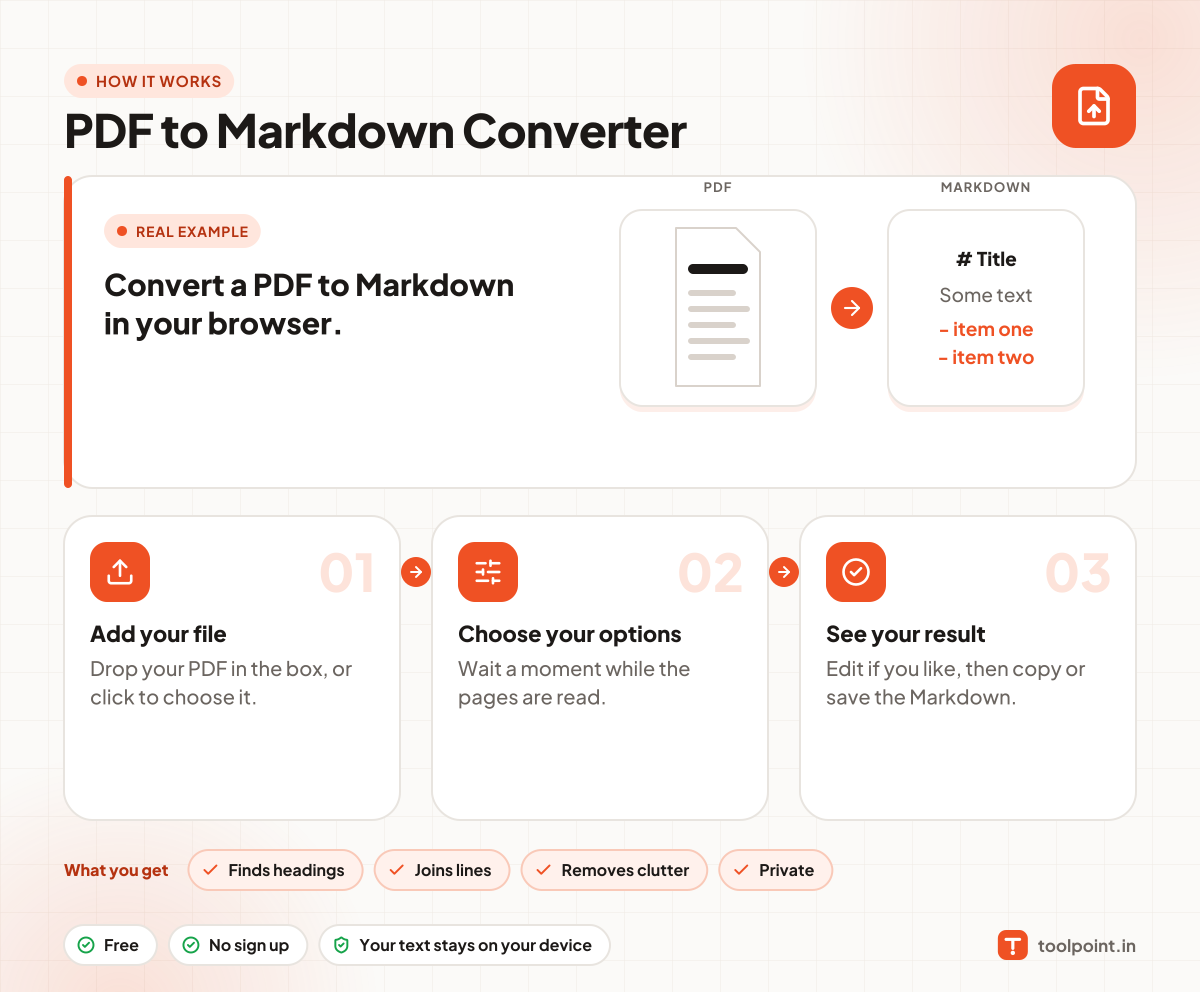
How it works, in one picture

Infographic: how to use the PDF to Markdown Converter in 3 easy steps: Add your file, Choose your options and See your result. You get: Finds headings, Joins lines, Removes clutter and Private.

Frequently asked questions

How do I convert a PDF to Markdown?
Drop the PDF here. The Markdown shows in the box below, ready to copy or save.
Why is my result empty?
The PDF may be a scan, which is a picture of a page. It has no real text to read. Run OCR on it first.
Are tables and columns kept?
Not yet. Tables and multi-column pages come out as plain lines, so check and fix them by hand.
Is my PDF uploaded?
No. It is read inside your browser.

You may also like