Skip to content
SVG Animation Tools

SVG Floating Bubbles Generator

Make soft floating bubbles or particles as an animated SVG background. Set count, size, speed and colours. No JavaScript needed. Free.

Bubbles

Look

Direction

Colour and size
px
px
Live preview of your SVG

Your picture shows here.

Use it as a CSS background


The animation lives inside the SVG, so it also plays as an image or CSS background. No JavaScript is needed. Visitors who prefer less motion still see the bubbles move, so keep the speed gentle.

See the SVG code


Something not working? Report a problem

What is the SVG Floating Bubbles Generator?

Soft bubbles floating up behind your text can make a hero section feel alive. This tool makes them as one animated SVG, so you do not need JavaScript or a library.

Set how many bubbles, their size, how fast they float, how much they sway, and whether they fade in and out. Pick glossy bubbles, soft dots or rings. Use the SVG as an image or as a CSS background.

How to use it

  1. Set how many bubbles and how big.
  2. Pick the speed, look and colours.
  3. Press Download SVG or copy the CSS.

Why people like this tool

No JavaScript

The animation is in the SVG.

3 looks

Glossy bubbles, dots and rings.

Sway and fade

Gentle, natural movement.

CSS ready

Copy a background-image rule.
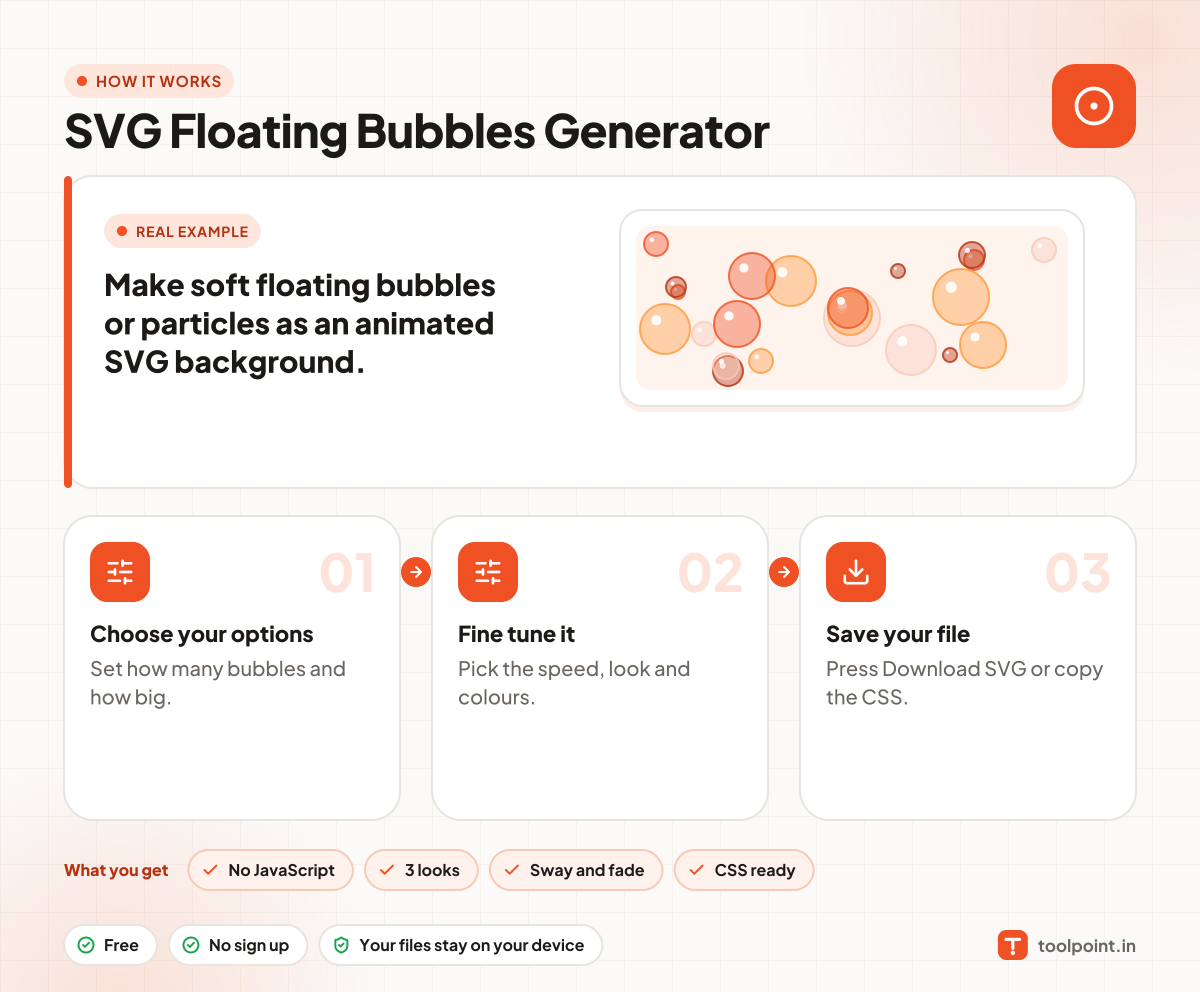
How it works, in one picture

Infographic: how to use the SVG Floating Bubbles Generator in 3 easy steps: Choose your options, Fine tune it and Save your file. You get: No JavaScript, 3 looks, Sway and fade and CSS ready.

Frequently asked questions

How do I add floating bubbles to my website?
Download the SVG and use it as a CSS background on your hero section, or as an img behind your text.
Will it slow my page?
A few dozen bubbles is light. Many animated shapes use more power on old phones, so keep the count modest.
Do the bubbles animate in an img tag?
Yes. SMIL animation plays inside img and CSS backgrounds in all modern browsers.

You may also like