Skip to content
SVG Code Tools

SVG Text to Path Converter

Turn text into SVG paths so it looks the same on every device, with no font needed. Use a built-in font, upload your own, or pick an installed one.

Font

Text

Align

Colour
Live preview of your SVG

Your picture shows here.

Your text is turned into outlines, so it looks the same on every device, even without the font installed. The font file is read on your device and is never uploaded.

See the SVG code


Something not working? Report a problem

What is the SVG Text to Path Converter?

Text in an SVG depends on fonts. If a visitor does not have your font, the browser swaps it and your design breaks. Turning the text into paths solves this, because the letters become plain shapes.

Type your text, pick a font (a built-in one, your own .ttf, .otf or .woff file, or a font installed on your computer) and set size, spacing, colour and outline. You get a clean SVG with the text as outlines. The font is read on your device and never uploaded. Check that you have the right to use a font before you outline it.

How to use it

  1. Type your text in the box.
  2. Pick a font and set the size, spacing and colour.
  3. Press Download SVG or copy the path code.

Why people like this tool

Any font

Built in, uploaded or installed.

Full control

Size, spacing, kerning and align.

Fill and outline

Colour, stroke and background.

Private

Fonts and text stay on your device.
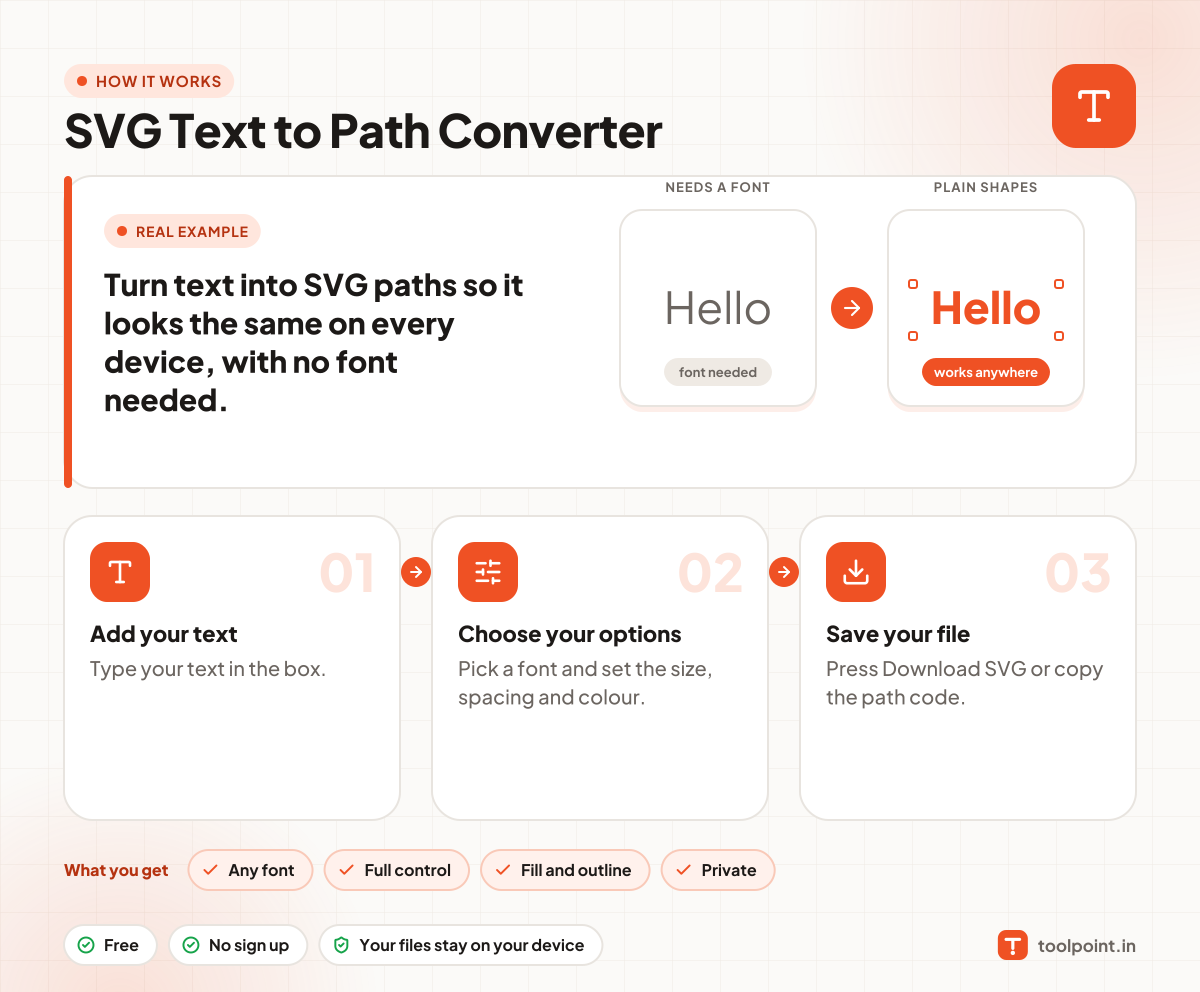
How it works, in one picture

Infographic: how to use the SVG Text to Path Converter in 3 easy steps: Add your text, Choose your options and Save your file. You get: Any font, Full control, Fill and outline and Private.

Frequently asked questions

Why convert text to a path?
So the text looks exactly the same on every device, even when the font is not installed. It is also needed for printing and cutting machines.
Can I use my own font?
Yes. Open a .ttf, .otf or .woff file. WOFF2 files are not supported, so convert them first.
Can I edit the text after?
No. The letters become shapes. Keep your original text so you can make it again.
Can I use any font I find?
Only fonts you have the right to use. Many fonts do not allow outlining or sharing. Check the font licence.

You may also like