Skip to content
SVG Code Tools

SVG to JSON Converter

Convert SVG code into a JSON tree of elements and attributes. Great for animating or changing SVG with code. Free SVG to JSON parser.

Something not working? Report a problem

What is the SVG to JSON Converter?

SVG is XML, and XML is awkward to work with in code. A JSON tree is easy to loop over, search and change. Paste your SVG and get every element, attribute and child in JSON.

Choose a full tree with name, attributes and children, or a short form. You can turn attribute names into camelCase, numbers into real numbers, and inline styles into objects.

How to use it

  1. Paste your SVG code, or open an .svg file.
  2. Pick the JSON shape and the options.
  3. Copy the JSON and use it in your code.

Why people like this tool

Full tree

Elements, attributes and children.

Short form

A smaller tag, attrs, children shape.

Real values

Numbers and style objects, if you like.

Cleans up

Drops metadata and editor tags.
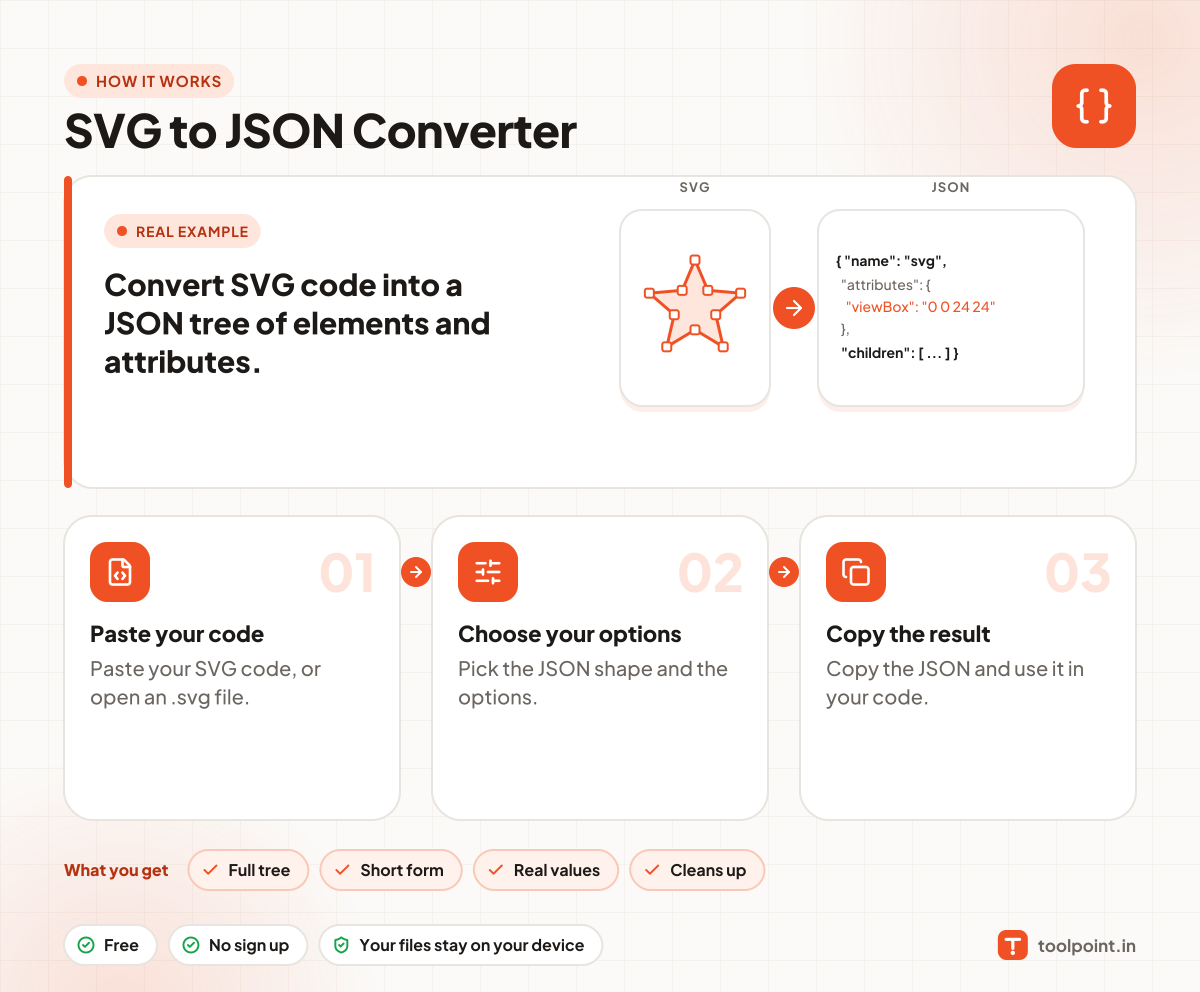
How it works, in one picture

Infographic: how to use the SVG to JSON Converter in 3 easy steps: Paste your code, Choose your options and Copy the result. You get: Full tree, Short form, Real values and Cleans up.

Frequently asked questions

Why convert SVG to JSON?
JSON is easy to change in JavaScript. You can find a shape, change its colour or position, and write SVG back, or send it to an animation tool.
Does it keep text inside elements?
Yes. Text and CDATA inside tags are kept as text items. Untick the option to drop them.
Can I turn the JSON back to SVG?
Not on this page. The JSON keeps every element and attribute, so a small script can do it.

You may also like