Skip to content
SVG Code Tools

SVG to React, Vue & Svelte Converter

Turn SVG code into a clean React, Vue or Svelte component with size and colour props. TypeScript option included. Free online SVGR alternative.

Something not working? Report a problem

What is the SVG to React, Vue & Svelte Converter?

Want to use an SVG icon as a component? Paste the SVG and pick React, Vue or Svelte. You get a ready component with a size prop, and an optional colour prop, and the SVG attributes turned to the right names (class becomes className in React).

Editor leftovers like Inkscape data are removed, fixed width and height are replaced by the size prop, and colours can use currentColor so the icon follows the text colour. Choose TypeScript if you want typed props.

How to use it

  1. Paste your SVG code, or open an .svg file.
  2. Pick React, Vue or Svelte, and a component name.
  3. Copy the component and save it with the file name shown.

Why people like this tool

Three frameworks

React, Vue 3 and Svelte 5.

Size and colour props

Plus all other props are passed on.

TypeScript option

Typed props for TSX and Vue.

Cleans the SVG

Removes editor data and fixed sizes.
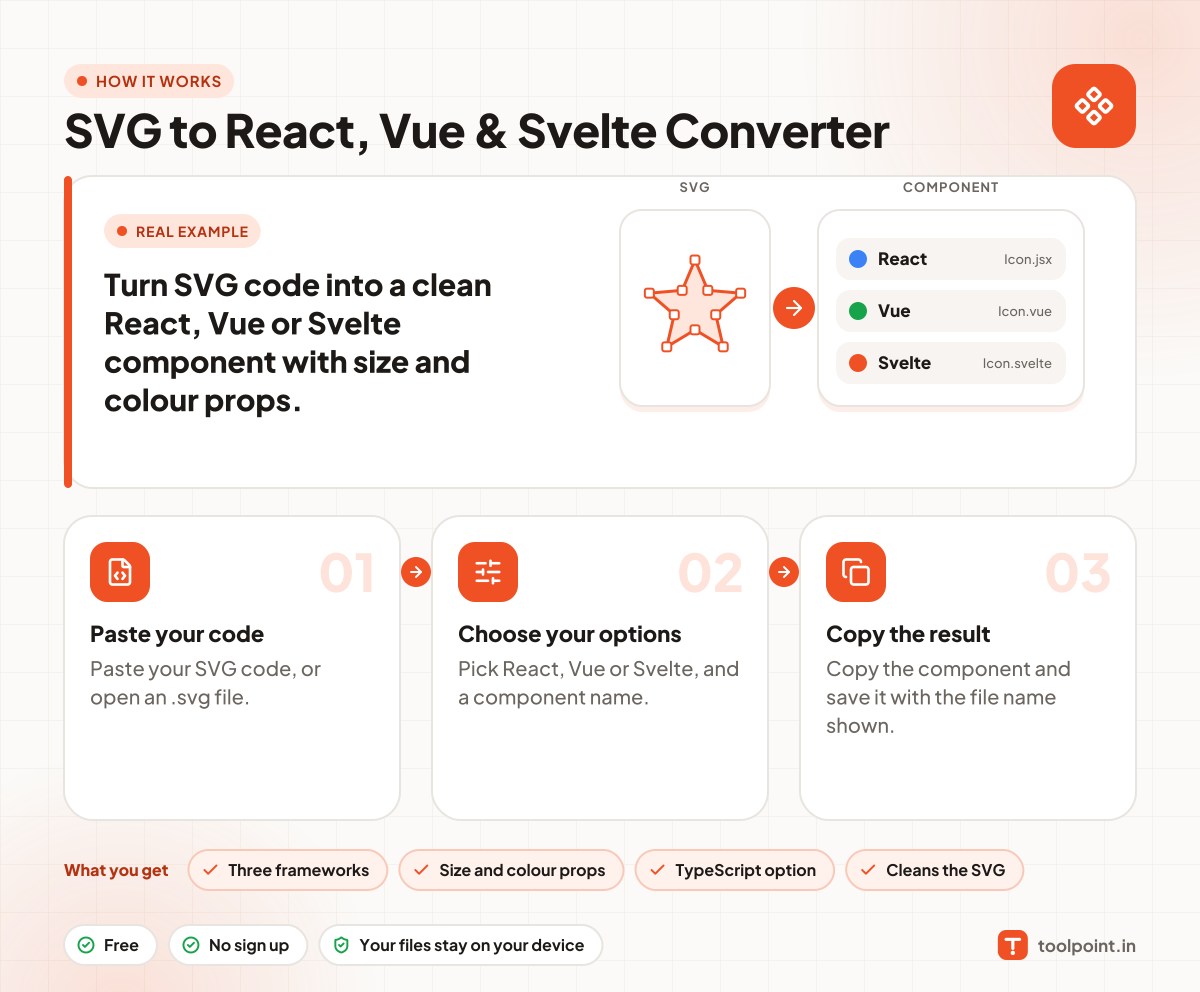
How it works, in one picture

Infographic: how to use the SVG to React, Vue & Svelte Converter in 3 easy steps: Paste your code, Choose your options and Copy the result. You get: Three frameworks, Size and colour props, TypeScript option and Cleans the SVG.

Frequently asked questions

How do I turn an SVG into a React component?
Paste the SVG, pick React, and copy the code. Save it as Icon.jsx, then import and use it like .
What does the colour option do?
"Follow text colour" uses currentColor, so the icon matches the text. "Colour prop" adds a color prop. "Keep colours" leaves the original colours.
Does it work with Vue 3?
Yes. It writes a single file component with script setup.
Is it like SVGR?
It does the main job of SVGR for single icons. For a whole project use SVGR in your build.

You may also like