Skip to content
SVG Code Tools

SVG to Canvas Code Converter

Convert SVG shapes into HTML Canvas JavaScript code. Paths, circles, rectangles, gradients, strokes and transforms become ctx drawing commands.

Something not working? Report a problem

What is the SVG to Canvas Code Converter?

Canvas is fast for games and animations, but drawing by hand is slow. Paste your SVG and get JavaScript that draws the same picture with the canvas 2D context.

Paths, rectangles, circles, ellipses, text, groups, transforms, colours, opacity, strokes and simple gradients are supported. You can also choose Path2D, which keeps long paths as short strings. Parts that cannot be turned into canvas code are listed in a note.

How to use it

  1. Paste your SVG code, or open an .svg file.
  2. Pick a function name and the path style.
  3. Copy the JavaScript and run it on your canvas.

Why people like this tool

Real drawing code

moveTo, lineTo, bezierCurveTo and more.

Path2D option

Short code for long paths.

Colours and strokes

Fill, stroke, opacity and gradients.

Honest notes

Lists what could not be converted.
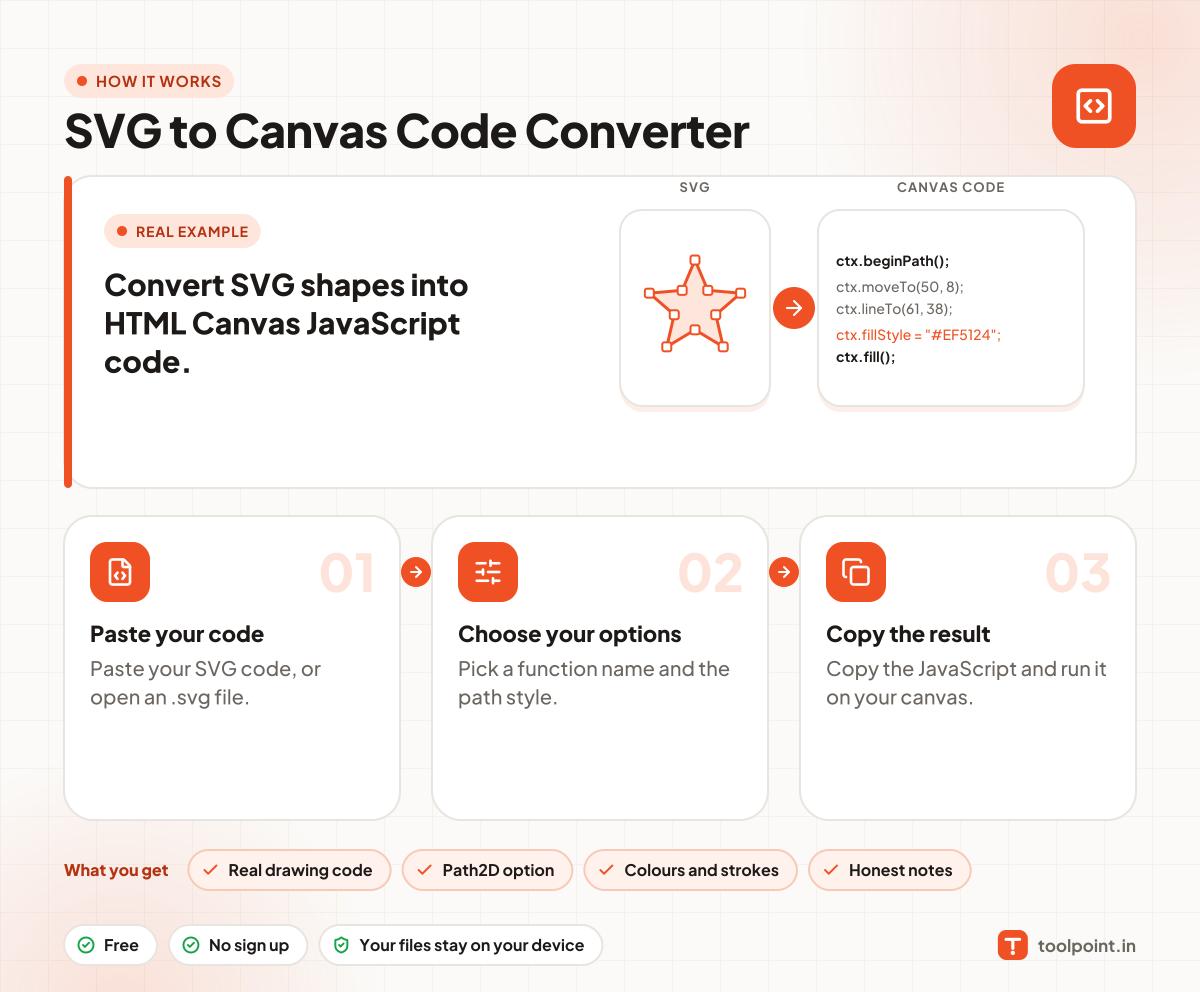
How it works, in one picture

Infographic: how to use the SVG to Canvas Code Converter in 3 easy steps: Paste your code, Choose your options and Copy the result. You get: Real drawing code, Path2D option, Colours and strokes and Honest notes.

Frequently asked questions

How do I draw an SVG on a canvas?
Paste the SVG here and copy the function. Call it with your canvas context and the picture is drawn.
Why not just use drawImage?
drawImage with an SVG file is simple, but it is slower to change. Real drawing code lets you animate and change colours.
What is not converted?
Filters, masks, clip paths and patterns. The note under the boxes names them when they are present.
Does it support text?
Single lines of text are drawn with fillText. Complex text with many parts is shown as one line.

You may also like