What is the SVG Optimizer & Minifier?
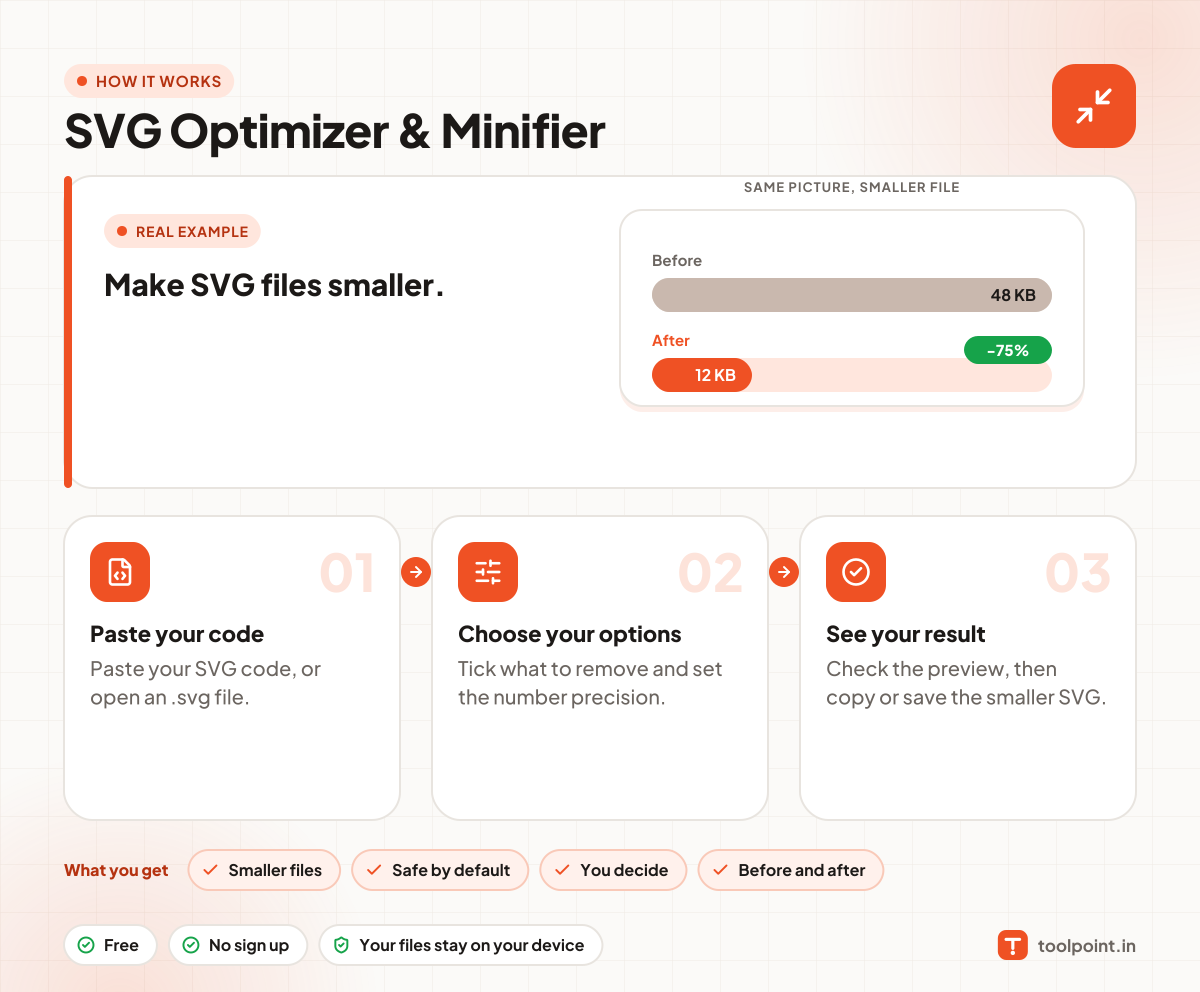
SVG files from design tools carry a lot of extra data: comments, editor settings, long numbers and empty groups. This tool removes it and shortens the rest, often cutting the file size by half, without changing how it looks.
You choose what to remove, and how many decimals to keep in numbers. A live preview and the before and after sizes show you the result. Everything runs in your browser.
How to use it
- Paste your SVG code, or open an .svg file.
- Tick what to remove and set the number precision.
- Check the preview, then copy or save the smaller SVG.
Why people like this tool
Smaller files
Often half the size or less.
Safe by default
Looks the same after.
You decide
Tick exactly what to remove.
Before and after
See the saved size at once.