Skip to content
SVG Converters

SVG to PDF Converter

Convert SVG to a print-ready PDF. Shapes stay sharp vector lines, with A4, A3, Letter or exact size pages. Files never leave your device.

Settings

How to draw it

Best choice makes real vector PDF when it can. Text, gradients and filters need the picture mode.

files · working...

Something not working? Report a problem

What is the SVG to PDF Converter?

A PDF is the safest way to share a drawing for print. This tool makes a real vector PDF, so lines and shapes stay sharp at any zoom, and the file is small.

Choose a page the same size as your SVG, or A4, A3, A5 or Letter with a margin. If your SVG has text, gradients or filters, the tool puts a sharp picture on the page instead, and tells you why.

How to use it

  1. Drop your SVG files here, or paste SVG code.
  2. Pick the page size, margin and background.
  3. Press Download to save your PDF.

Why people like this tool

Real vector PDF

Sharp lines at any zoom.

Page sizes

Same as SVG, A3, A4, A5 or Letter.

Smart fallback

Sharp picture when vector is not possible.

Private

Files never leave your device.
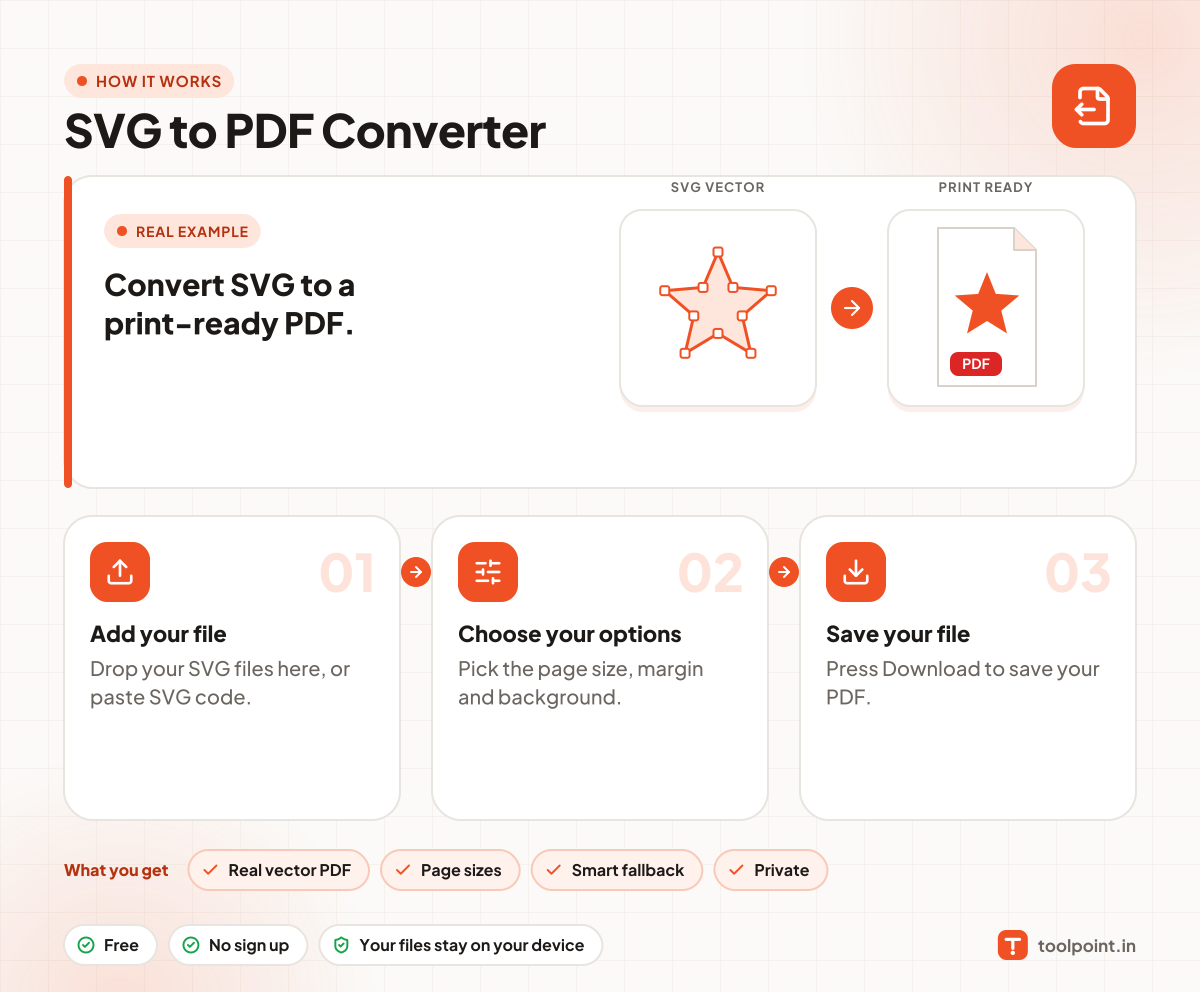
How it works, in one picture

Infographic: how to use the SVG to PDF Converter in 3 easy steps: Add your file, Choose your options and Save your file. You get: Real vector PDF, Page sizes, Smart fallback and Private.

Frequently asked questions

How do I convert SVG to PDF?
Drop your SVG in the box and press Download on the PDF that appears.
Is the PDF vector?
Yes, when your SVG uses simple shapes and paths. When it has text or gradients we place a sharp picture, and show a note.
How do I keep text as vector?
First turn the text into paths with our SVG Text to Path tool, then convert.
Can I print it on A4?
Yes. Choose A4 as the page size. The drawing is centred and fitted inside your margin.

You may also like