Skip to content
SVG Code Tools

SVG Security Scanner

Check an SVG for scripts, event handlers and bad links before you upload or show it. Get a plain report and a cleaned copy. Free SVG sanitizer.

Preview

Something not working? Report a problem

What is the SVG Security Scanner?

An SVG can hold code. A file that looks like a harmless picture can run JavaScript when it is opened, which is a known way to attack websites that accept uploads. Paste your SVG to see what is inside.

The scanner looks for script tags, on... event handlers, javascript: links, foreignObject, outside files, harmful animations and XML tricks. You get a verdict in plain words, a list of each finding, and a cleaned copy with the dangerous parts removed. For a website, also clean files again on your server.

How to use it

  1. Paste your SVG code, or open an .svg file.
  2. Read the verdict and the list of findings.
  3. Copy or save the cleaned SVG.

Why people like this tool

Plain verdict

Safe or not safe, in simple words.

Every finding

Scripts, links, events and more.

Cleaned copy

Dangerous parts are removed.

Private

Your file never leaves your device.
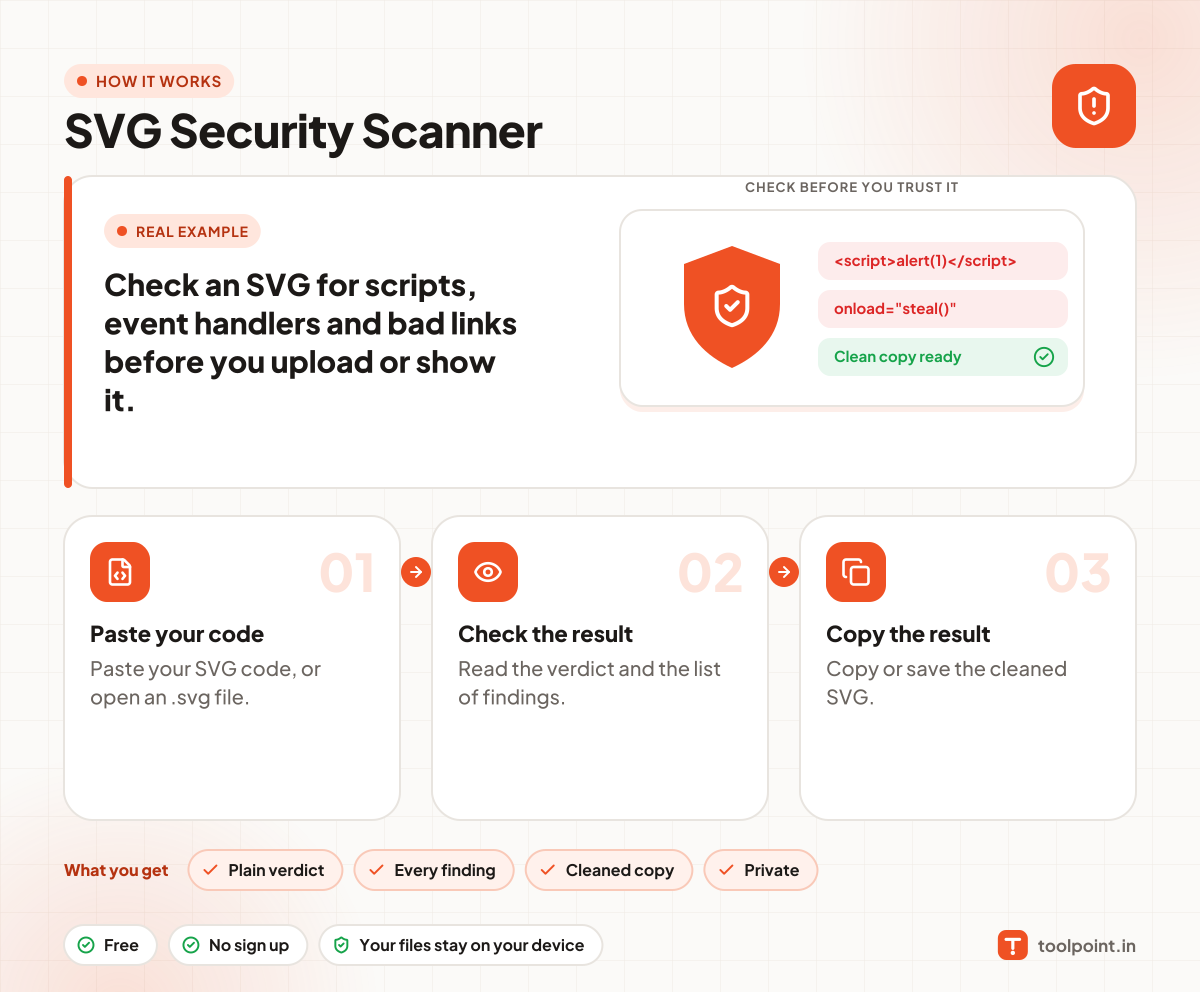
How it works, in one picture

Infographic: how to use the SVG Security Scanner in 3 easy steps: Paste your code, Check the result and Copy the result. You get: Plain verdict, Every finding, Cleaned copy and Private.

Frequently asked questions

Can an SVG file be dangerous?
Yes. SVG can contain JavaScript, so a bad SVG opened in a browser can steal data or act as you. Never show an SVG from an unknown source inline in your page without cleaning it.
Is the clean copy enough for my website?
It is a good help, but always sanitize uploads on your server too, and serve user SVGs from another domain or as images.
What is XXE?
It is an attack that uses XML entities to read files on a server. The scanner warns you when a file declares its own entities.
Does the scanner upload my file?
No. The check happens in your browser.

You may also like