Skip to content
SVG Code Tools

SVG Icon Resizer & Normalizer

Fit SVG icons of any size into a standard 24 x 24 box, centred, with the same padding. Paste many icons at once. Free icon set cleaner.

Preview

Something not working? Report a problem

What is the SVG Icon Resizer & Normalizer?

Icons from different sources come in different sizes, 16, 20, 32 or odd shapes, and sit off-centre. This tool measures each icon, scales it to fit your size, and centres it in a clean viewBox.

Paste one icon or many. Choose the size, the padding, whether stroke widths stay the same, and whether colours should follow the text colour. It is great for building a tidy icon set.

How to use it

  1. Paste one or many SVG icons, or open an .svg file.
  2. Set the size and the padding.
  3. Copy the normalized icons.

Why people like this tool

Standard box

Fit any icon to 24 x 24 or your size.

Centred

Measured and placed in the middle.

Many icons

Paste a whole set at once.

Keeps stroke width

Optional, so lines look equal.
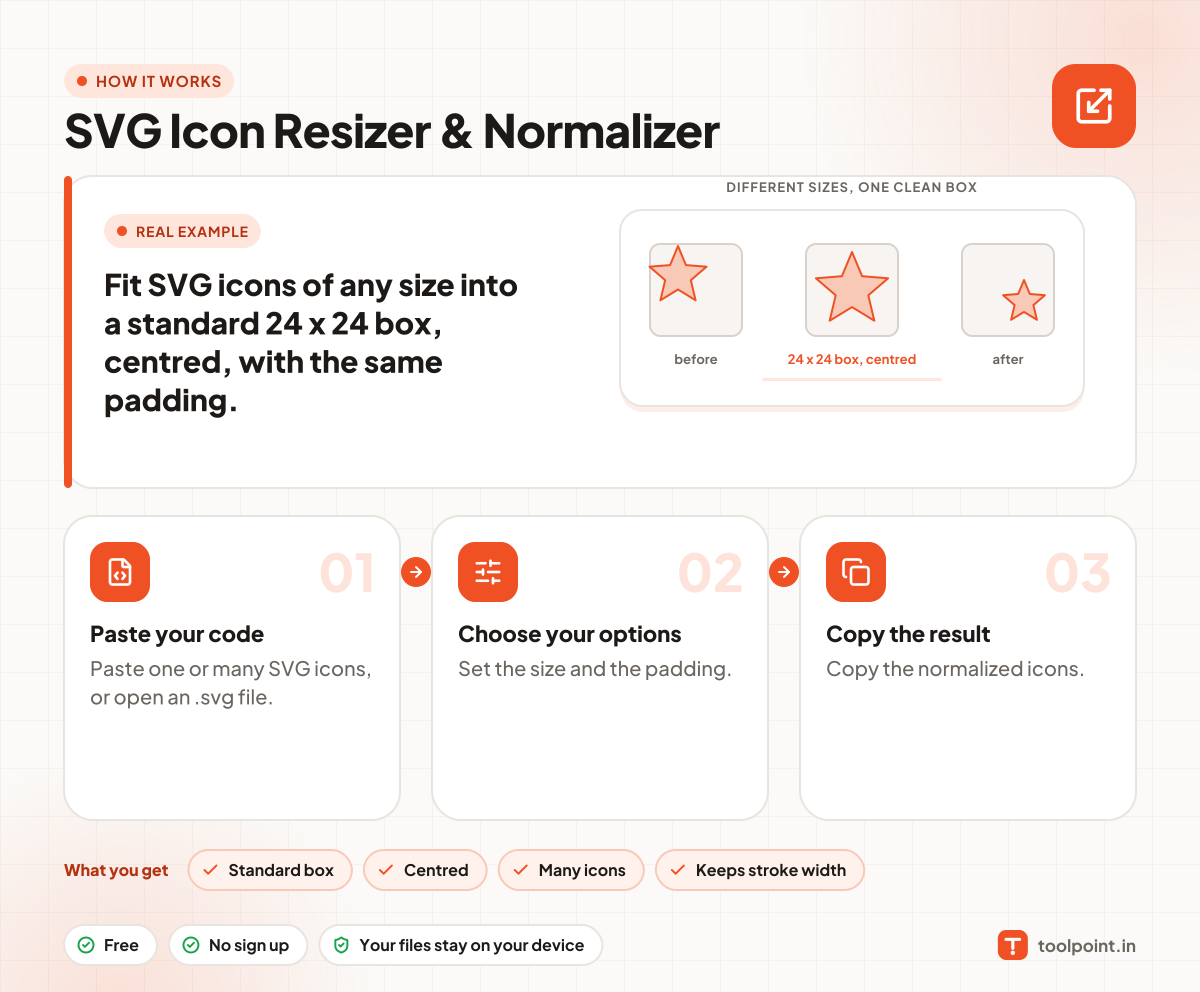
How it works, in one picture

Infographic: how to use the SVG Icon Resizer & Normalizer in 3 easy steps: Paste your code, Choose your options and Copy the result. You get: Standard box, Centred, Many icons and Keeps stroke width.

Frequently asked questions

How do I resize an SVG icon to 24x24?
Paste the icon, keep the size at 24 and read the result. The viewBox becomes 0 0 24 24 and the icon is centred.
What is padding for?
It keeps empty space around the icon so all icons feel the same size. 2 is common for a 24 pixel icon set.
Does it change colours?
Only if you choose "Follow text colour". Then fills and strokes become currentColor.

You may also like