Skip to content
SVG Animation Tools

SVG Morphing Code Generator

Morph one SVG shape into another. We match the points of both paths and give you SMIL, CSS and JavaScript code. Free, with a live preview.

Use my own paths

Paste the d value of two paths. Use the same coordinate box for both, like 0 to 100. Paths with a different number of points are matched for you.

If your paths use 0 to 24, type 24.

Motion

Preview

Colour
Live preview of your SVG

Your picture shows here.


Works as an image file or inline. Best support.CSS d: path() works in Chrome, Edge and Firefox.Uses the Web Animations API. Same browsers as the CSS.

See the SVG code


Something not working? Report a problem

What is the SVG Morphing Code Generator?

Shape morphing turns one shape into another, like a circle into a star. For it to look smooth, both paths need the same number of points, which is hard to do by hand. This tool matches them for you.

Pick two shapes or paste two paths. The tool splits curves, matches directions and finds the best starting point so the shapes do not twist. Play the animation, or slide it by hand. Then copy the code as SVG with SMIL, as CSS, or as JavaScript.

How to use it

  1. Pick the from and to shapes, or paste two paths.
  2. Set the time, easing and how it plays.
  3. Copy the SVG, CSS or JavaScript code.

Why people like this tool

Auto matching

Points and direction are matched for you.

3 code types

SVG SMIL, CSS and JavaScript.

Slide by hand

Scrub the morph to check each step.

Ready shapes

Circle, star, heart and more.
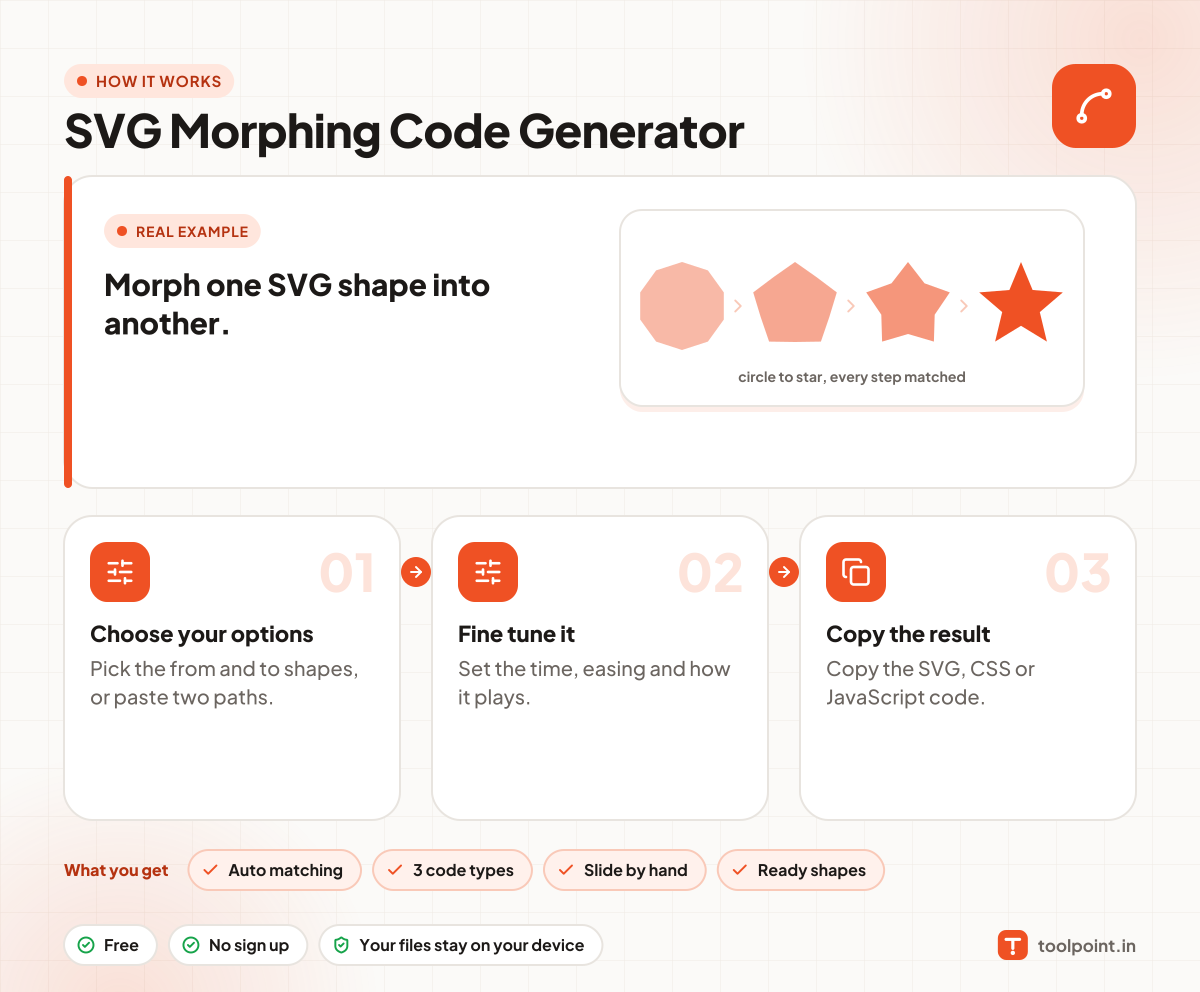
How it works, in one picture

Infographic: how to use the SVG Morphing Code Generator in 3 easy steps: Choose your options, Fine tune it and Copy the result. You get: Auto matching, 3 code types, Slide by hand and Ready shapes.

Frequently asked questions

How do I morph two SVG paths?
Pick two shapes from the lists, or paste your own path data. The animation plays at once.
Why do my own paths twist?
Paths with very different shapes or directions can twist. This tool turns the starting points to match, but you can also try swapping the two shapes.
Which browsers support the CSS version?
The CSS d: path() animation works in Chrome, Edge and Firefox. The SVG SMIL version works in all modern browsers, including Safari.
Can I morph shapes with holes?
Yes. Each part is matched to a part in the other path, in order.

You may also like