Skip to content
SVG Generators

SVG Circular Progress Generator

Make a circular progress ring in SVG with a fill animation, gradient and percent in the middle. Free download, no sign up.

Value
Look
px
Live preview of your SVG

Your picture shows here.

The fill animation is built into the SVG file, so it plays when the picture is shown in a page. No JavaScript is needed.

See the SVG code


Something not working? Report a problem

What is the SVG Circular Progress Generator?

A progress ring shows a percent as an arc around a circle. It is built with one SVG circle and stroke-dasharray. Slide the value, pick the colours and thickness, and the ring is drawn at once.

The ring can fill by itself when it loads, with no JavaScript. Add a gradient, round ends, a percent and a label in the middle.

How to use it

  1. Slide the progress value and type a label.
  2. Pick colours, thickness and the animation.
  3. Press Download SVG or PNG.

Why people like this tool

Fill animation

Built into the SVG, no scripts.

Percent in the middle

With an optional label.

Gradient and round ends

Soft, modern look.

Sharp anywhere

Vector, any size.
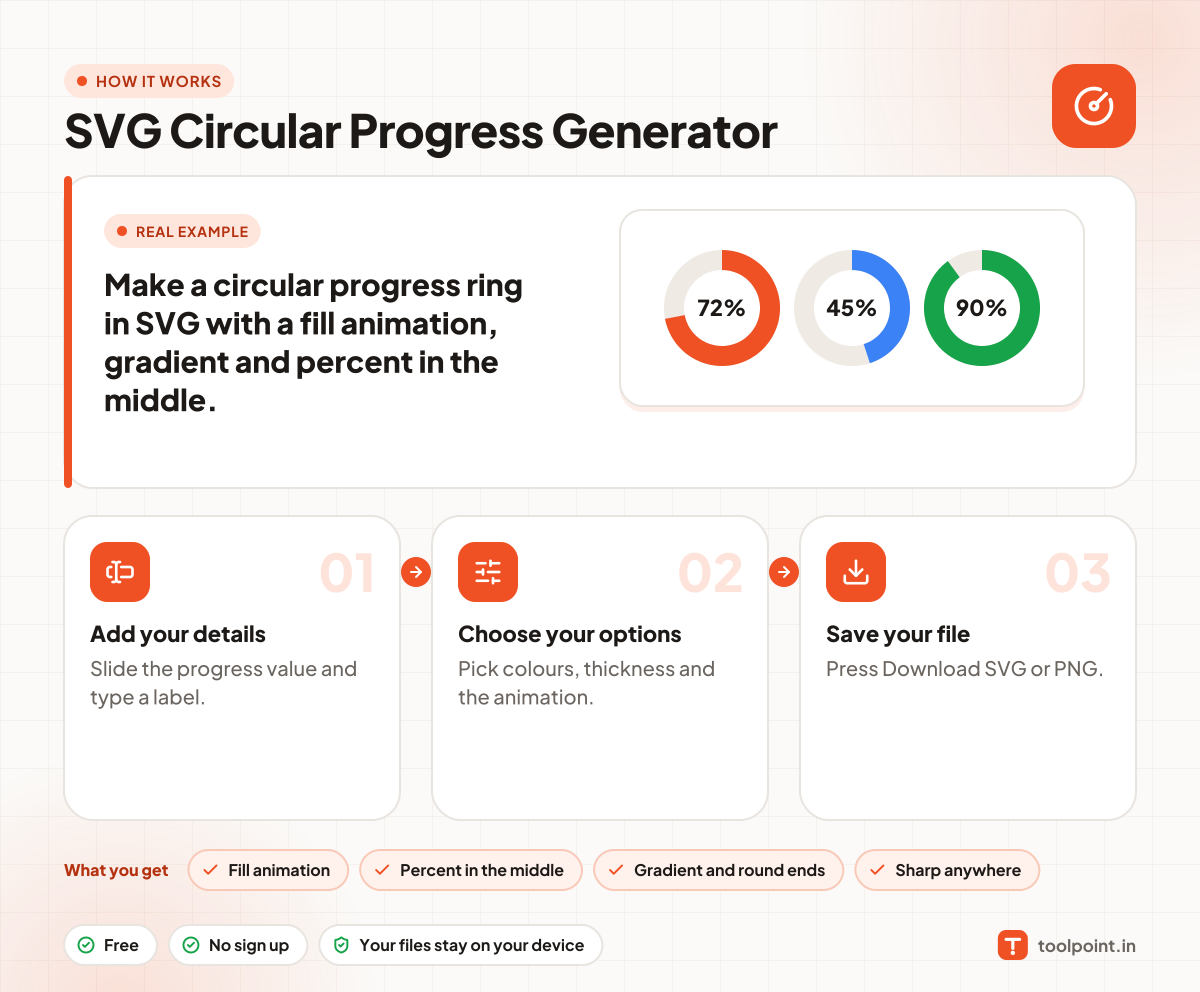
How it works, in one picture

Infographic: how to use the SVG Circular Progress Generator in 3 easy steps: Add your details, Choose your options and Save your file. You get: Fill animation, Percent in the middle, Gradient and round ends and Sharp anywhere.

Frequently asked questions

How do I make a circular progress bar?
Choose your value. The ring is drawn with the arc filled to that percent.
How does it work?
It uses a circle with a dash pattern. The dash length is the filled part, and the rest is empty.
Can I animate it?
Yes. Keep the fill animation ticked and the arc grows when the picture loads.

You may also like