Skip to content
Developer Tools

External Script Exporter

List every external JavaScript file a page loads. See first-party vs third-party scripts, blocking scripts and the services behind each domain.

Try:

Something not working? Report a problem

What is the External Script Exporter?

Every script a page loads costs time and may share visitor data with another company. Many sites load dozens of third-party scripts for ads, analytics, chat and tracking.

This tool lists all external scripts with their loading type (blocking, async, defer or module) and whether they come from the same site or a third party. It groups third-party domains and names common services, like Google Tag Manager, Meta Pixel or Hotjar. Export it all to CSV.

How to use it

  1. Paste the address of any page.
  2. Press List scripts.
  3. Check third-party domains and blocking scripts.
  4. Save the list as CSV for your audit.

Why people like this tool

First vs third party

Each script is clearly labelled.

Service names

Common trackers, CDNs and tools are named for you.

Blocking check

Scripts that slow down page display are counted.

SRI column

See which scripts have an integrity check.
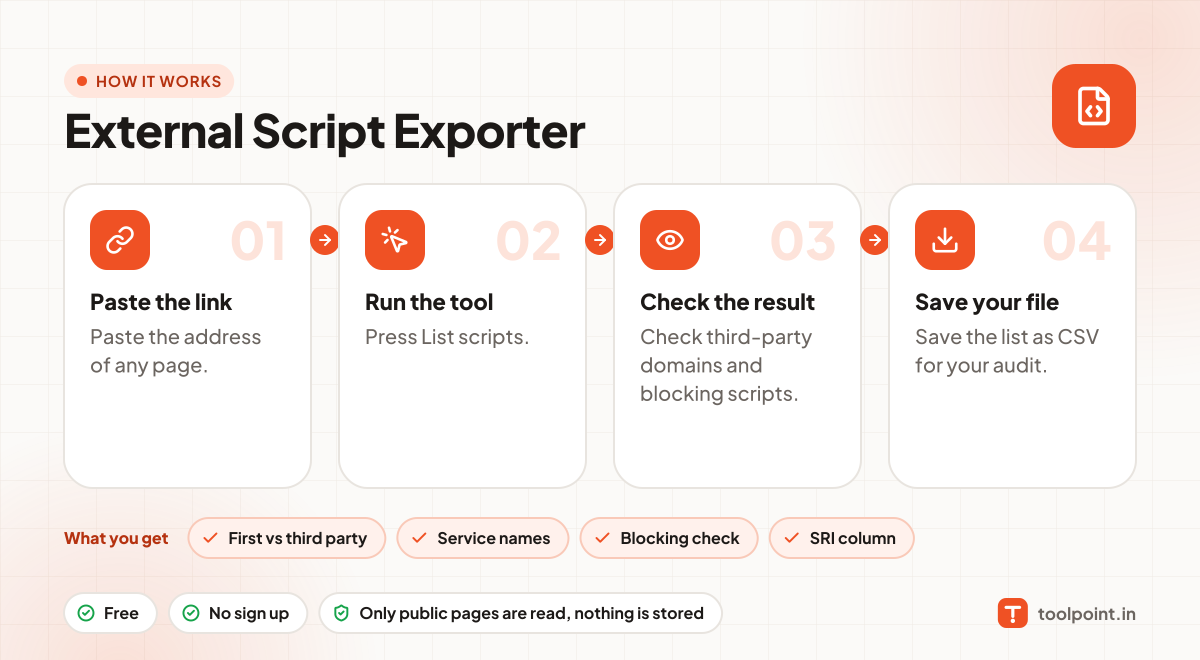
How it works, in one picture

Infographic: how to use the External Script Exporter in 4 easy steps: Paste the link, Run the tool, Check the result and Save your file. You get: First vs third party, Service names, Blocking check and SRI column.

Frequently asked questions

What is a blocking script?
A script in the page without async, defer or type="module". The browser stops showing the page until it downloads and runs.
Why do third-party scripts matter?
They slow pages down, can break when the other service is down, and may collect visitor data. Fewer is usually better.
Does this include scripts added by tag managers?
No. Scripts added later by JavaScript (like through Google Tag Manager) are not in the page HTML. We list what the page loads directly.

You may also like