Skip to content
Developer Tools

SRI Hash Exporter & Generator

List every script and stylesheet with its Subresource Integrity (SRI) value. Find files without SRI and generate sha384 hashes and ready HTML tags.

Try:

Something not working? Report a problem

What is the SRI Hash Exporter & Generator?

Subresource Integrity (SRI) protects a site when it loads files from a CDN. The integrity="sha384-…" value is a fingerprint of the file. If someone changes the file, the browser refuses to run it.

This tool lists all scripts and stylesheets on a page, shows which ones have SRI, and marks third-party files without it. Tick the option to create sha384 hashes for files that do not have one, along with a ready-to-copy HTML tag.

How to use it

  1. Paste the address of the page.
  2. Tick Make SRI hashes if you want new hashes made.
  3. Press Check SRI.
  4. Copy the integrity values or HTML tags you need.

Why people like this tool

SRI audit

See which files have SRI and which are missing it.

Hash generator

sha384 hashes for up to 30 files, made from the live files.

Ready tags

Copy full <script> and <link> tags with integrity and crossorigin.

Third-party focus

Warnings for CDN files that have no SRI.
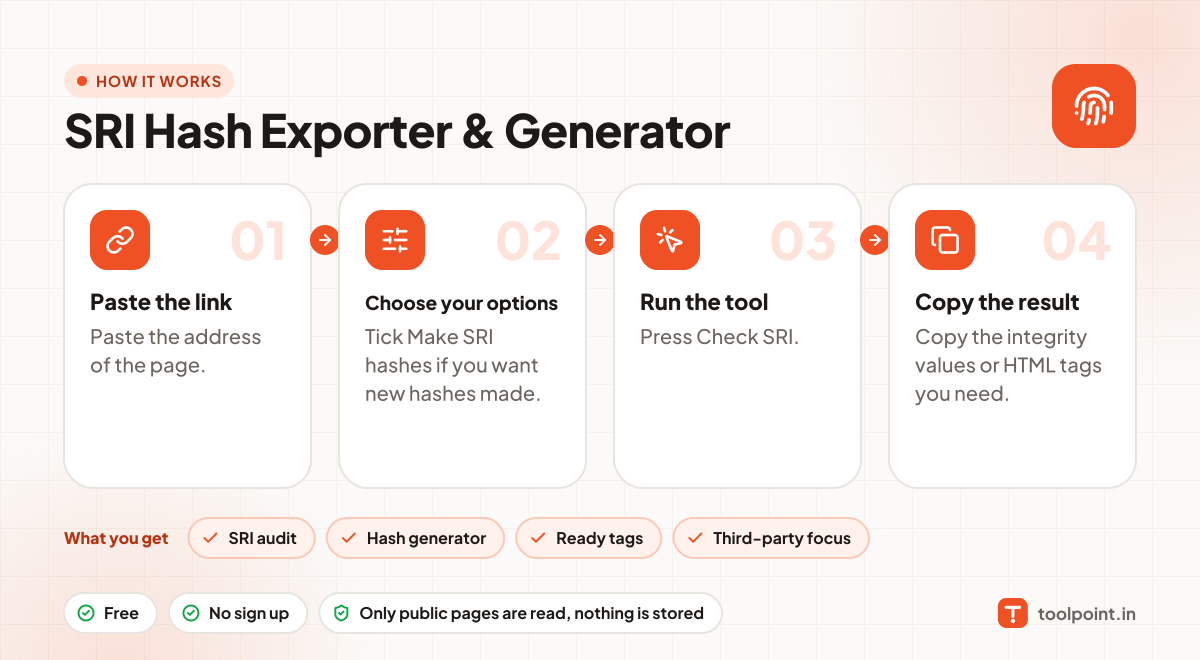
How it works, in one picture

Infographic: how to use the SRI Hash Exporter & Generator in 4 easy steps: Paste the link, Choose your options, Run the tool and Copy the result. You get: SRI audit, Hash generator, Ready tags and Third-party focus.

Frequently asked questions

Why use SRI?
If a CDN is hacked or a file is changed, SRI stops the changed file from running on your site.
Why is crossorigin="anonymous" needed?
Browsers only check SRI on cross-origin files loaded with CORS, so the crossorigin attribute is required.
Can I use SRI on files that change?
No. Every change makes a new hash. Use SRI only on fixed, versioned files like jquery-3.7.1.min.js.

You may also like