Skip to content
Developer Tools

CSS URL Extractor

Extract every url() from a page's CSS: background images, fonts and @imports. See where each one is used and download the assets as a ZIP.

Try:

Something not working? Report a problem

What is the CSS URL Extractor?

CSS files use url(...) to load background images, icons and fonts. These files do not show up as normal links, so they are easy to miss.

This tool reads all stylesheets on a page (linked files, one level of @import, style blocks and style attributes), and pulls out every url(). Each one is marked as Image, Font, CSS or Other, with the file it was found in. Download all assets, or just images or fonts, as a ZIP.

How to use it

  1. Paste the address of the page.
  2. Press Extract CSS URLs.
  3. See every url() with its kind and source file.
  4. Download all assets or one group as a ZIP.

Why people like this tool

All CSS sources

Linked stylesheets, @import files, <style> blocks and style="" attributes.

Sorted by kind

Images, fonts, CSS and other files.

Data URI count

Embedded base64 images are counted.

Asset ZIP

Download background images and fonts in one go.
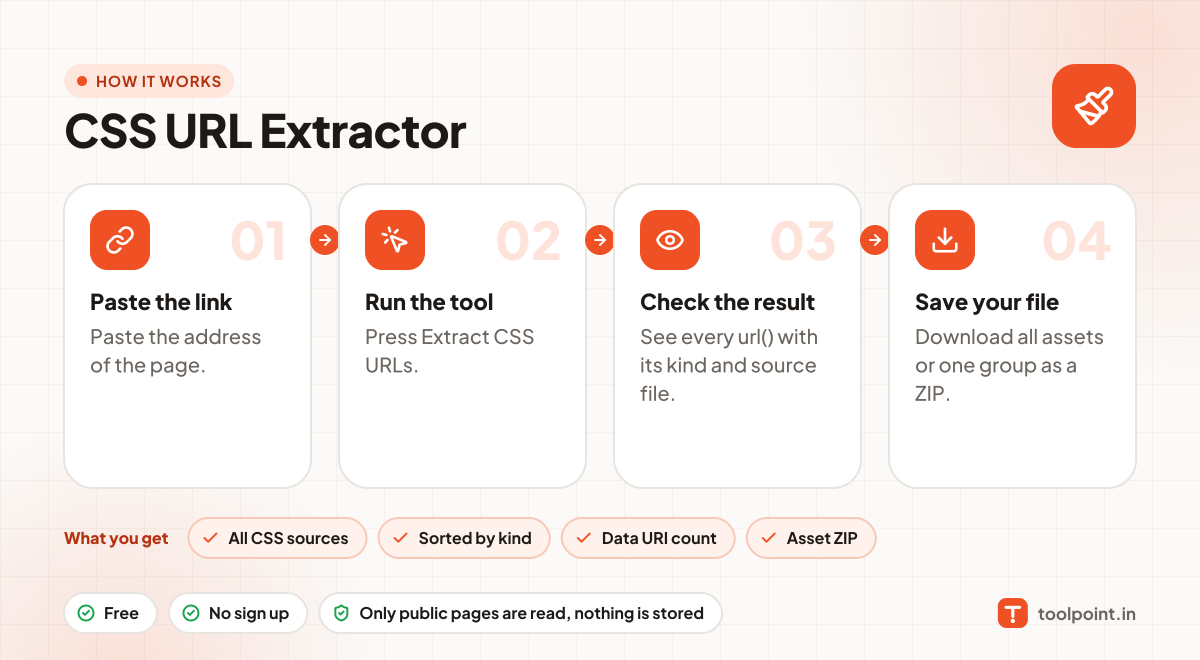
How it works, in one picture

Infographic: how to use the CSS URL Extractor in 4 easy steps: Paste the link, Run the tool, Check the result and Save your file. You get: All CSS sources, Sorted by kind, Data URI count and Asset ZIP.

Frequently asked questions

Why can't I find a background image in the page links?
Because it is set in CSS, not in HTML. This tool reads the CSS to find it.
How many CSS files are checked?
Up to 15 linked stylesheets plus 10 @imported files, which covers most sites.
What is a data URI?
An image written directly inside the CSS as text (base64). It has no separate file to download.

You may also like