Skip to content
Developer Tools

Font URL Extractor

Find which web fonts a website uses. See every @font-face with family, weight, style, format and file URL. Export the list to CSV.

Try:

Something not working? Report a problem

What is the Font URL Extractor?

Ever wondered which font a website uses? Most sites load their fonts with @font-face rules in CSS. Each rule has the font family name, weight, style and the font file link.

This tool reads the CSS of the page and lists every font file with those details. It also shows fonts preloaded in the page head and tells you how many come from Google Fonts. It is the quickest way to answer "what font is this?".

How to use it

  1. Paste the address of the website.
  2. Press Find fonts.
  3. See the font families, weights and file formats.
  4. Export the list as CSV or copy it.

Why people like this tool

Font families

The real family names used in CSS.

Weights and styles

Each file with its weight (like 400, 700) and style.

Format check

WOFF2, WOFF, TTF, OTF and EOT, with tips on old formats.

Google Fonts count

See how many fonts come from Google's servers.
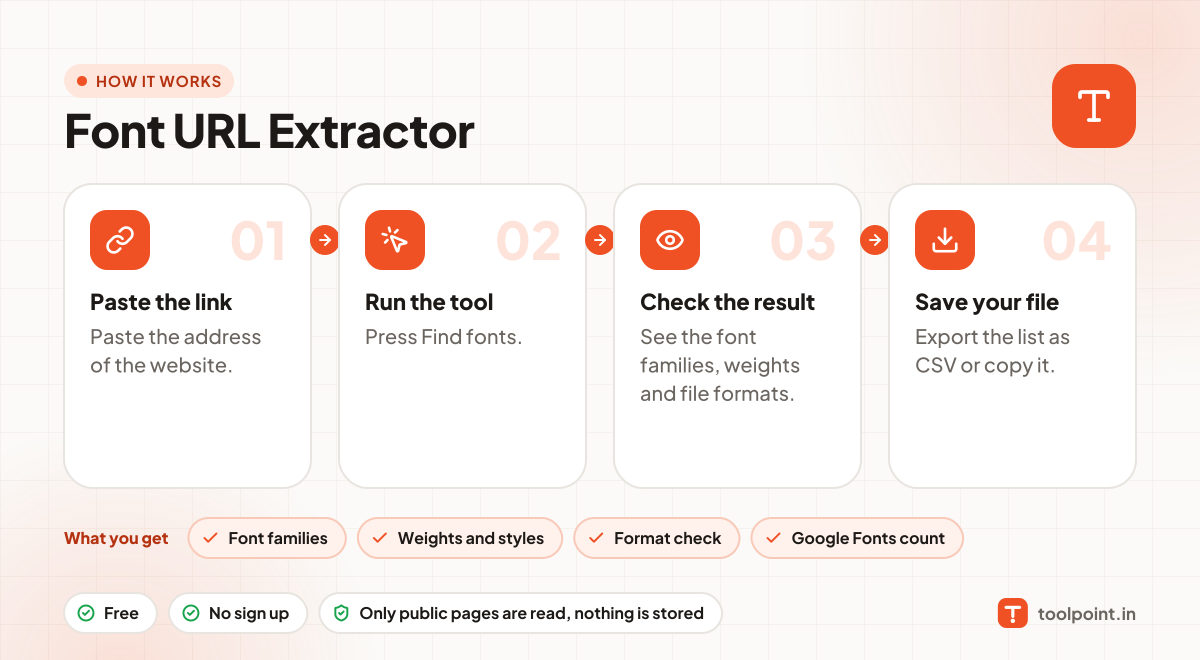
How it works, in one picture

Infographic: how to use the Font URL Extractor in 4 easy steps: Paste the link, Run the tool, Check the result and Save your file. You get: Font families, Weights and styles, Format check and Google Fonts count.

Frequently asked questions

Can I use the same font on my website?
It depends on the licence. Google Fonts are free for all. Many other fonts must be bought.
Why is my font not listed?
Some sites use system fonts (no download), or load fonts from services with JavaScript, like Adobe Fonts kits.
What is WOFF2?
The newest and smallest web font format. It loads fastest and is supported by all modern browsers.

You may also like